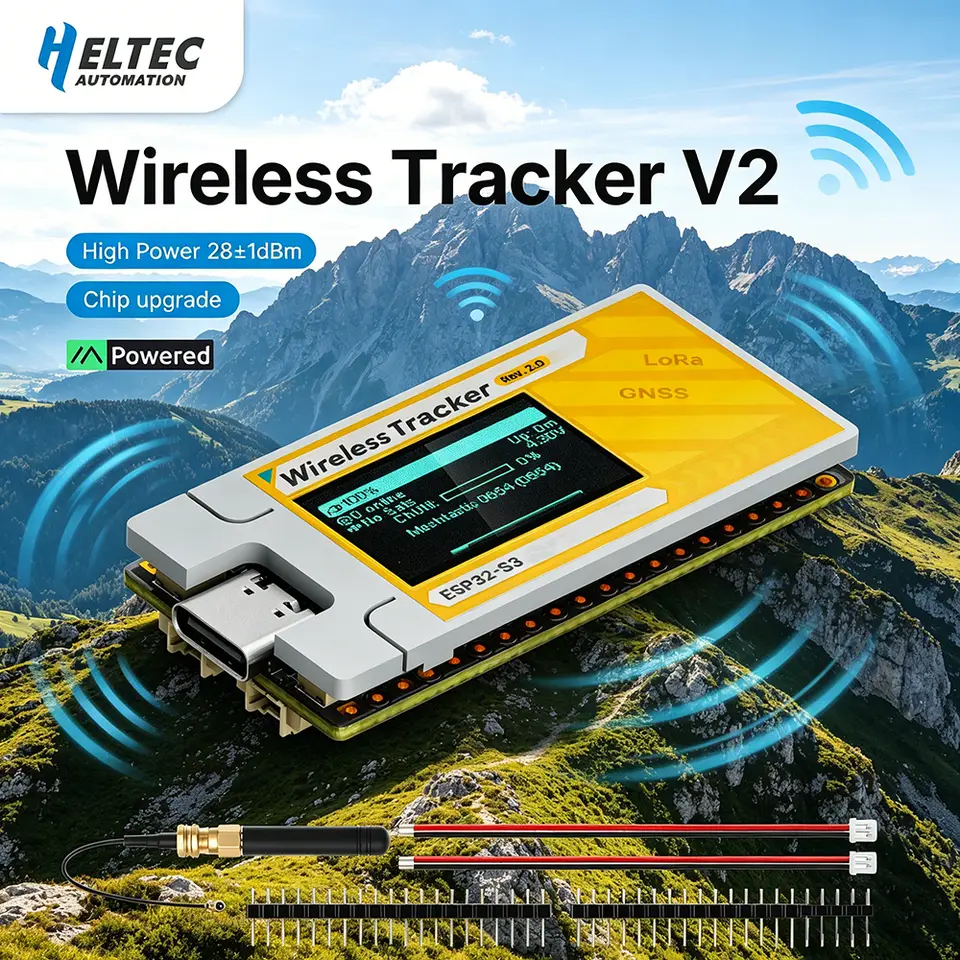
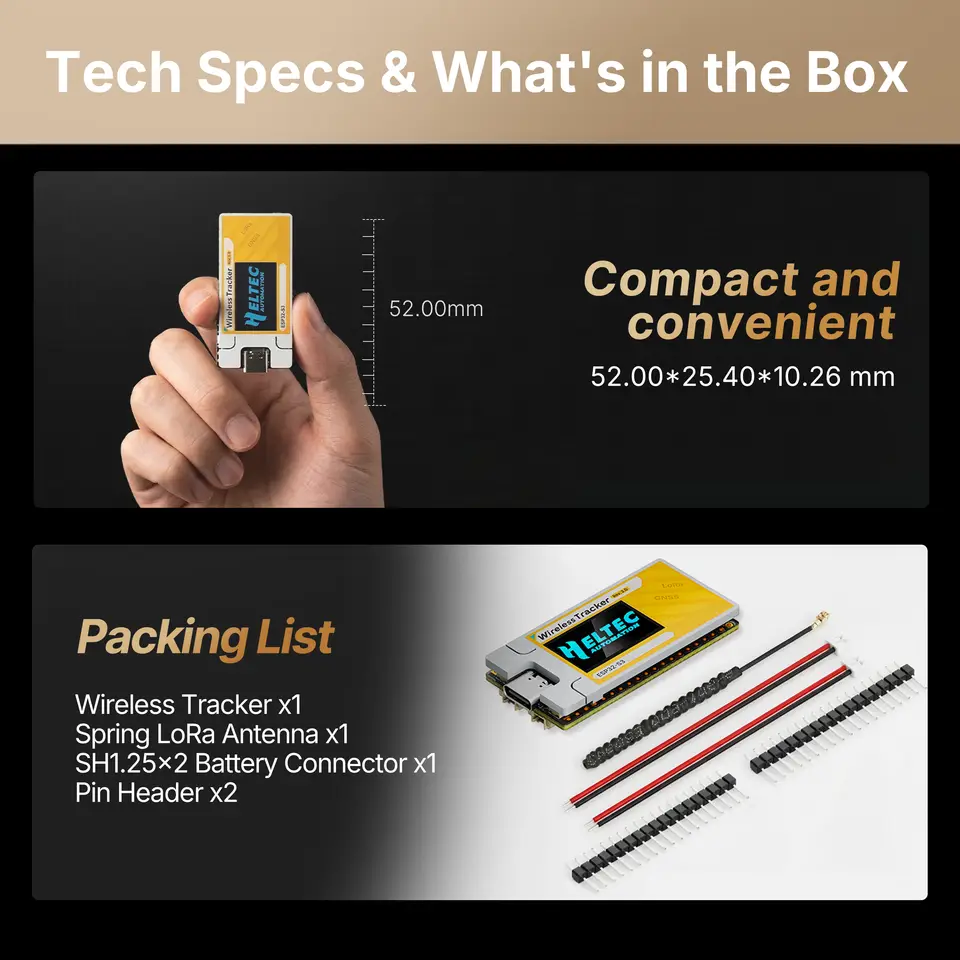
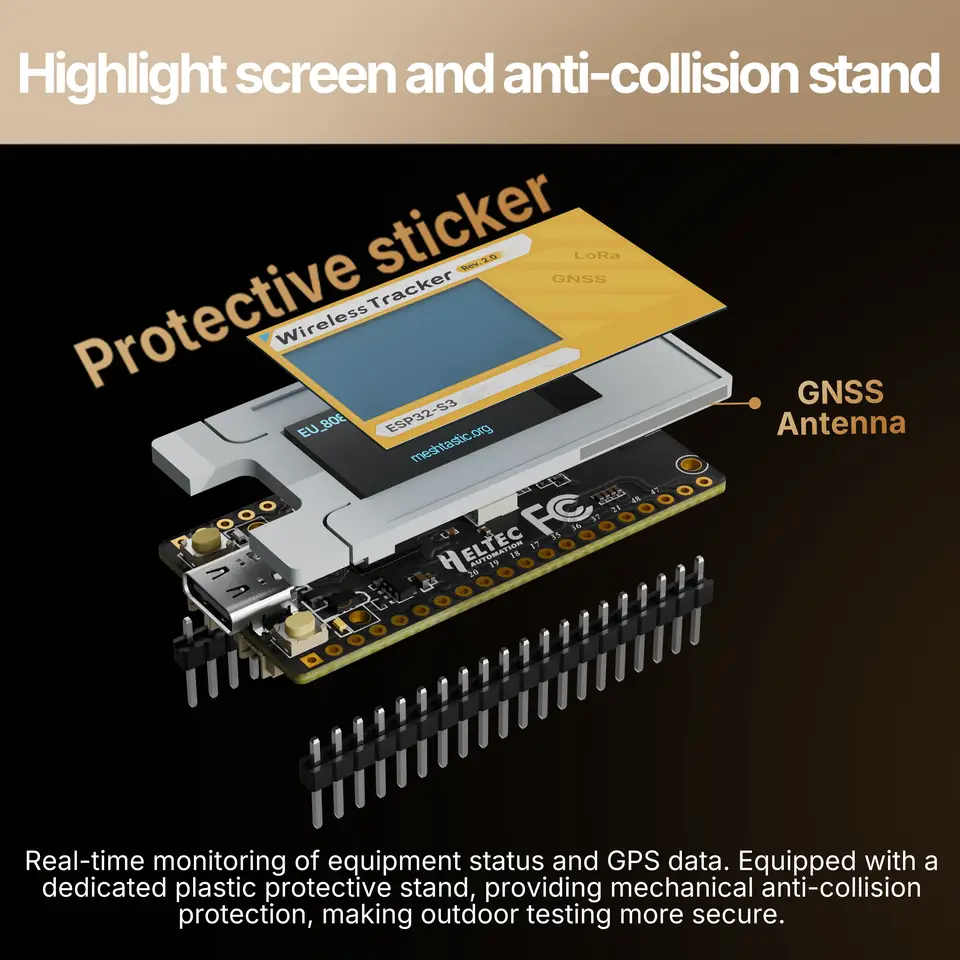
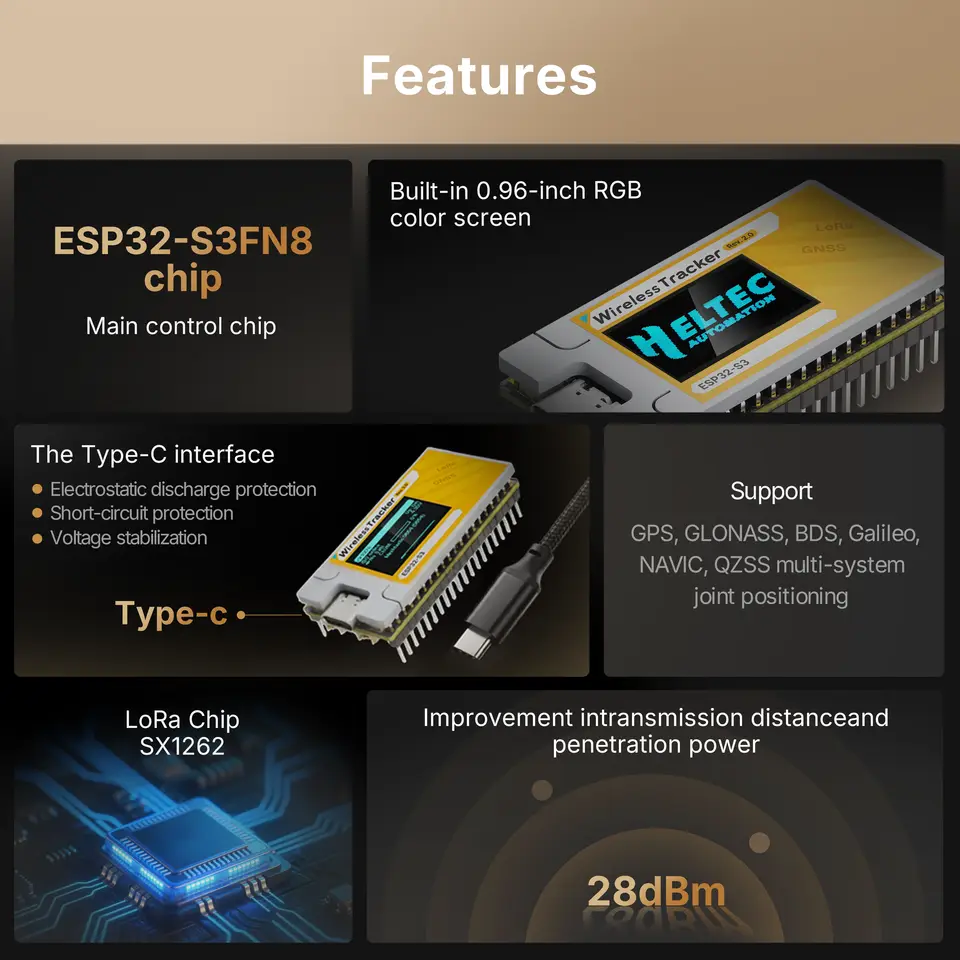
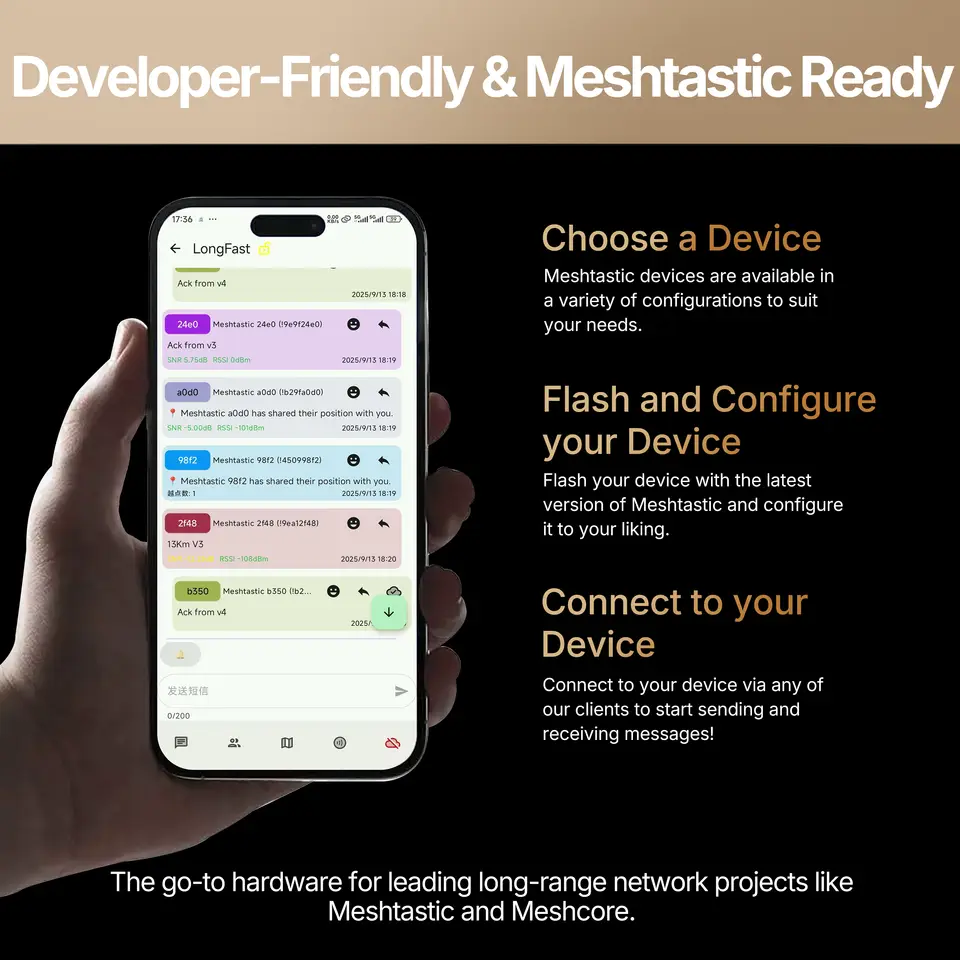
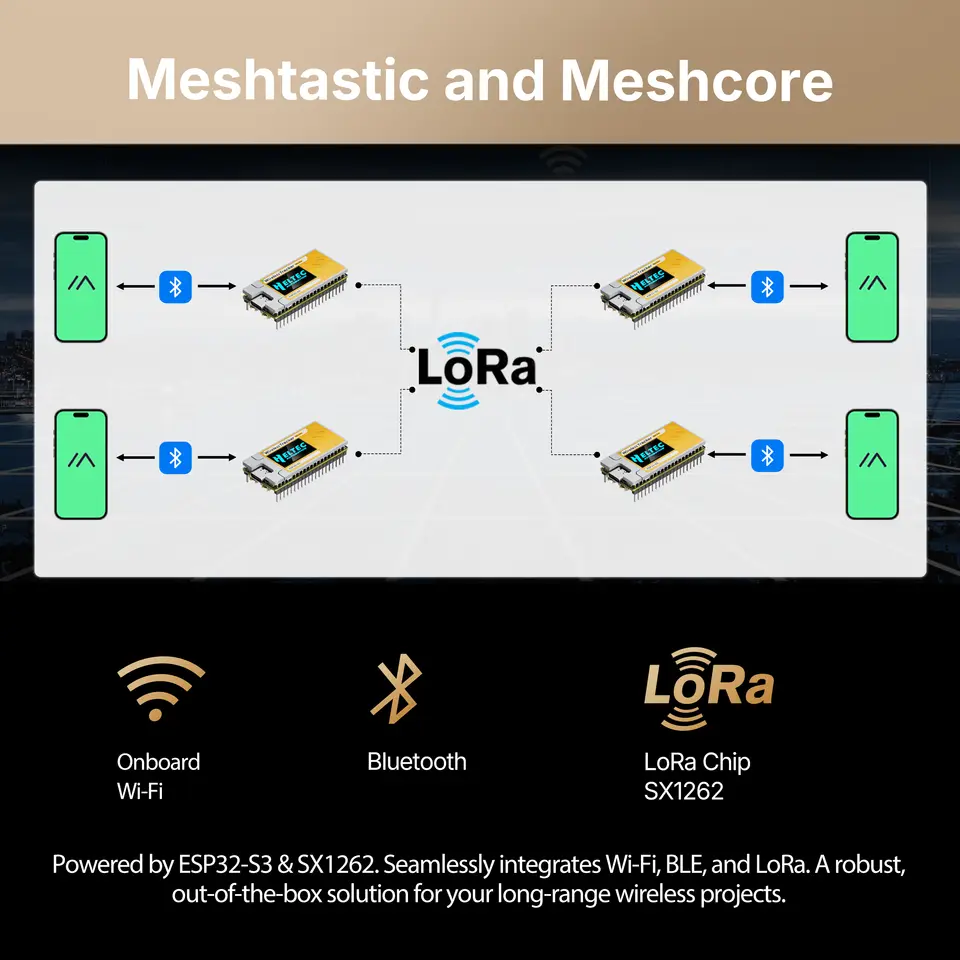
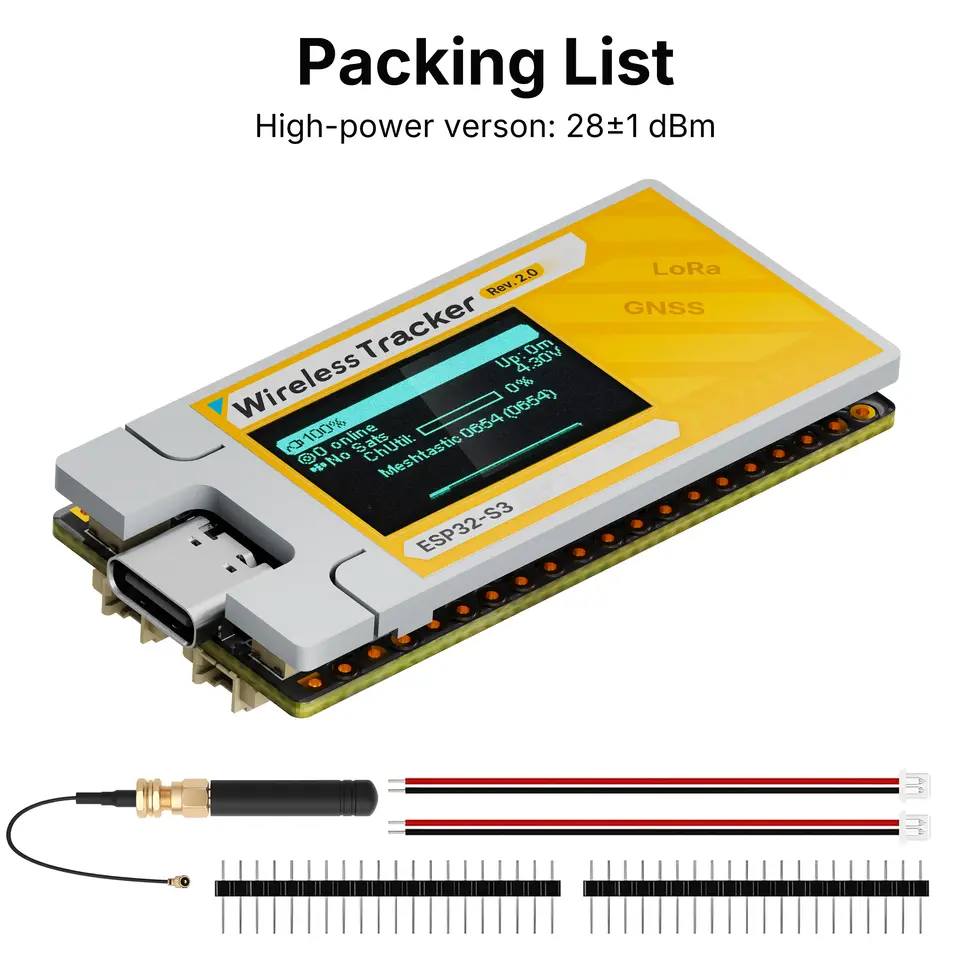
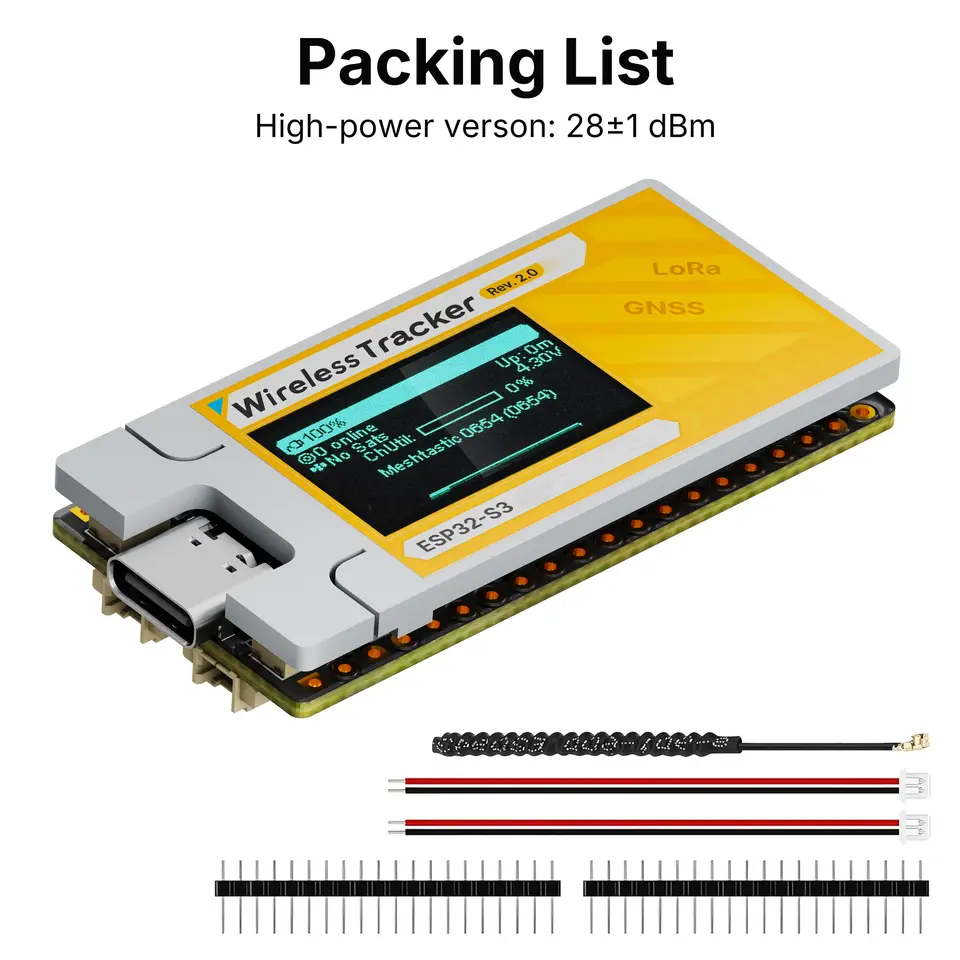
Docs & Resource Summary The Wireless Tracker V2 is built around the ESP32-S3FN8 and integrates the SX1262 LoRa chip along with the UC6580 GNSS chip. This new generation Wireless Tracker V2 incorporates a power amplifier, achieving a maximum transmission power of up to 28±1dBm. The LNA can be bypassed without affecting reception performance. The Wireless Tracker V2 features LDS antennas for both GNSS and 2.4G, significantly reducing the device’s size. It is widely used in fields such as personnel positioning, asset tracking, LoRaWAN, Meshtastic, and MeshCore. Main Features ▶ Supports Wi-Fi/Bluetooth, LoRa, and GNSS communication. ▶ Integrates a power amplifier with a maximum output power of 28±1dBm, and the LNA can be bypassed. ▶ Supports multi-system joint positioning including GPS, GLONASS, BDS (BeiDou), Galileo, NAVIC, and QZSS. ▶ Integrated lithium battery management system (charge/discharge management, overcharge protection, battery power detection, automatic switching between USB and battery power). ▶ USB-C interface with comprehensive voltage regulation, ESD protection, short circuit protection, and RF shielding. ▶ Supports the Arduino development framework, providing LoRa/LoRaWAN examples. ▶ Compatible with Meshtastic and MeshCore. High light ●Rich Ecosystem 1.Supports open-source projects such as Meshtastic andMeshCore. 2.Provides an Arduino-based SDK with examples forLoRa/LoRaWAN, GNSS, and more. 3.Compatible with platforms like ESP32-IDF, PlatformlO, andMicroPython. ●Rich Interfaces 1.USB-C interface with comprehensive voltage regulation, ESDprotection, short circuit protection, and RF shielding.- Onboard 1.25-2P lithium battery interface 2.2x20 pins with gold immersion process. 3.Added 1.25-2P solar panel interface. ●LDS Antenna The 2.4G and GNSS antennas default to LDS antennas,significantly reducing the device size. Specifications Parameters Description MCU ESP32-S3FN8 (Xtensa®32-bit lx7 dual core processor) LoRa Chip SX1262 GNSS Chip UC6580 Frequency 863~928MHz Max. TX Power 28±1dBm Max. Receiving Sensitivity -134dBm Wi-Fi 802.11 b/g/n, up to 150Mbps Bluetooth LE Bluetooth 5, Bluetooth mesh Hardware Resource 7*ADC1 + 2*ADC2; 7*Touch; 3*UART; 2*I2C; 2*SPI; etc. Interface Type-C USB; 2*1.25 lithium battery interface; 2*1.25 solar panel interface; LoRa ANT(IPEX1.0); GNSS ANT(IPEX1.0); 2*18*2.54 Header Pin Battery 3.7V(3V-4.2V) lithium battery power supply and charging Operating Temperature -20 ~ 70 ℃ Dimensions 52.00*25.40*10.26 mm Dimension FAQ If you encounter an issue where your device is unable to download a program, you can follow these steps to resolve it. 1. Enter the Bootloader mode: connect the USB cable, press and hold the ‘USER’ key, then press the ‘RST’ key once. Finally, release the ‘USER’ key to initiate the code download. 2. Check if the USB cable supports data transfer by verifying if the connected cell phone supports file transfer. 3. To eliminate static interference, a common method is to hold the USB-C interface of the board with one hand while touching a well-grounded metal object, such as a metal water pipe in your home, with the other hand. 4. You can try turning your USB-C interface 180°; sometimes it works. Upon downloading the code, the screen does not respond Connect the serial port and check whether the node is activated. If the node is not activated, refer to this link to activate it: GNSS data is displayed as ‘0,0,0’? GNSS requires open outdoor environments or try with an external antenna. How to enable the GNSS IPEX antenna interface Move the resistor marked 1 in the diagram below to position 2, thereby connecting the IPEX interface and disconnecting the default LDS antenna.