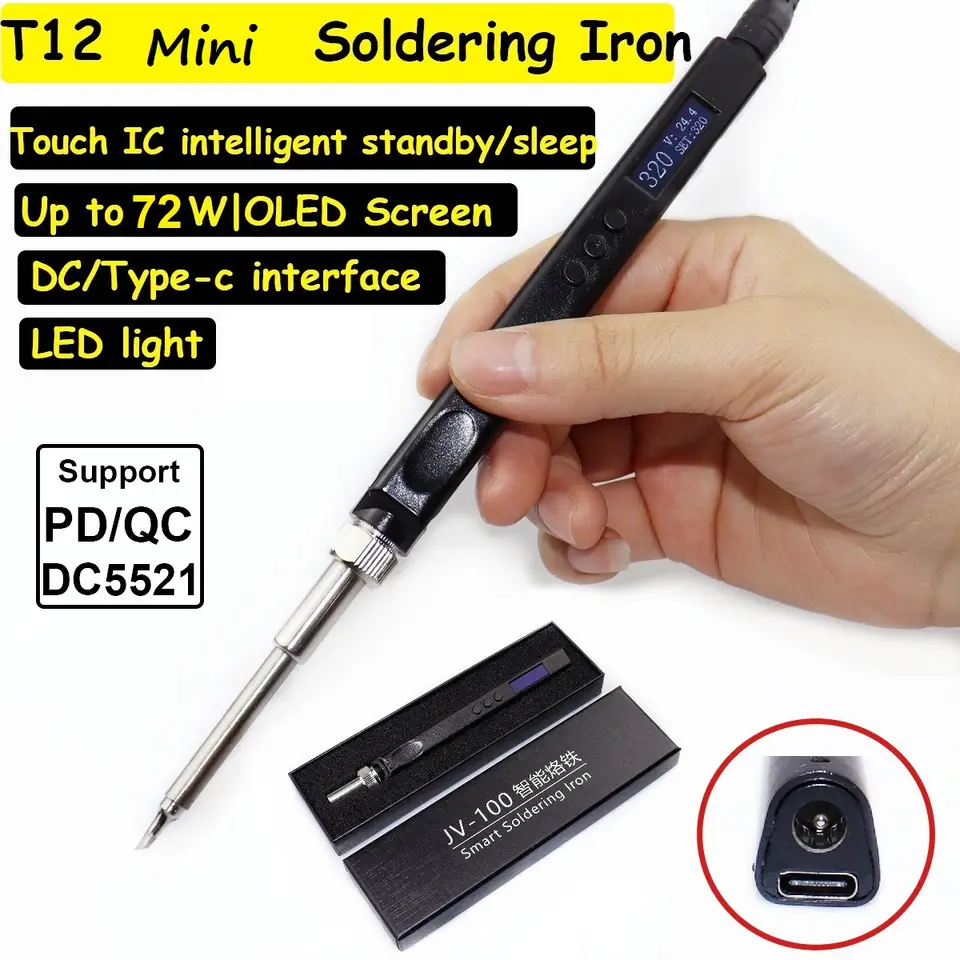
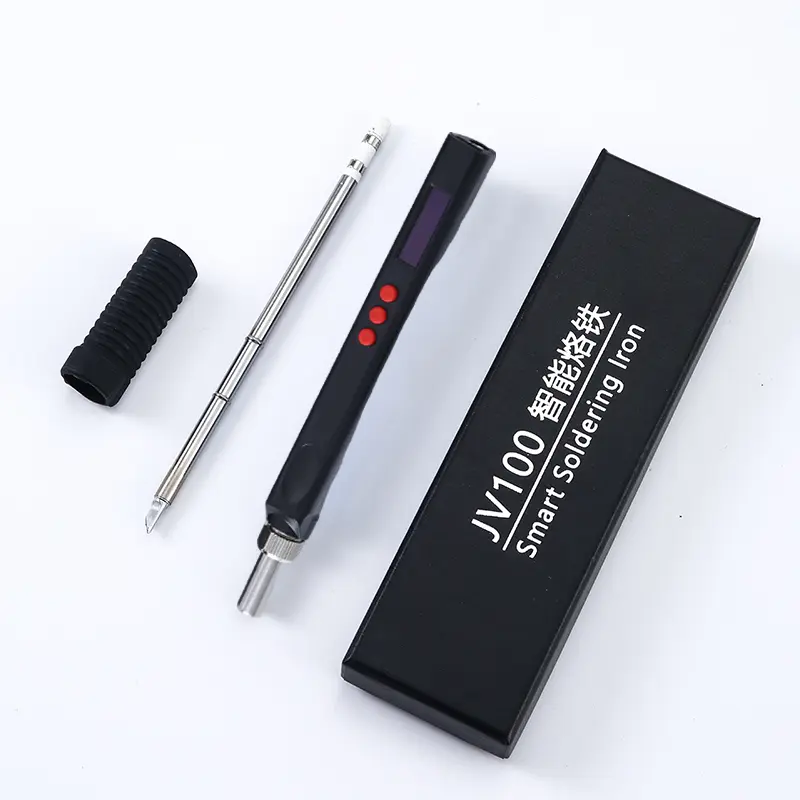
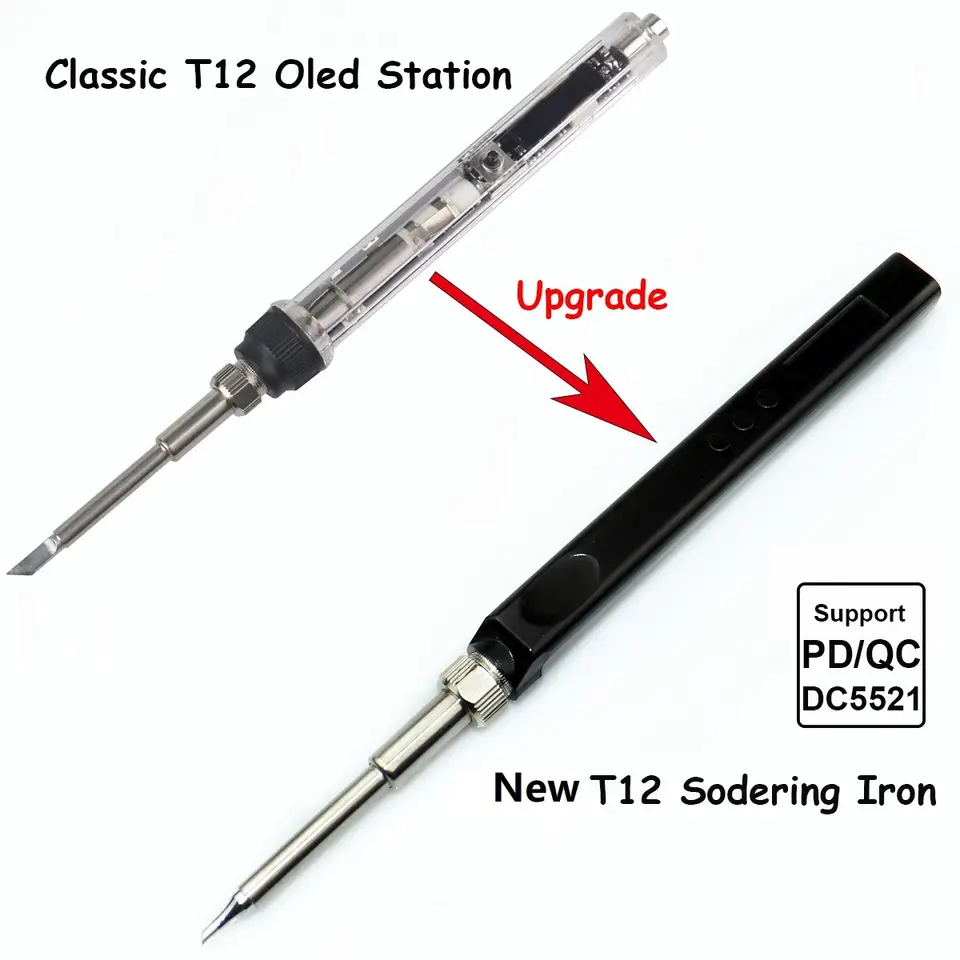
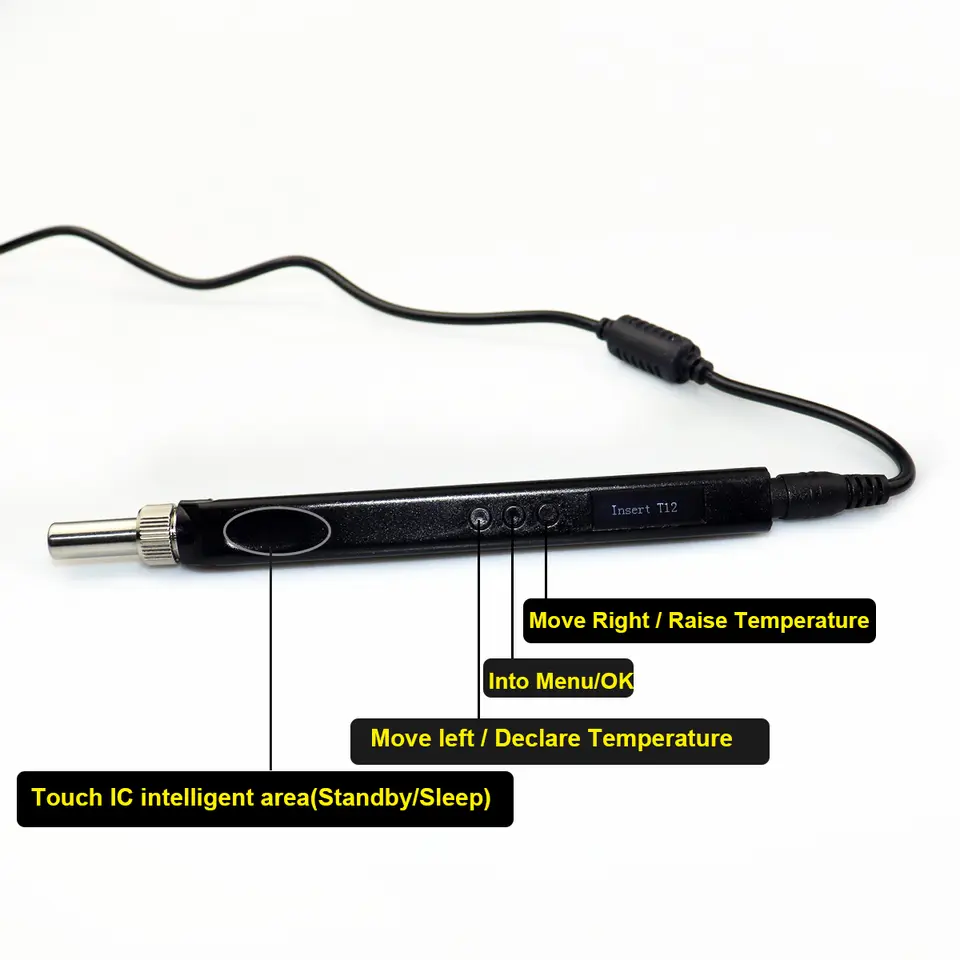
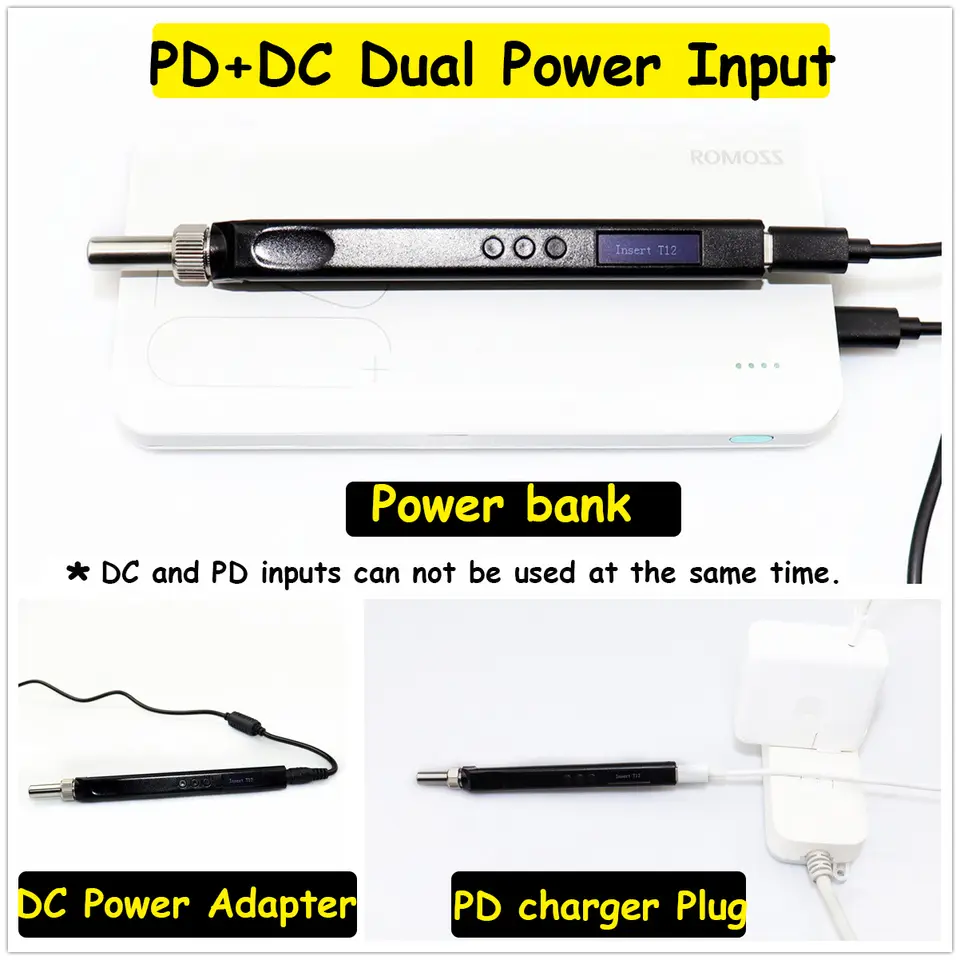
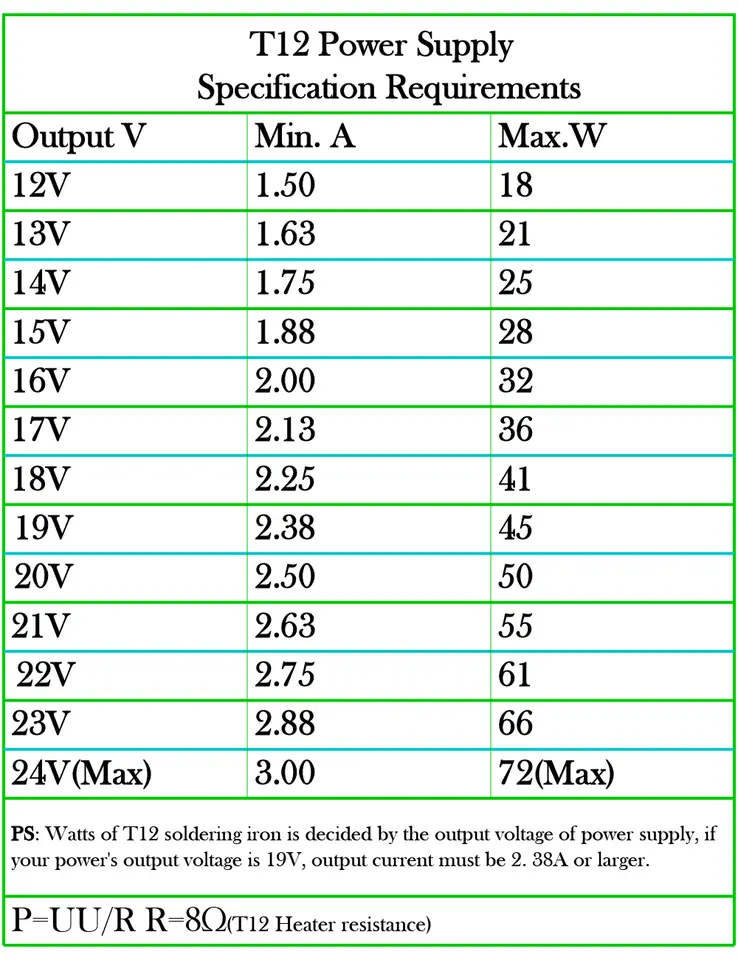
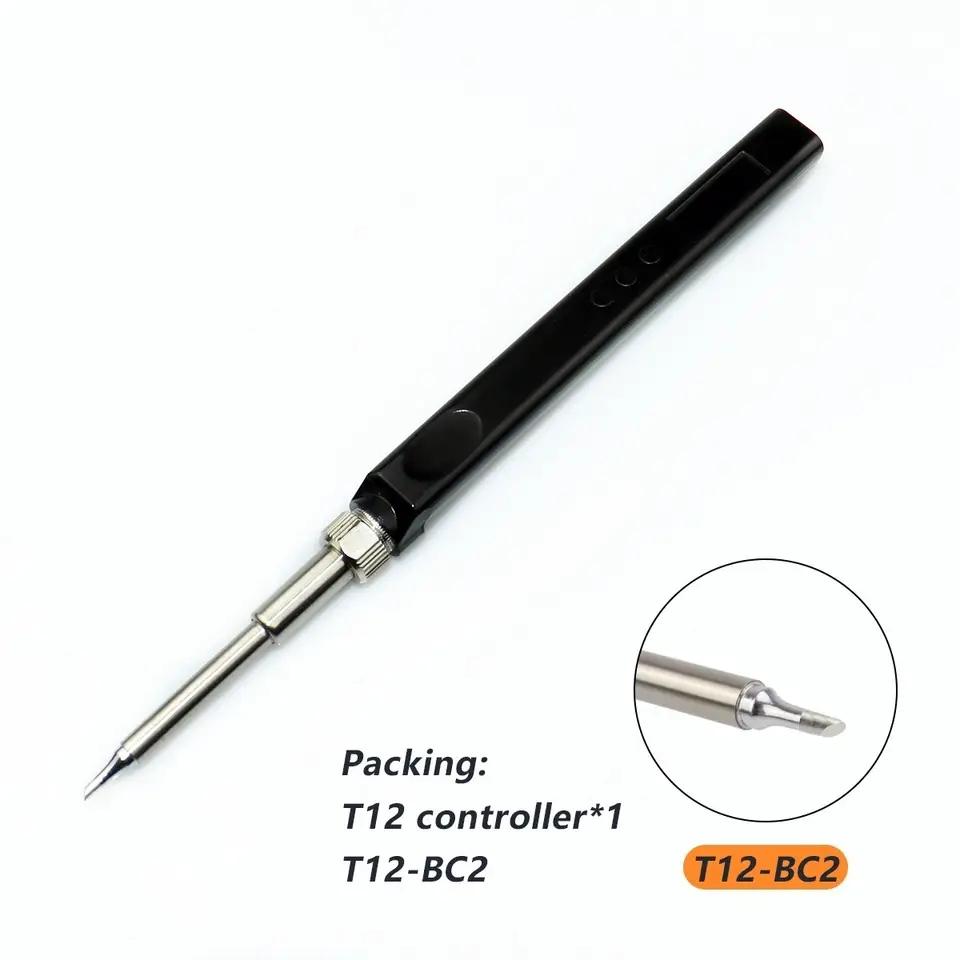
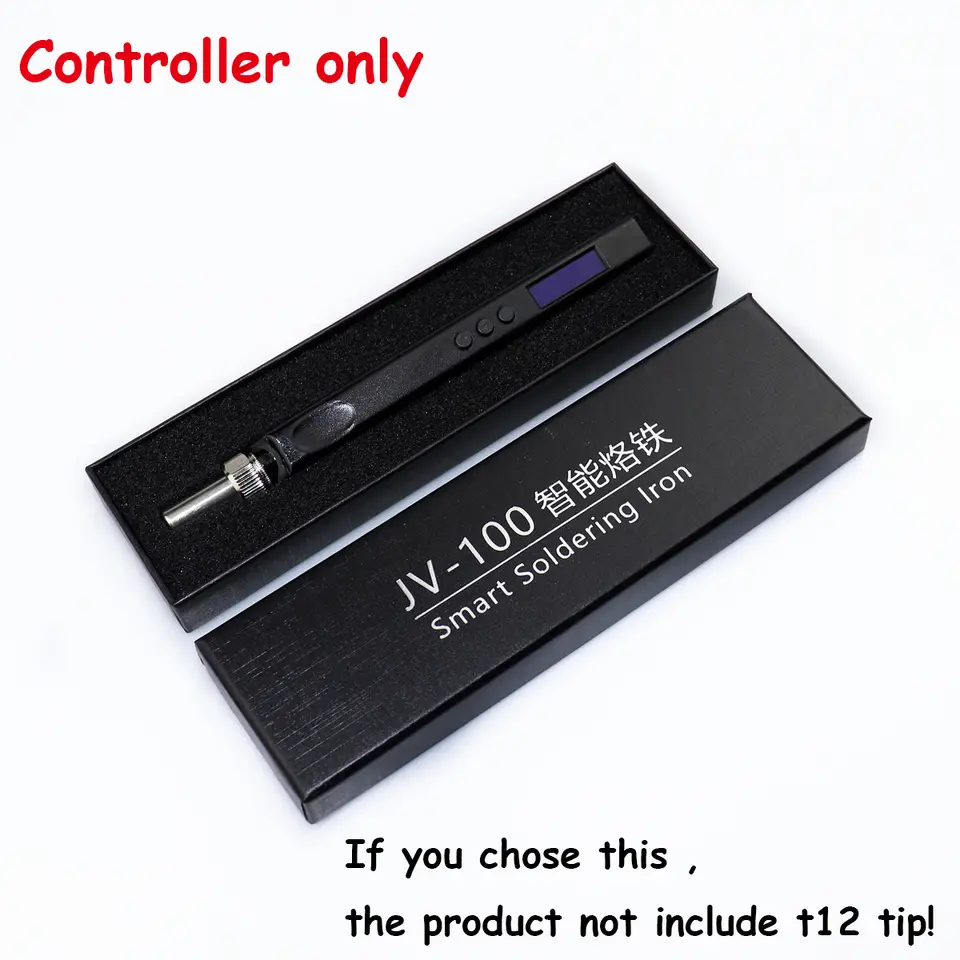
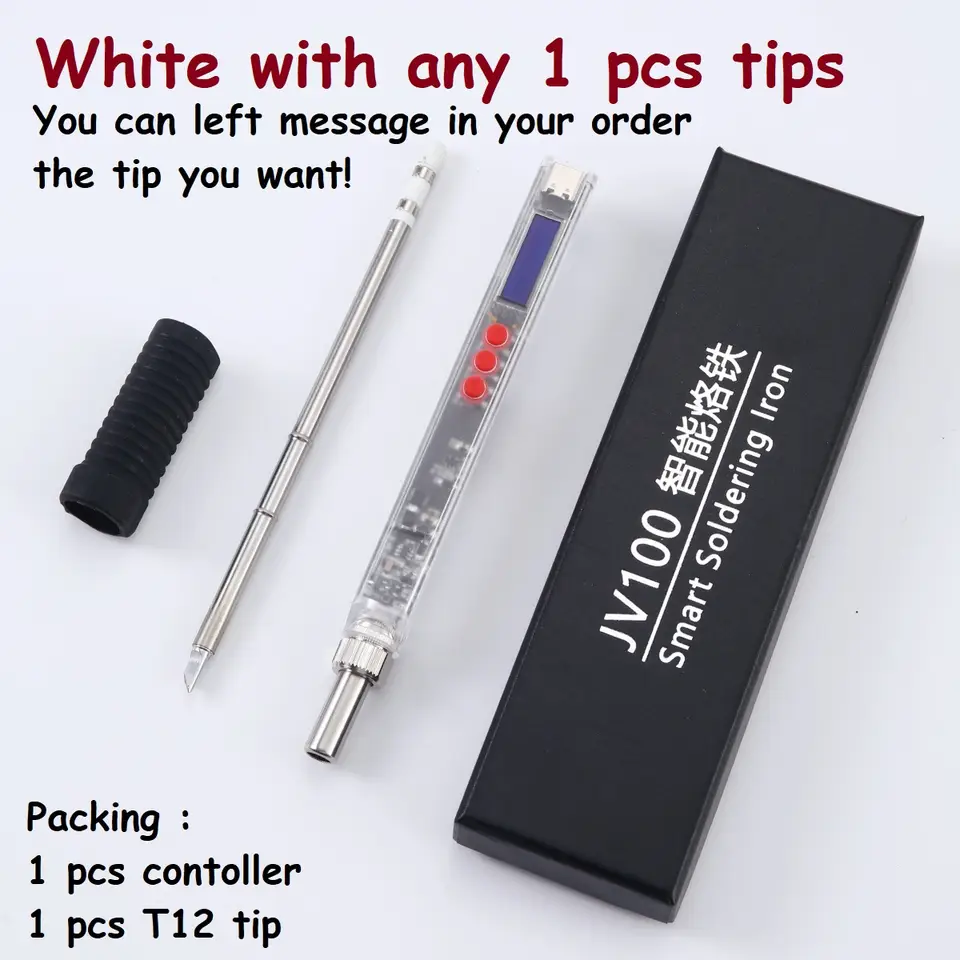
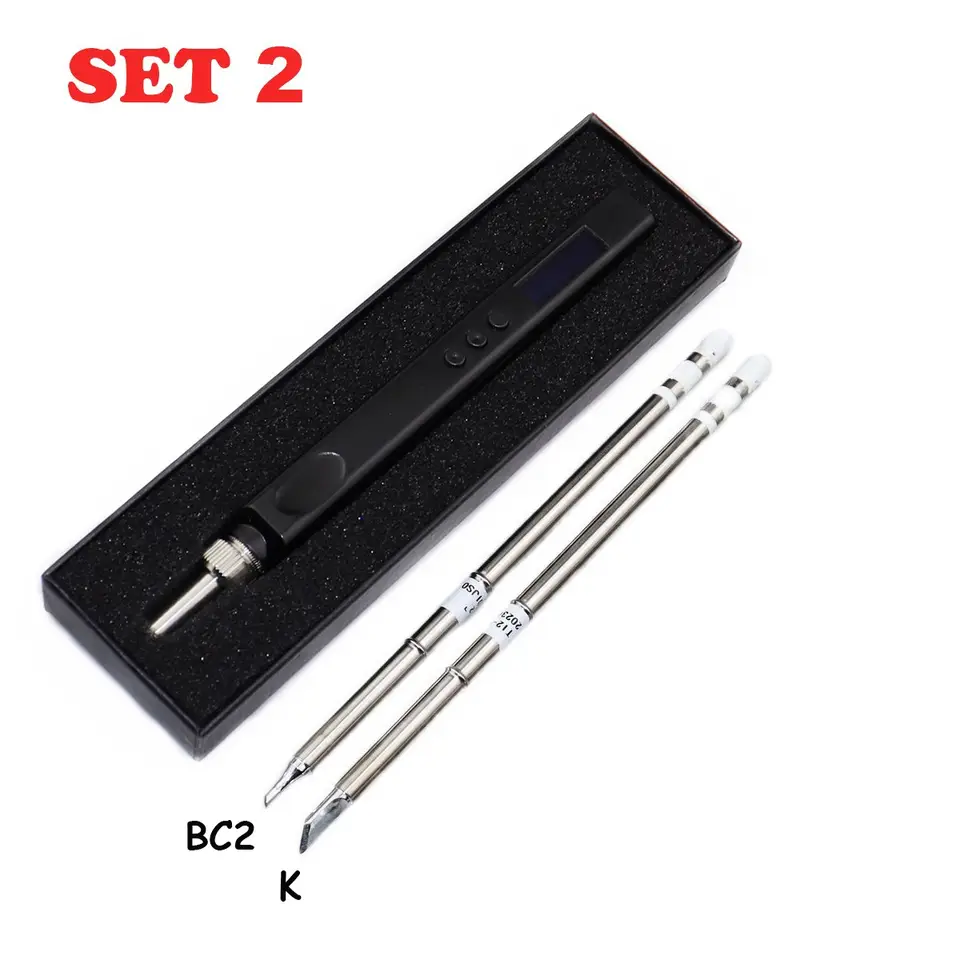
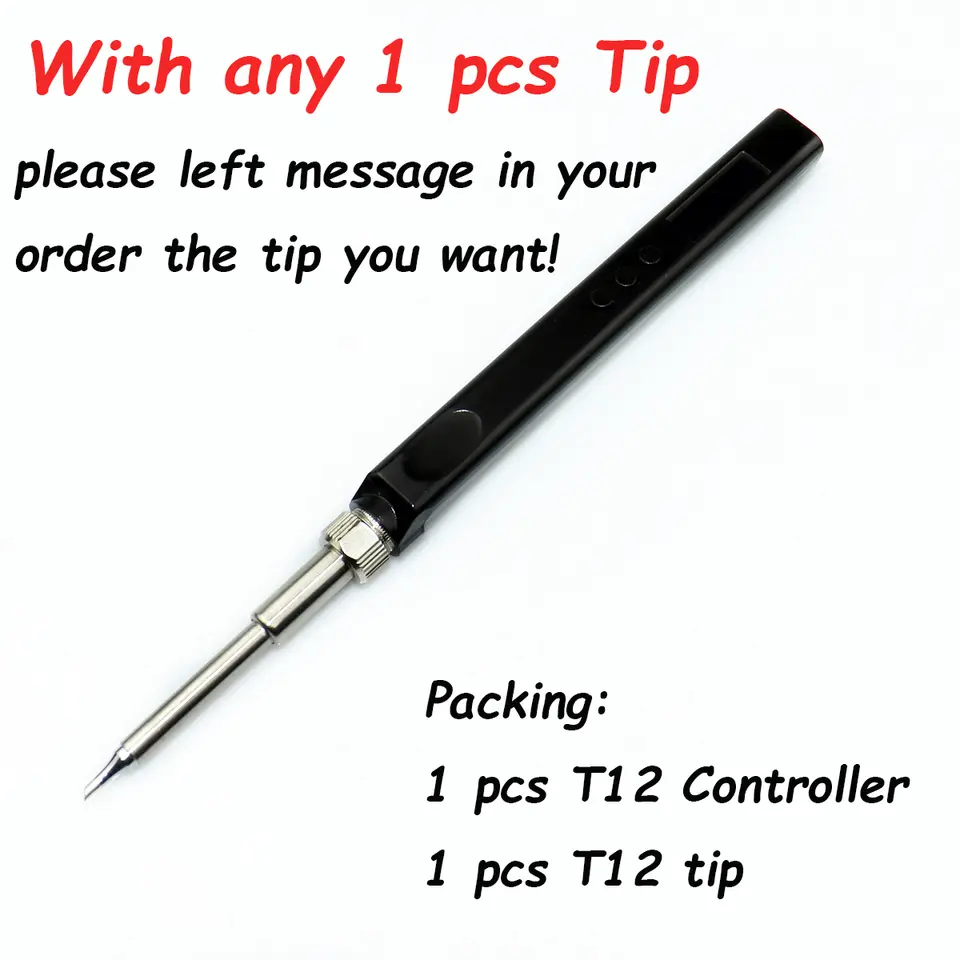
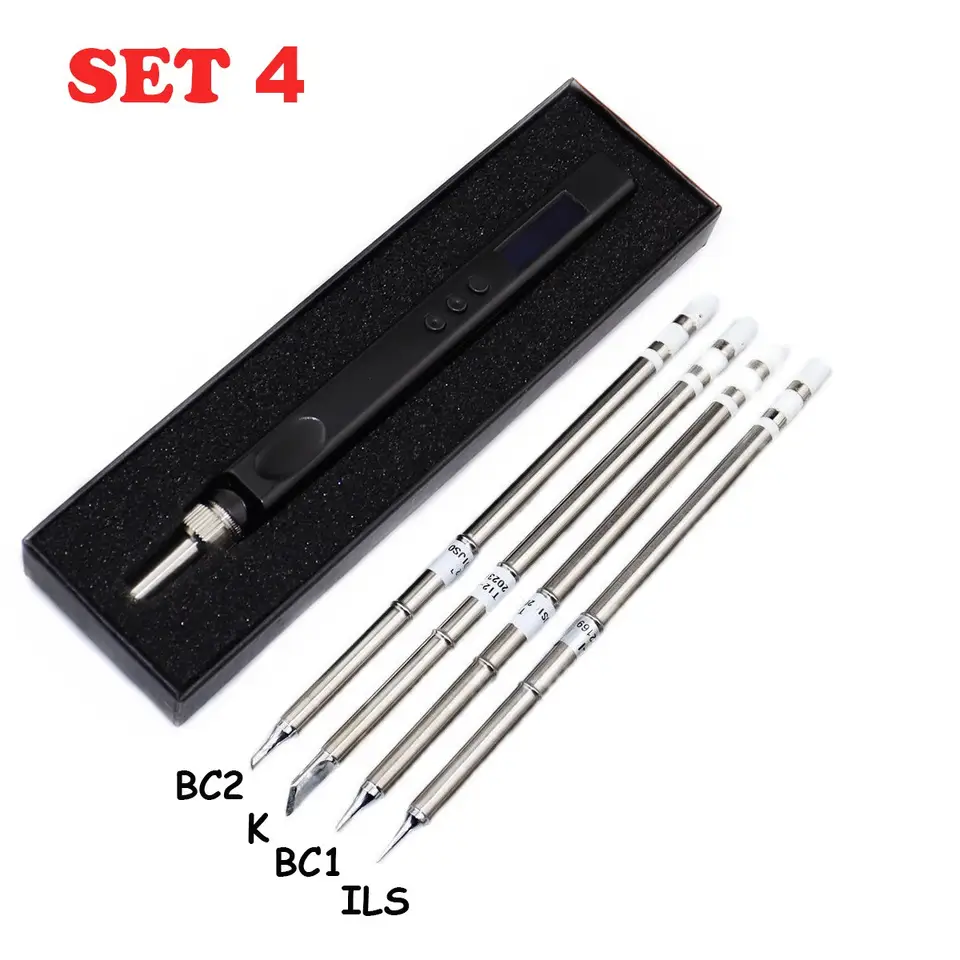
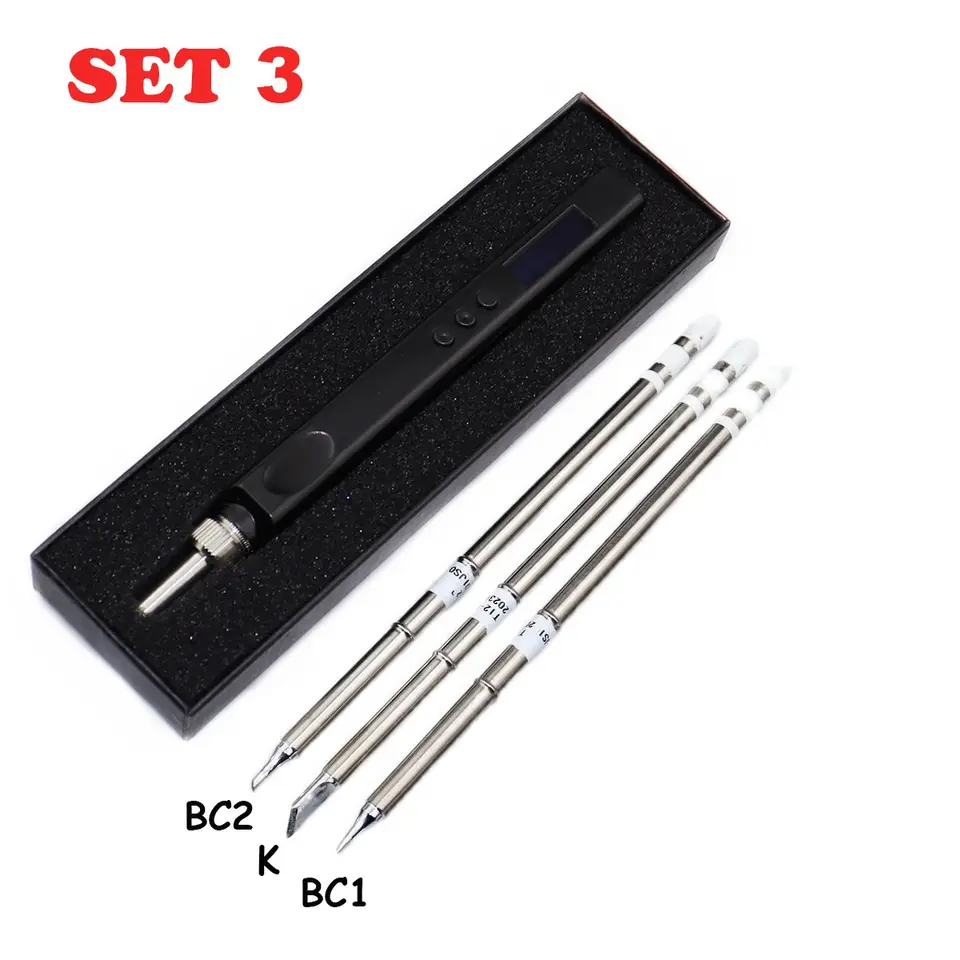
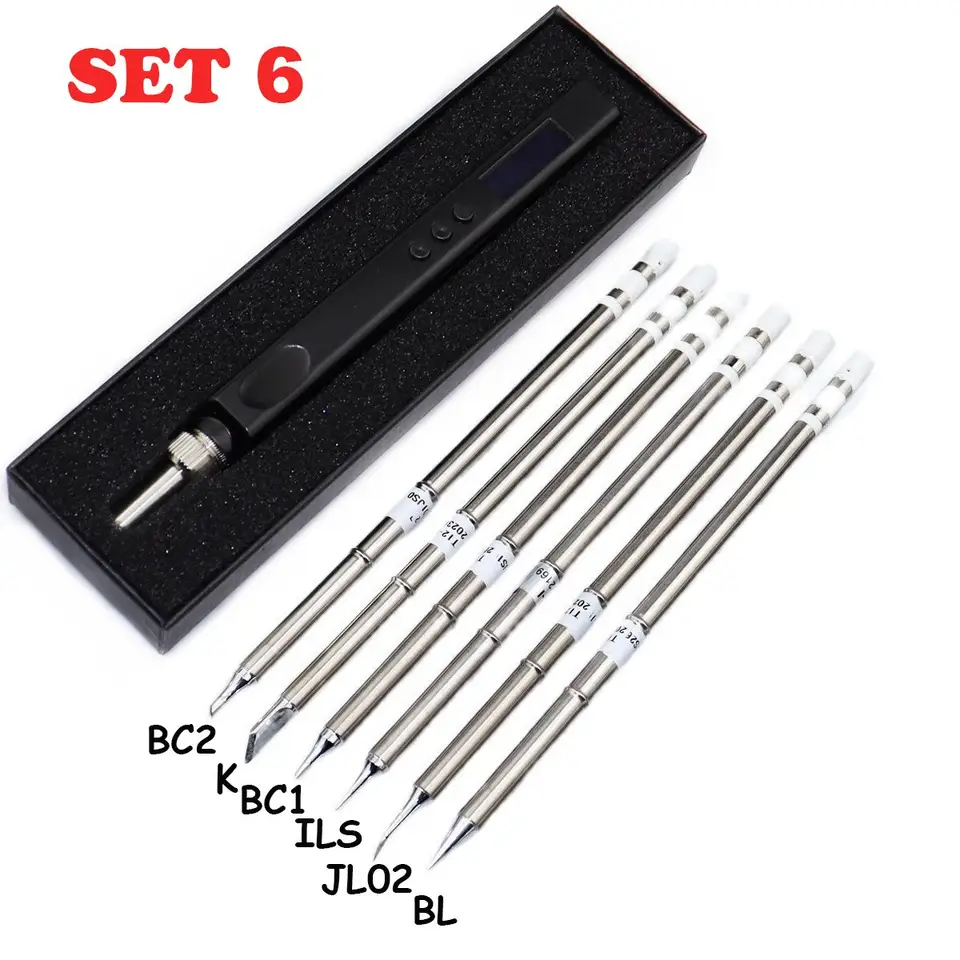
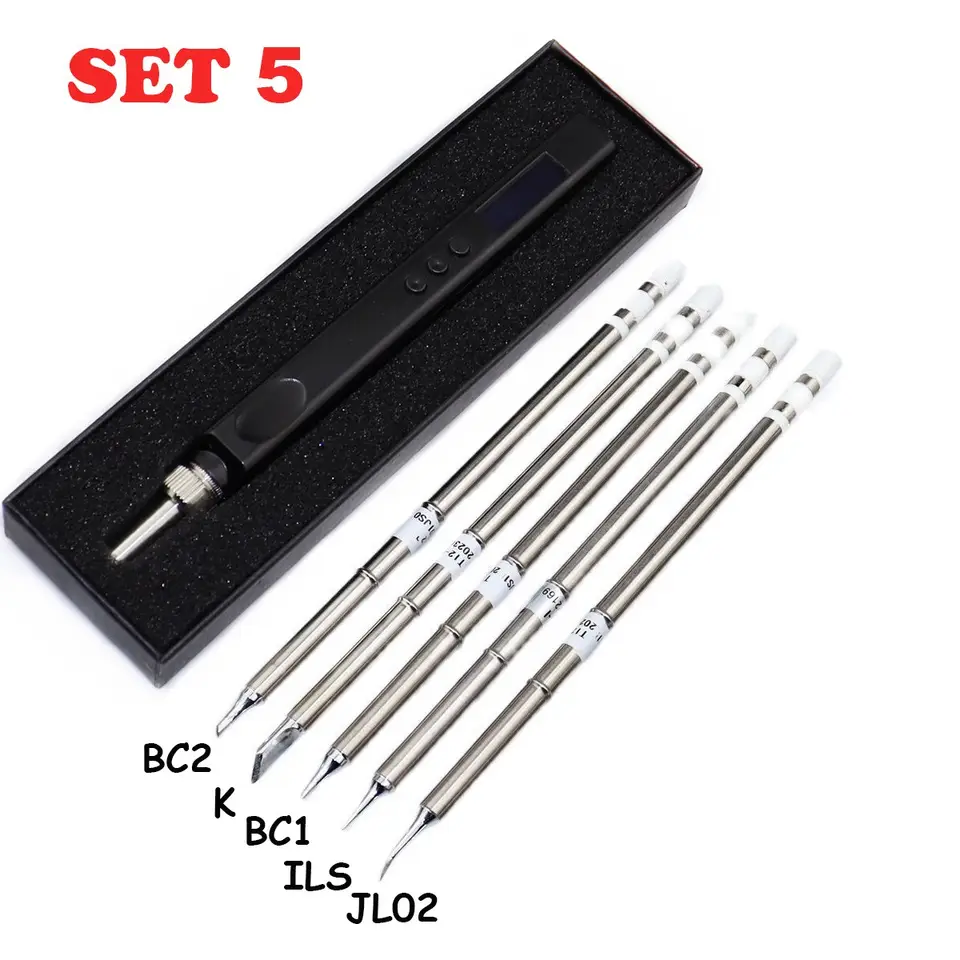
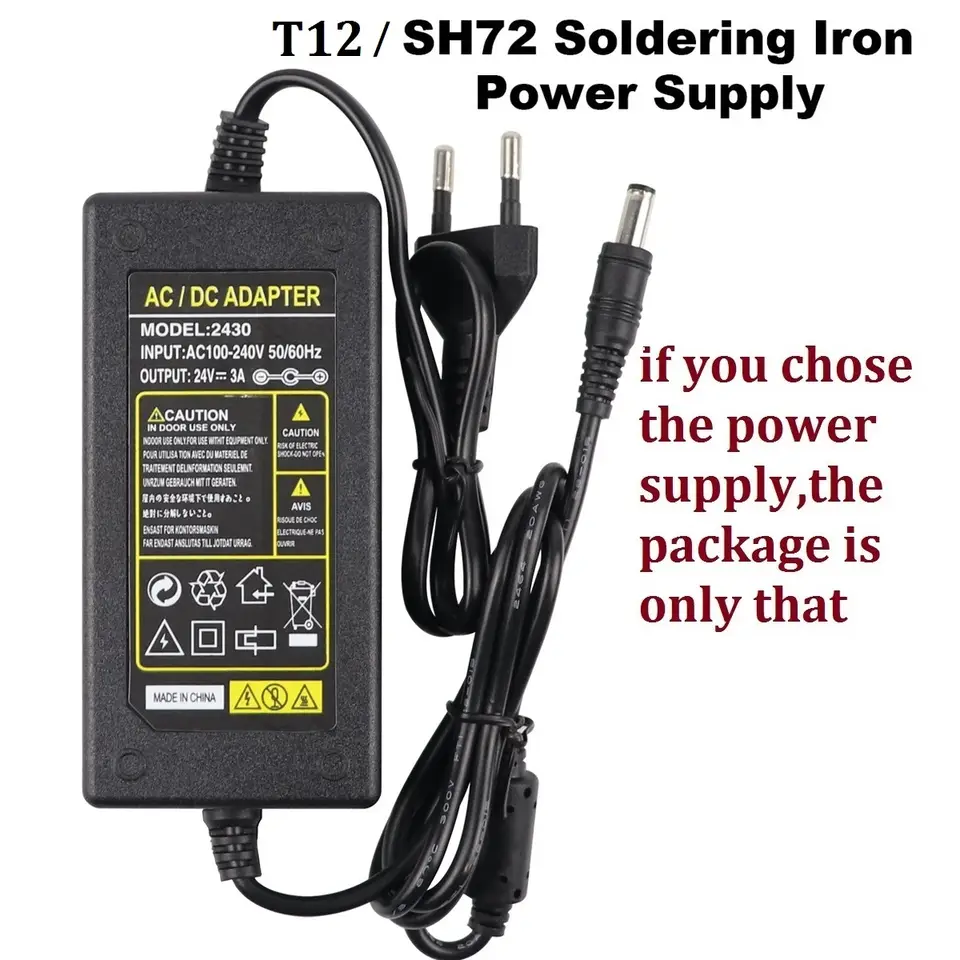
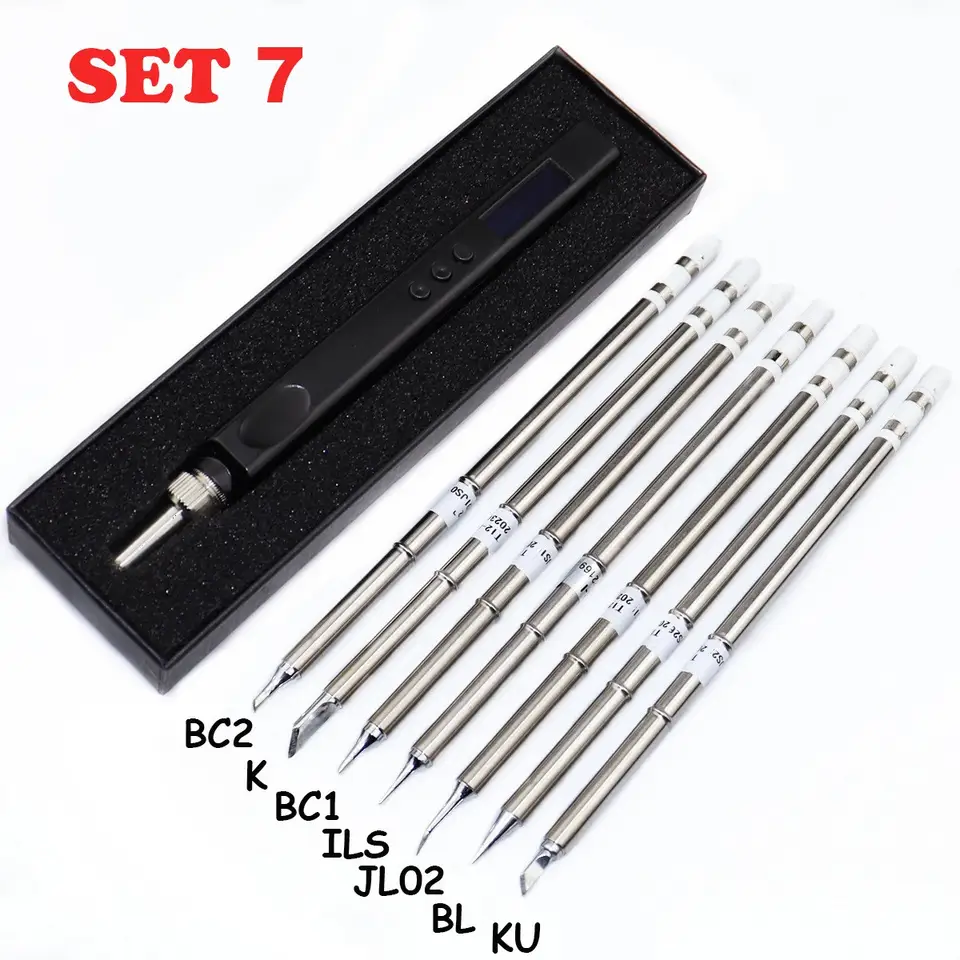
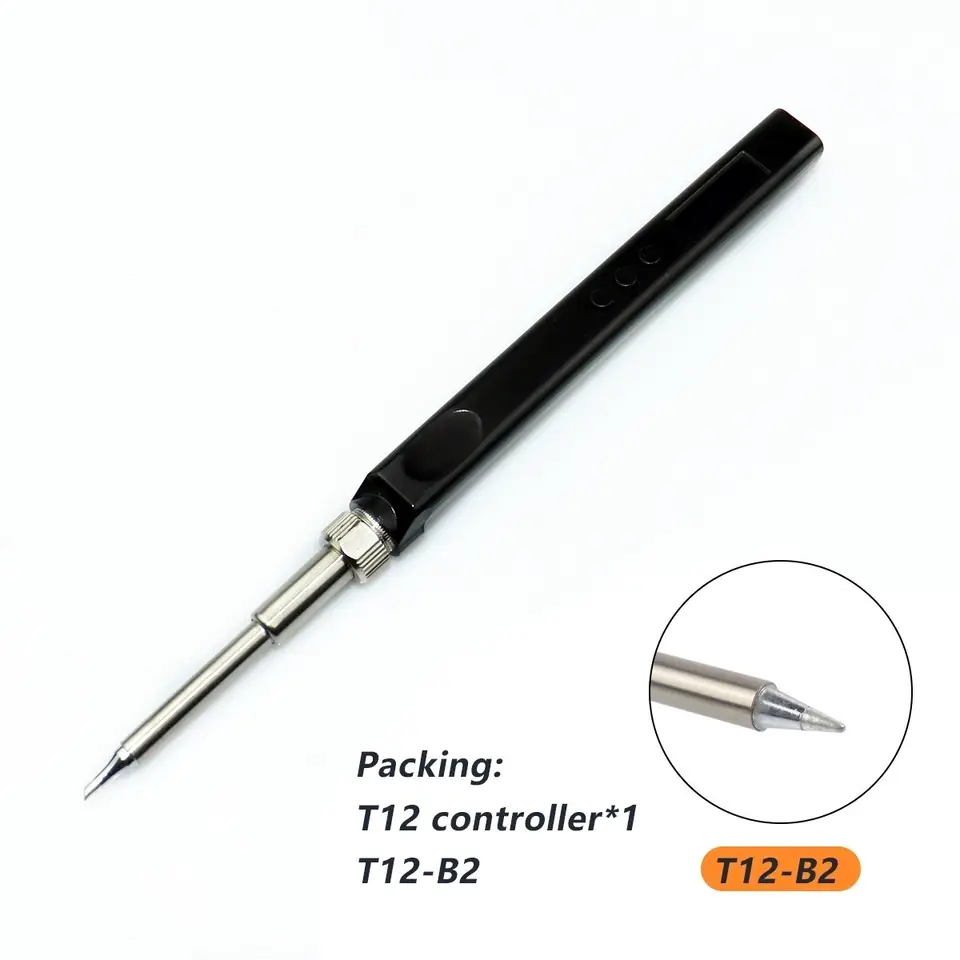
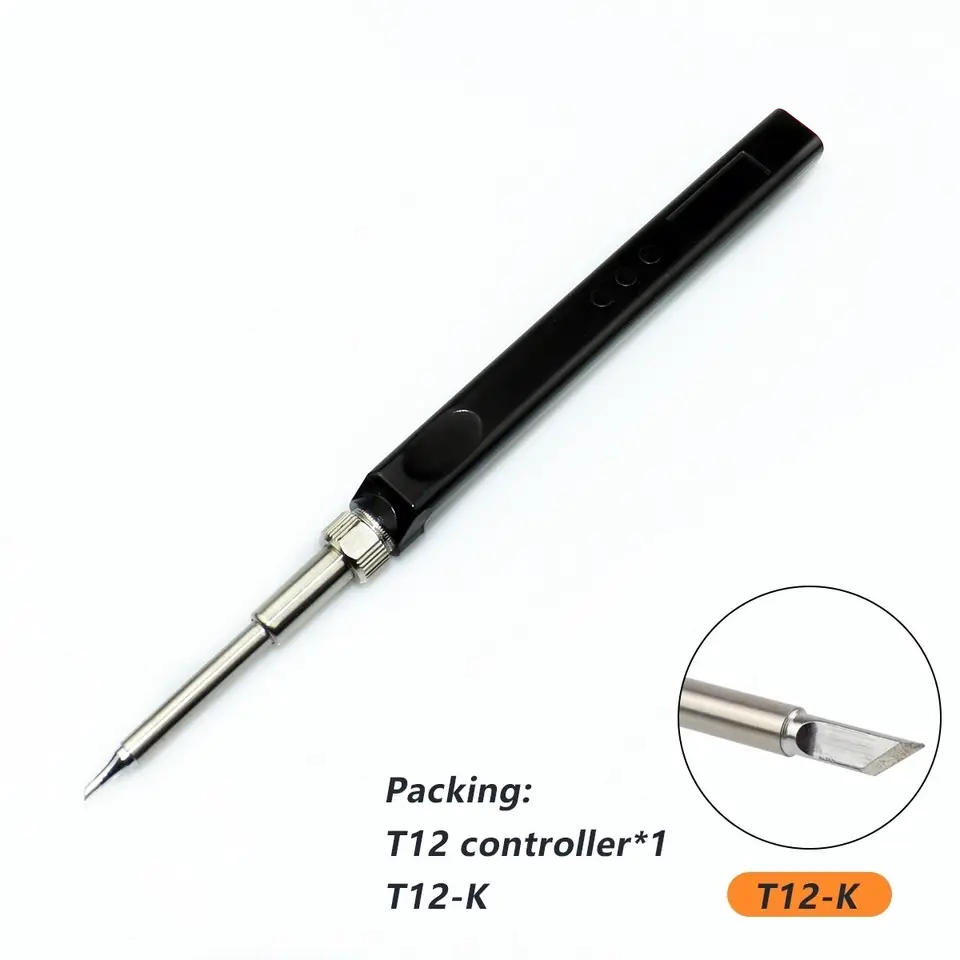
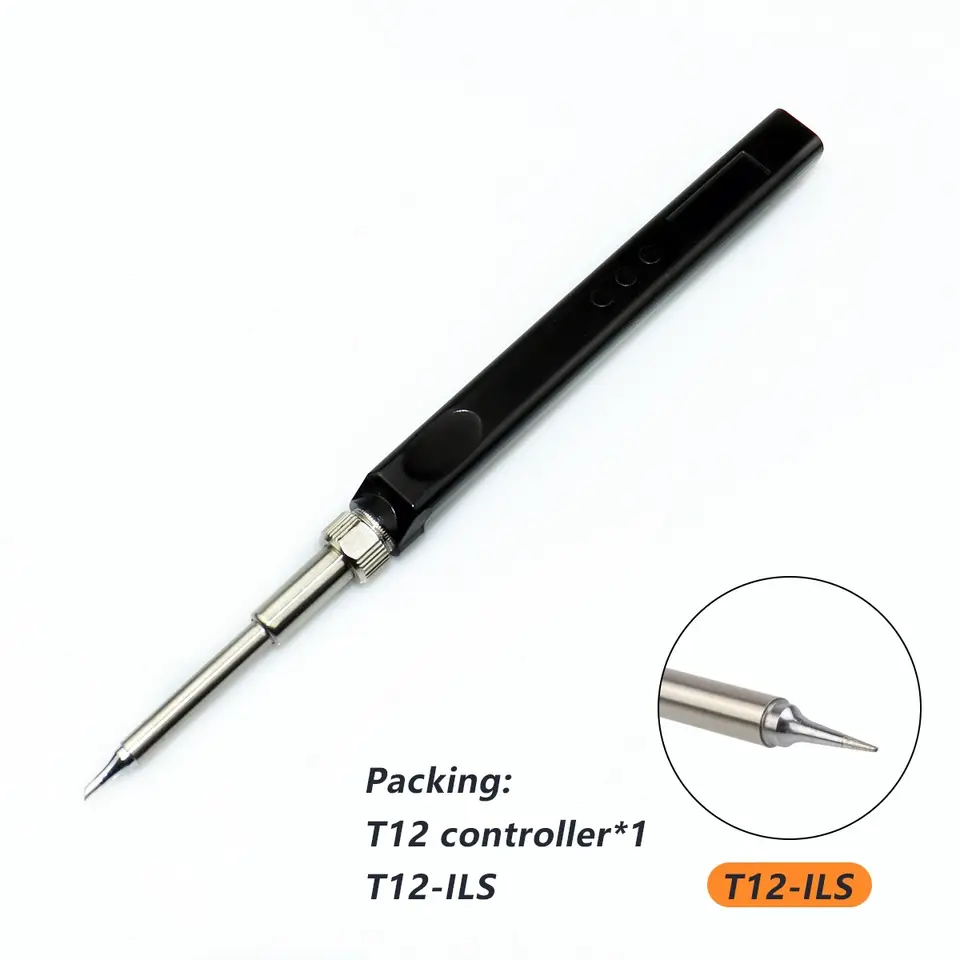
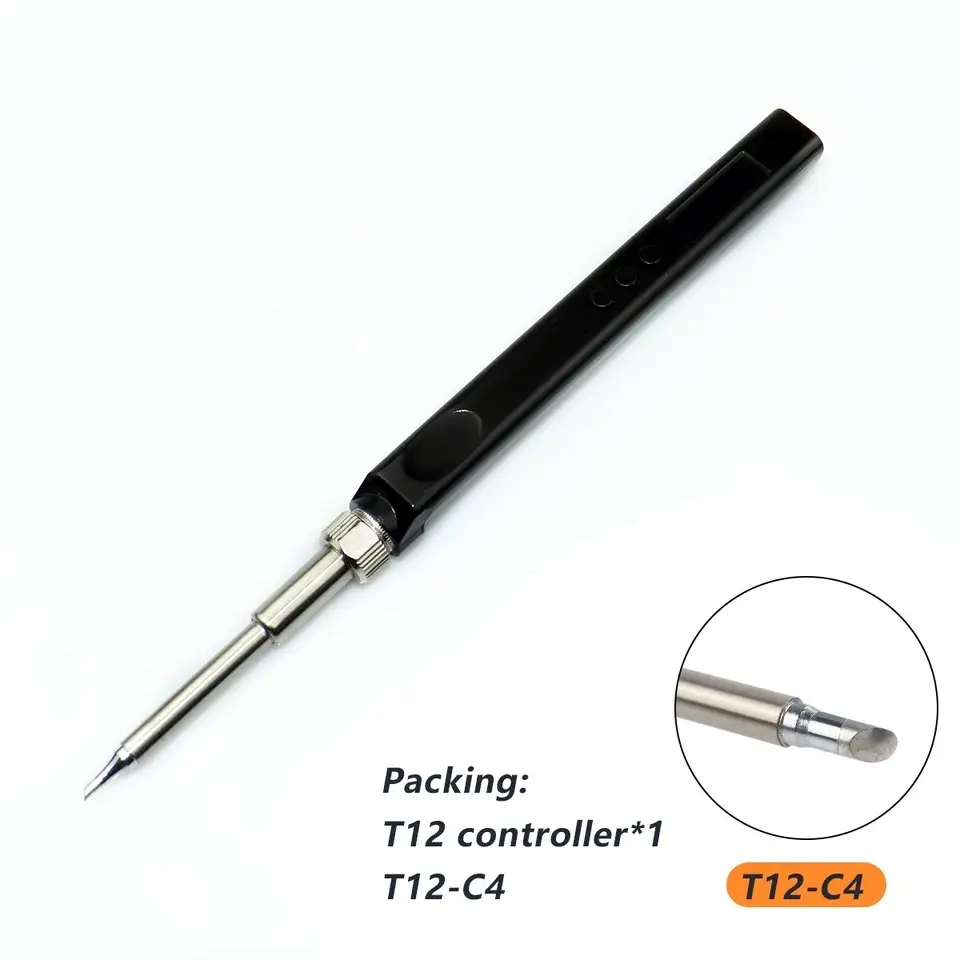
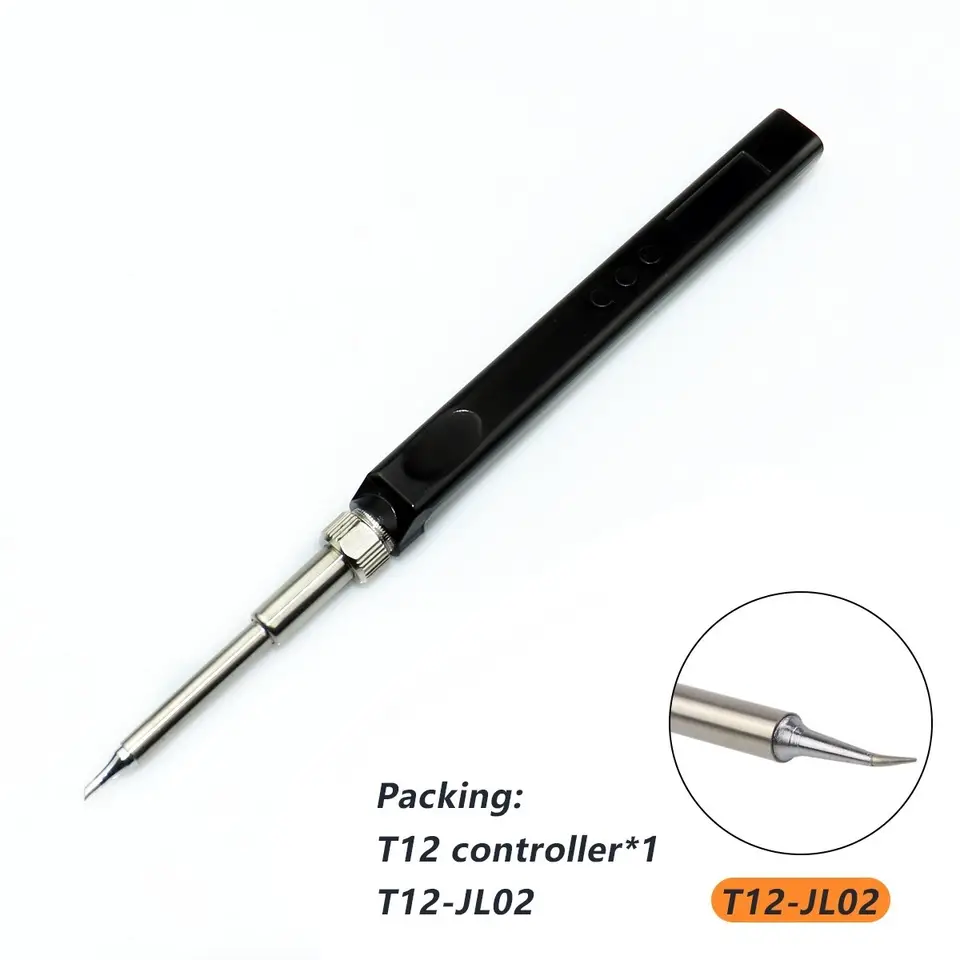
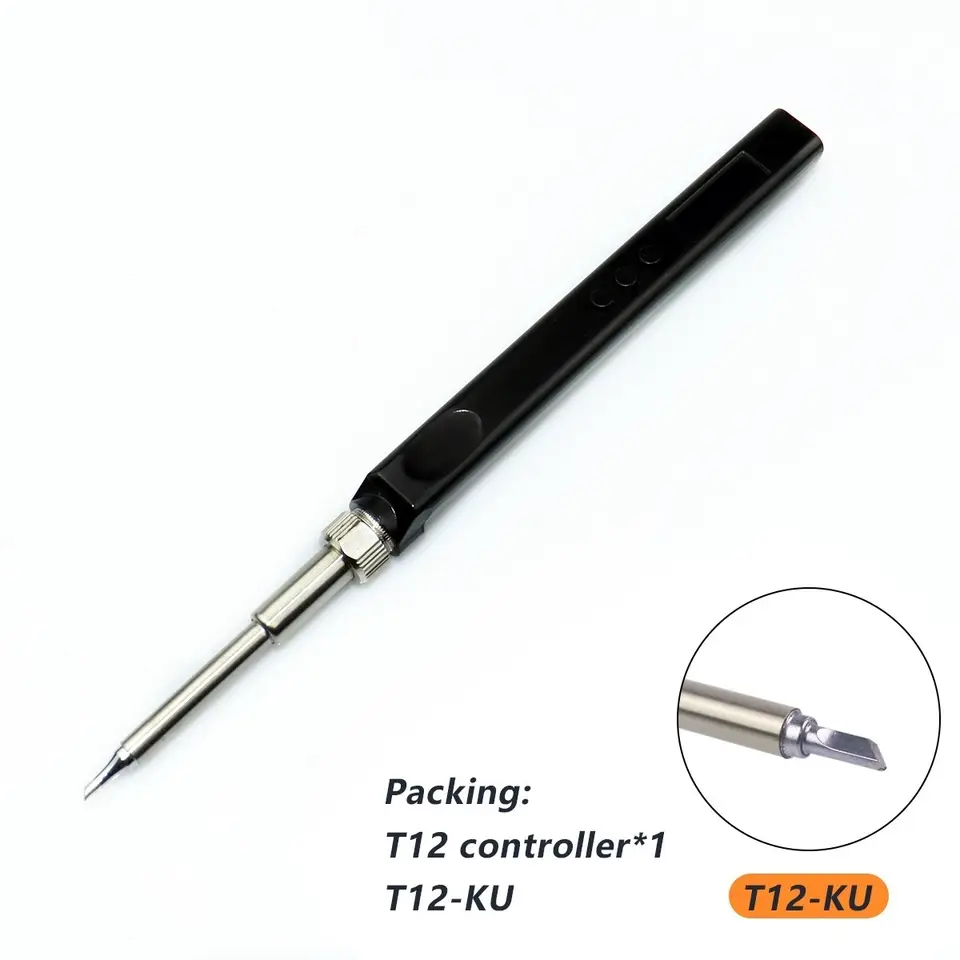
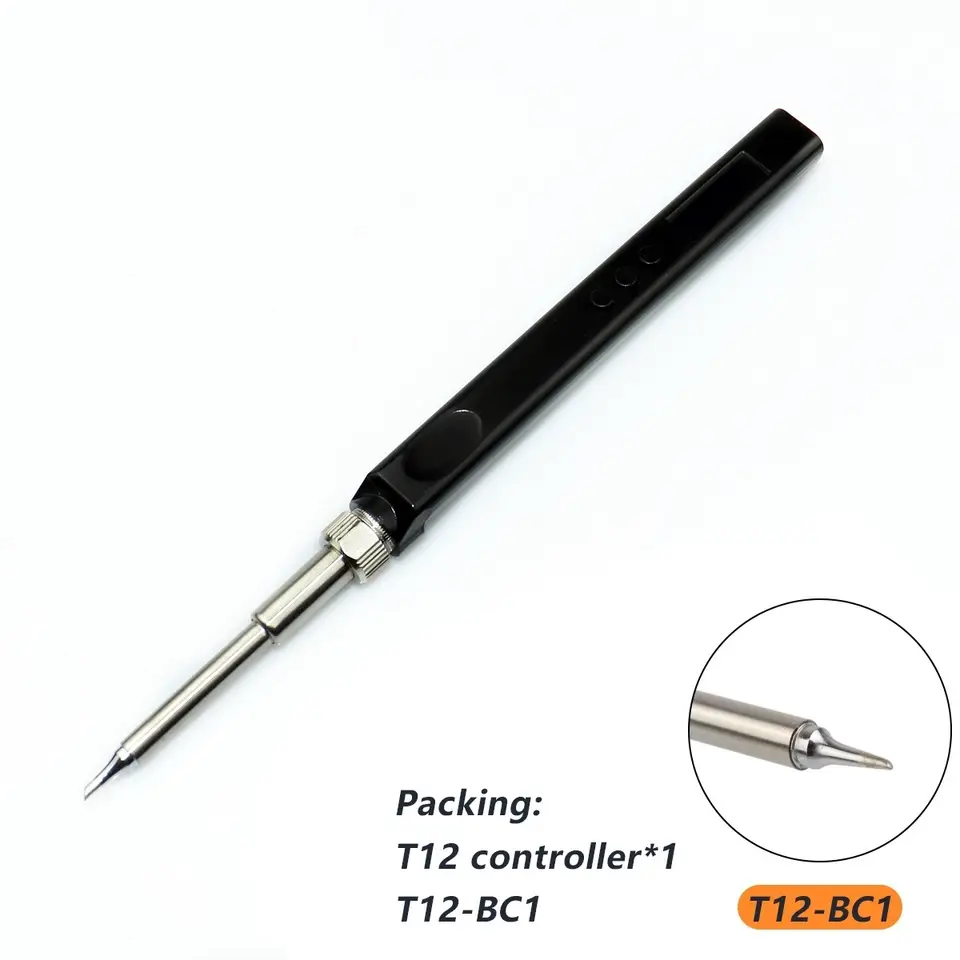
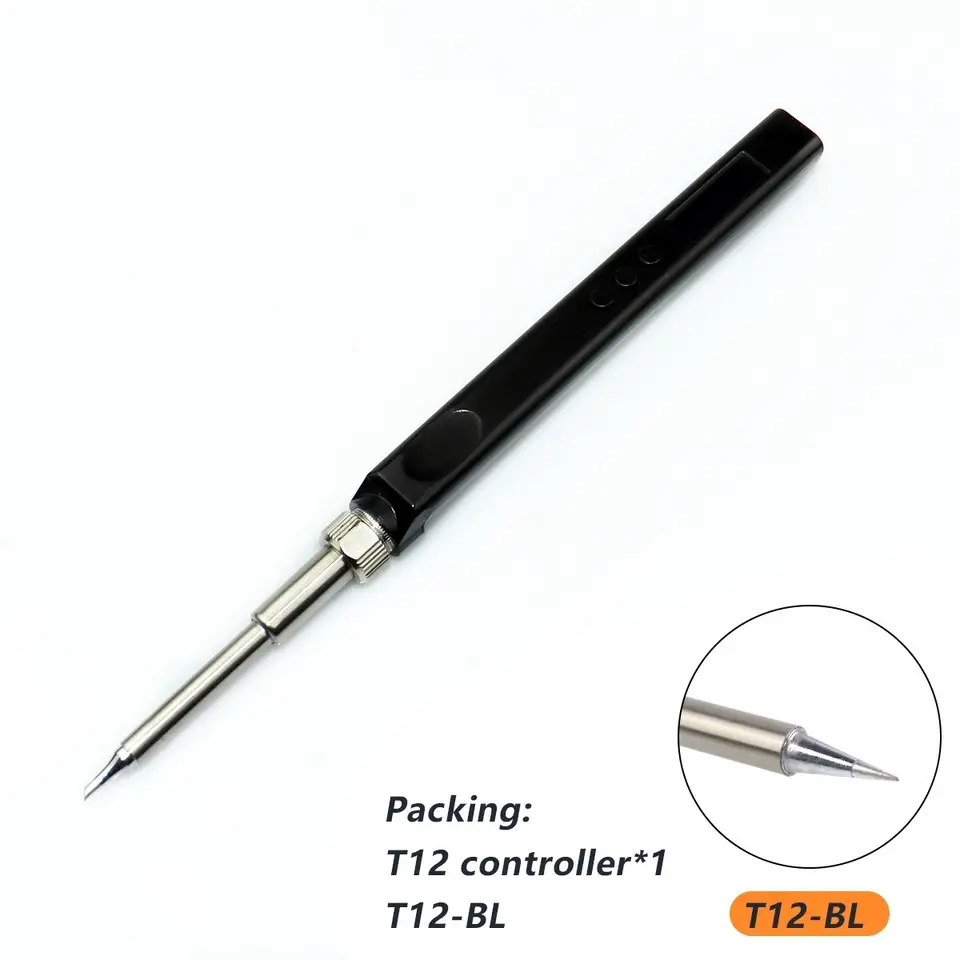
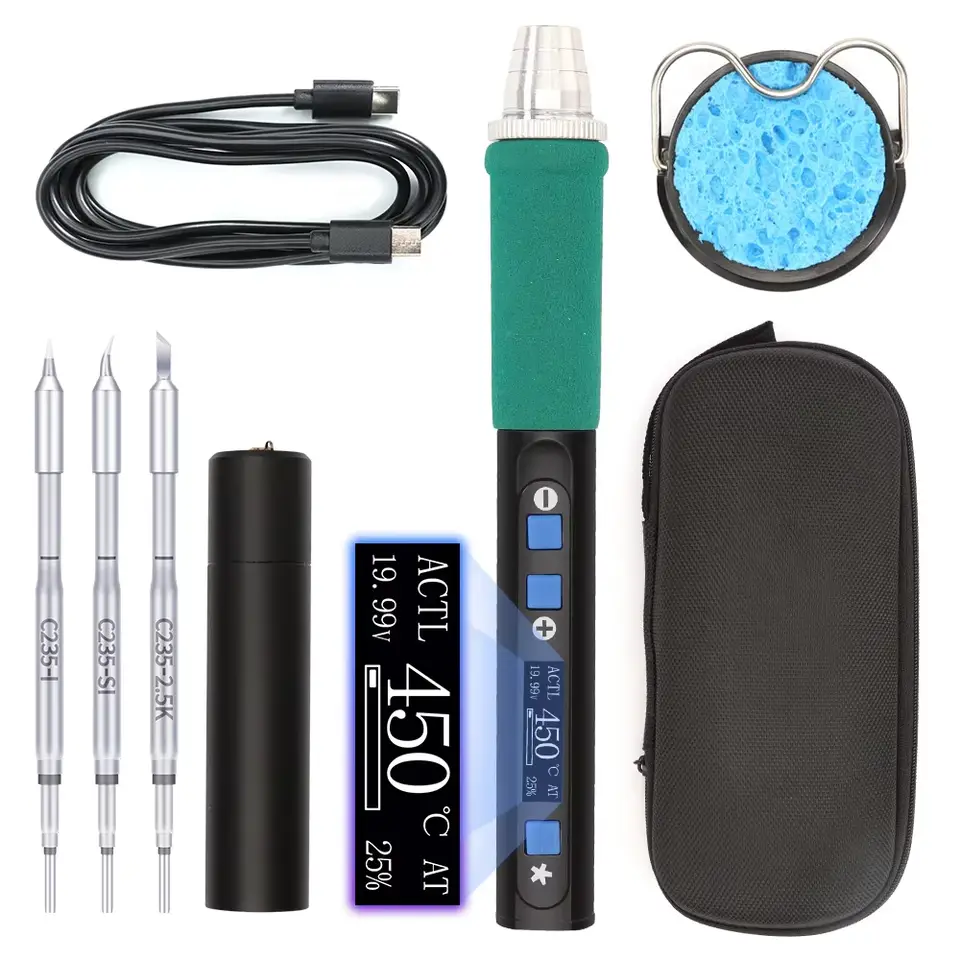
JV100 DC 12-24V 72W T12 OLED Mini Electric Soldering Iron Kit PD 65W Repair Tool Adjustable Temperature Portable Solder Welding Station Heat Pencil USB-C Type-C The new version black soldering iron is like this photo Other New arrival product! Click into the following photo link to have a see! Please read the description before order! If you want to change other color soldering iron,you can left message in your order you want! The T12 Mini soldering Iron is our store classic T12 Oled Station Upgrade,quality is guaranteed! The net weight is 10g lighter than the classic model. Based on the idea of stronger generation by generation, this generation T12 Smart Soldering Irons supports a type-c interface, with built-in PD, QC voltage deception chips, and DC5521 interfaces!like the following photo! other note: some customer say that some part moves freely in the case seem loose!that is normal,there is an insulation pipe inside that also serves as a guide for the heating core, which is loose! Each oled soldering iron station i will test before shipment,make sure it can work (the display will work and it will heat up) with our store 24V 3A power supply,if the product you receive the display can not work or not heat up,please change other power supply to try or try our store power supply,and Power Supply we suggest with 5521 jack, because 5525 jack can not work! If you use PD,please make sure the power like our suggestion! Note:If use PD plug,12V need more than 2A,15V need more than 2.5A,and 20V need more than 3.25A,in the future,the new arrival can change the power in the setting Package listing is just like the photo you chose! If you order Controller Only,the product is just the t12 mini soldering iron,not include the tip if you chose 24v eu power supply,the package only the power supply not t12 soldering iron! If you chose With any 1 pcs T12 tip,the package is 1 soldering iron with 1 pcs t12 tip!you can left message in your order the Tip you want,otherwise we will send you random Tip! Our product not include power supply,if you need that,you can order that in addition,chose 24V EU Power Supply! See if the display is normal, if not, the power supply is reversed. This refers to the power supply you use! Insufficient power supply: the screen does not light up, the soldering iron tip is slightly hot! please change other power supply,we suggest 24V 3A power supply! Some customers have reported that the screen is not bright. If this OLED soldering station uses a poor quality power supply, this soldering station will not work properly. We recommend that you use a better quality power supply or test it with another power supply. You can also use us Recommend this 24V 3A power supply,we suggest 24V 3A,if 1A power supply,the product can not get enough power to work You can change other tip you want, just left message in the order the tip you want! If you want more tips,you can also click into the following photo to have a see! The types are below( Total 29 pcs choose ): T12-K, T12-B,T12-B2, T12-BL,T12-BC1, T12-BC1.5,T12-BC2,T12-BC3, T12-C1, T12-C4, T12-CF4, T12-D12,T12-D16, T12-D24,T12-D4,T12-D52, T12-DL32,T12-J02,T12-JL02, T12-KU, T12-KR, T12-KL, T12-I, T12-IL, T12-ILS, T12-BCF1,T12-BCF2, T12-BCF3,T12-D08 1. Knob and display 2. Menu instructions: Press the Middle button to enter menu, it will shows 9 options: ACT : calibration, WAI : Standby, DMH : sleep, OUT : power, EMI : Touch is to detect whether someone is operating, IMA :Screen display direction, LAG : language, RST : reset, MOD :Manual or automatic selection, VER :Firmware version, RTN : return ACT: calibration (calibrate the temperature only suitable above 350 ℃, it cannot be calibrated below 350 ℃ temporarily) Set the temperature of the main interface to 350 degrees, then enter the calibration page and put the soldering iron tip on the thermometer. The temperature measured by the thermometer is lower than the set temperature, and the value is increased until the thermometer shows 350 degrees to stop increasing. WAI: Standby Temperature setting The standby temperature can be set between 180 degrees and 300 degrees DMH: sleep when screen is "DMH ON 5", It means that if the operator does not use the soldering iron for 5 seconds( automatically detect the use status of the soldering iron ), the soldering iron will stop heating, and it will start heating again after picking it up. when screen is "DMH OFF", It means that the soldering iron will always be in working condition, and the automatic detection function is turned off. DMH ON 60 120 means 60 seconds of no user motion before heat goes to standby (180C it seems), then 120 seconds the heat turns off(Sleep) OUT: power duty cycle,100 is 100% output, (Setting: 12) This function can be set to 9V/12V/15V/20V to lure different voltage levels for the C port (Power: 100) Change the maximum power of our soldering iron by adjusting its numerical value. The smaller the power, the smaller the power. This function is mainly aimed at addressing insufficient power supply, but we recommend using a power supply with sufficient power to meet our voltage, current, and power meter requirements EMI: Built in capacitive touch IC detect whether someone is operating intelligent standby/sleep mode Now it's gyroscope sensing sleep mode, which will exit sleep mode as soon as it's triggered. Adjust its value to change the induction sensitivity of the gyroscope. The higher the sensitivity, the lower the sensitivity, and the lower the sensitivity, the higher the sensitivity. There is a motor or vibration on the workbench. You can adjust the size to change the induction sensitivity to avoid accidental movement. It is recommended to press the default value of 20. IMA: Screen display direction Can switch left-hand or right-hand operation display LAG: language Available languages are: Chinese, Engligh Note:that the wider the range of finger contact and the faster the pressing speed, the easier the detection will be. The smaller the contact range, the slower the placement speed, and it will be recognized as interference, which can easily lead to errors during operation RST: reset Restore factory setting RTN: return Return to main interface The Package listing as what you chose(just like the photo,no instruction paper in the package): Can use for DC5521 Power adpater or Power bank and Charge Plug by PD Interface,like the following photo FAQ: Payment 1. boxrdquo is not allowed in the address. 2. We prefer payment through ESCROW which is a security way for you. 3. Shipping 1. We will send the items within 1-7 days once your payment is completed. 2. 3. The images shown are not the actual item and just are for your reference. 4. SERVICE TRANST TIME is provided by the carrier and excludes weekends and holidays. Transit times may vary, particularly during the holiday season. Feedback 1. We do our best to serve our customers the best that we can. 2. We can work together to resolve any dispute. 3.