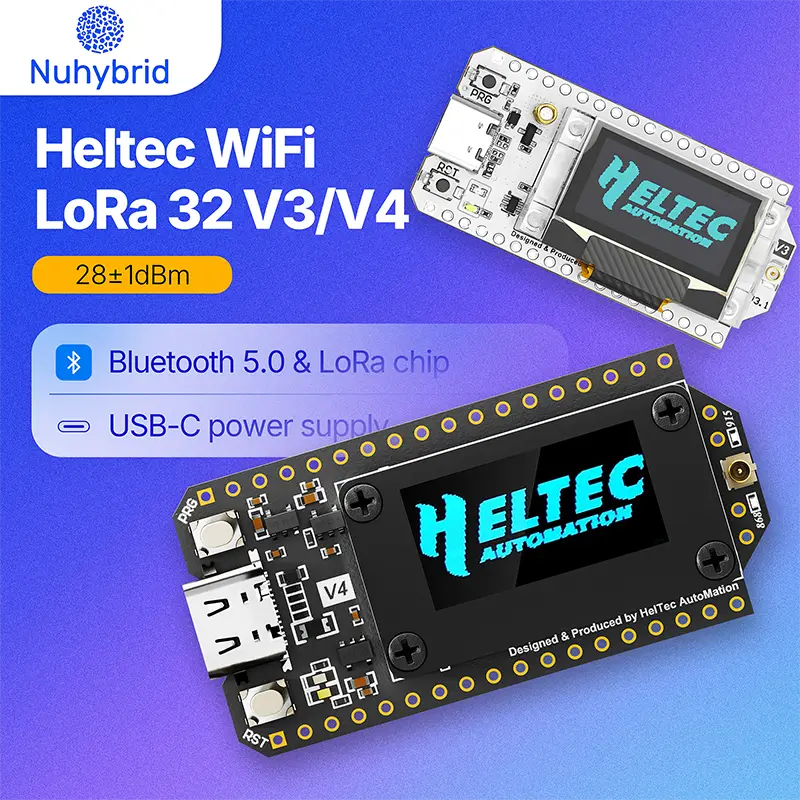
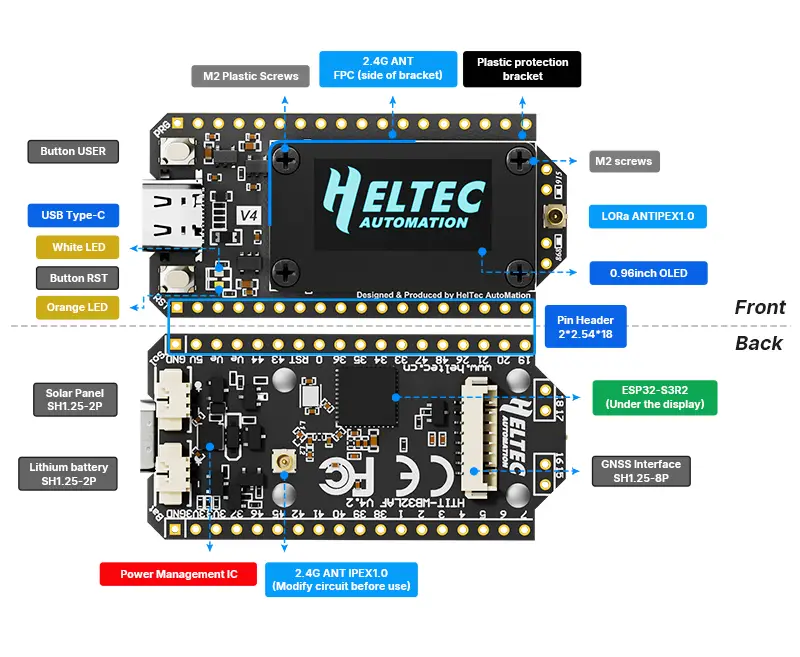
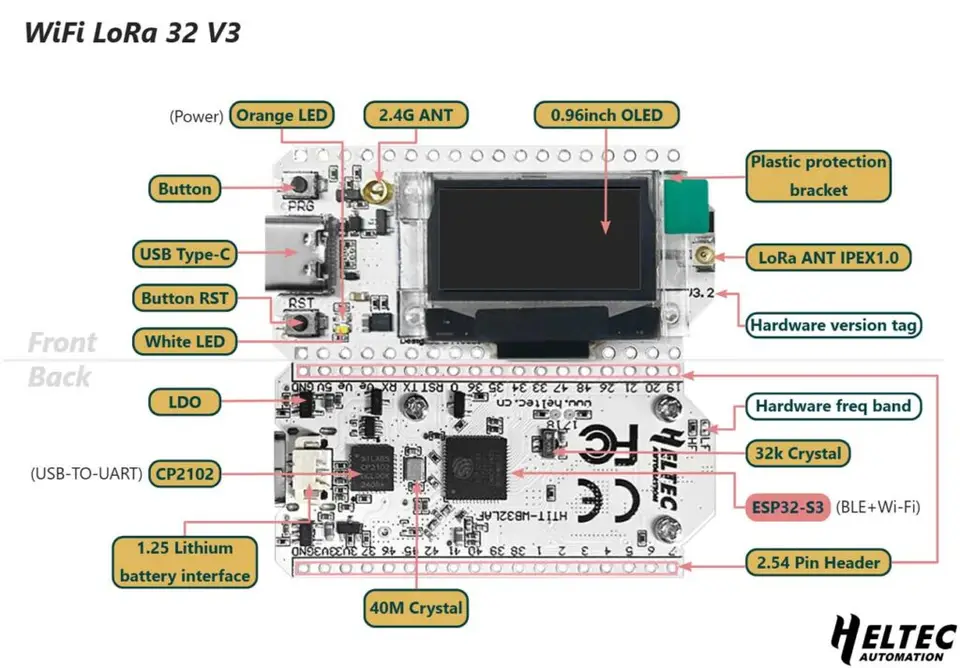
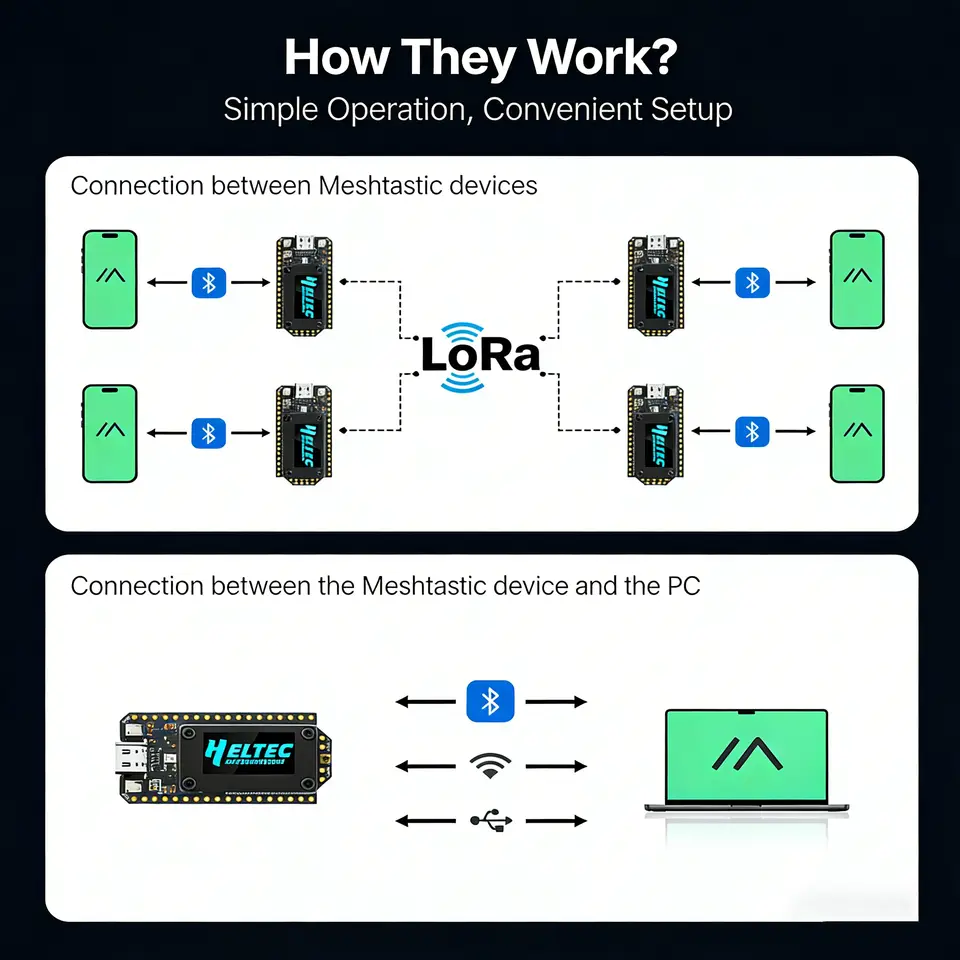
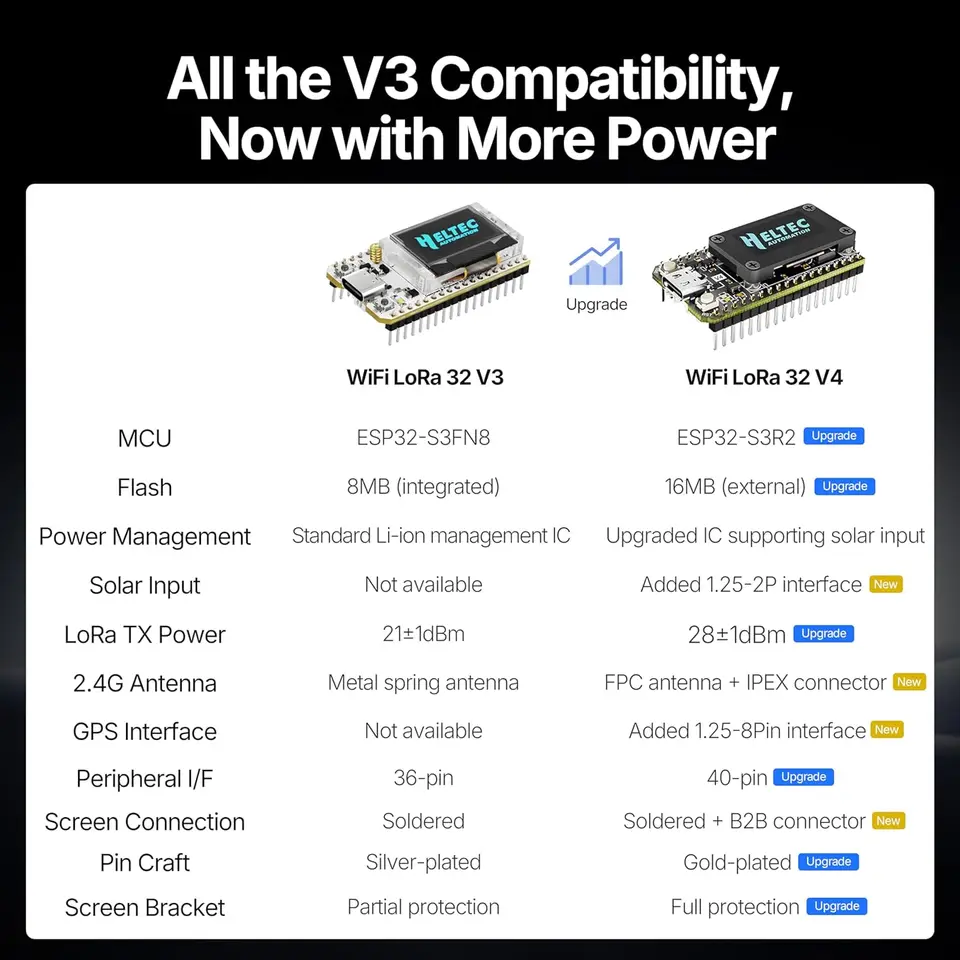
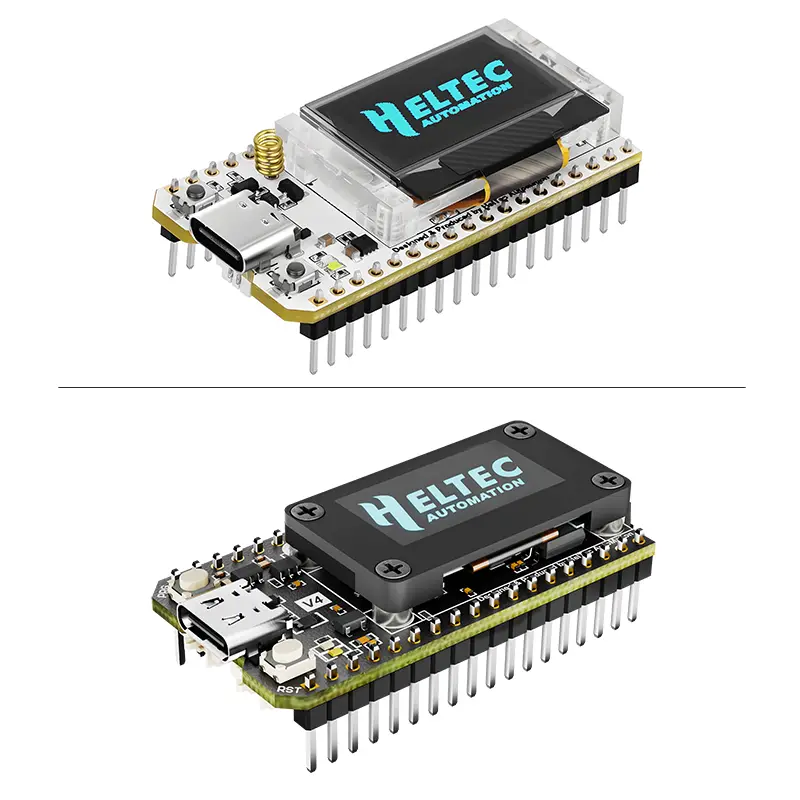
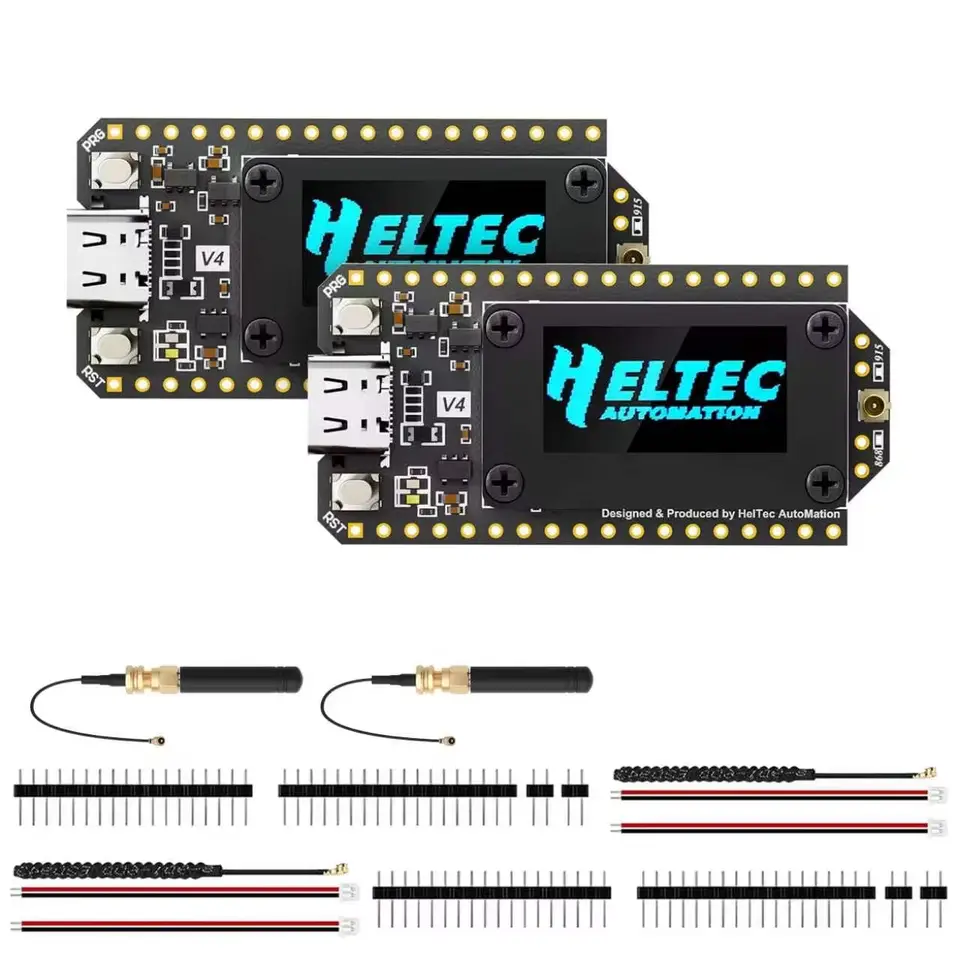
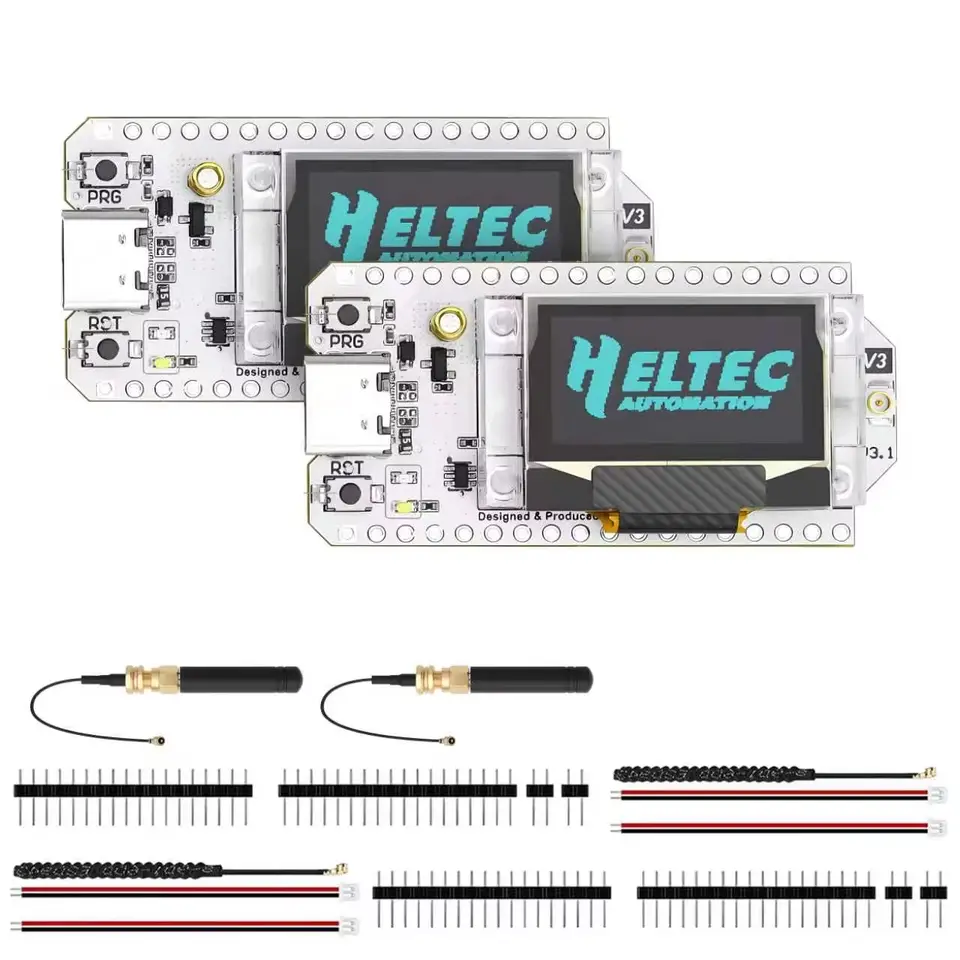
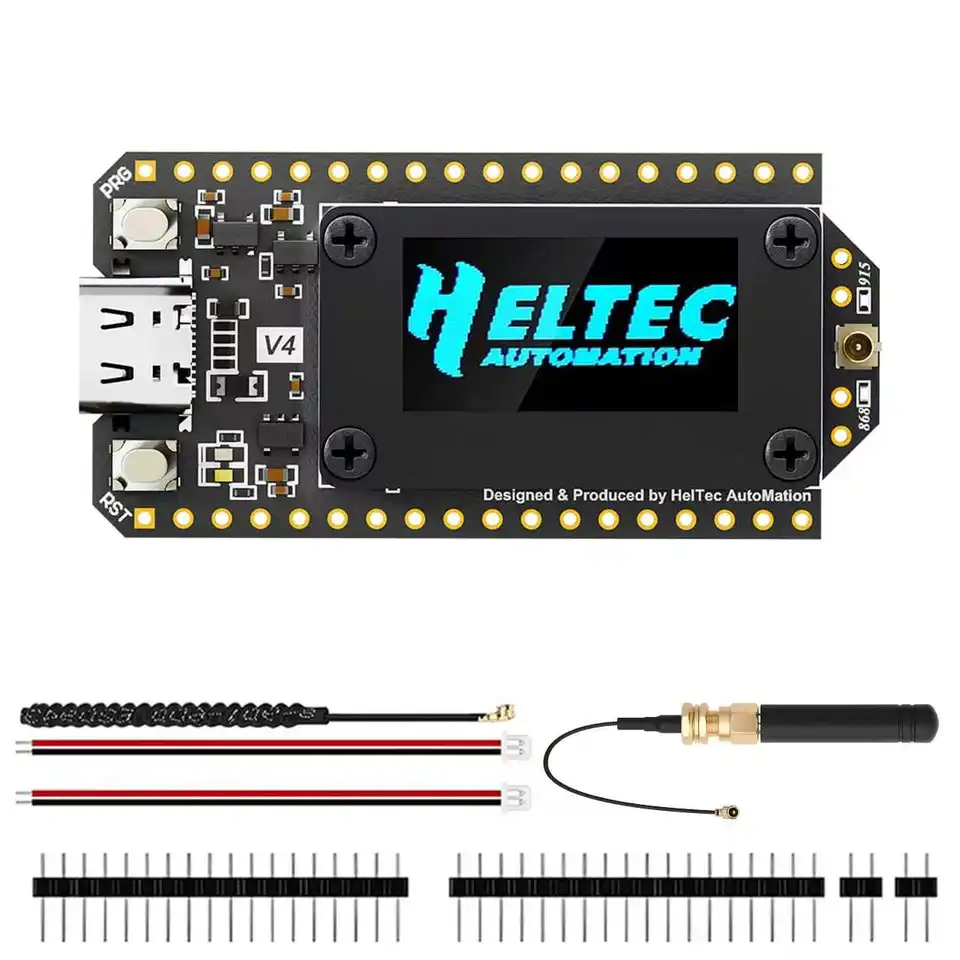
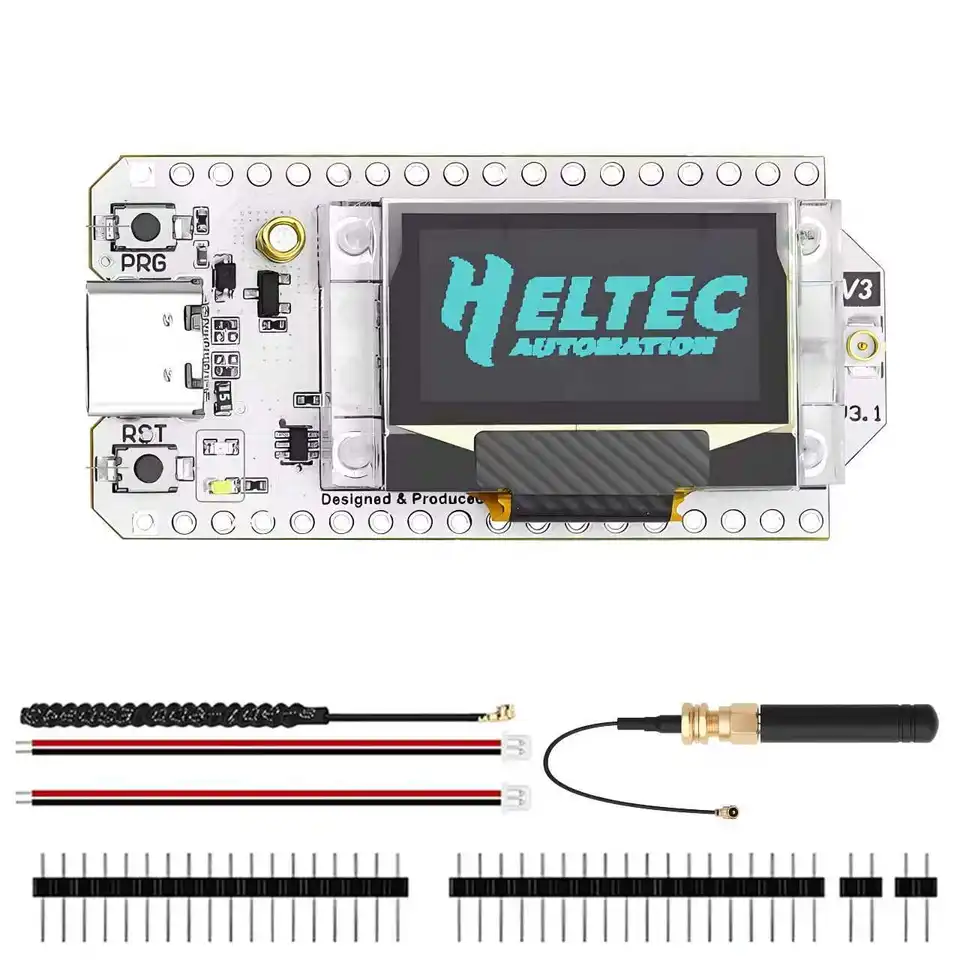
If you don't know how to flash, please watch the following video Note: Version 4.3 Please ensure your board enters Bootloader mode before flashing. Here’s how : Connect the USB-C cable, then hold down the PRG button, press the RST button once, and release the PRG button. After that, flash the firmware. Once the flashing is complete, remember to restart the device. Hardware version 4.3 requires new firmware. If you are using Heltec’s development framework, please update the board package and LoRa library to the latest via GitHub. Meshtastic, please use firmware version 2.7.20 or above. Please note: “Meshtastic UI” is for use with the touchscreen. For ordinary OLED screens, please do not select it. MeshCore, please use firmware version 1.15.0 or above. Specifications Parameters Description MCU ESP32-S3R2 (Xtensa®32-bit lx7 dual core processor) LoRa Chip SX1262 Frequency High-power version: 863-928MHz Low-power version: 433, 470-510, 863-928MHz Max. TX Power High-power version: 28 ±1 dBm Low-power version: 21 ±1 dBm Max. Receiving sensitivity -137dBm@SF12 BW=125KHz Wi-Fi 802.11 b/g/n, up to 150Mbps Bluetooth Bluetooth (LE), Bluetooth 5, Bluetooth Mesh Hardware Resource 7*ADC1 + 2*ADC2; 7*Touch; 3*UART; 2*I2C; 2*SPI; etc. Memory 384KB ROM; 512KB SRAM; 16KB RTC SRAM; 2MB PSRAM; 16MB Flash Interface Type-C USB; 1.25*2 Pin lithium battery interface; 1.25*2 Pin Solar interface; 1.25*8 Pin interface; LoRa ANT(IPEX1.0); 2.4G ANT(IPEX1.0) Battery applicable 3.3-4.4V lithium battery Operating Temperature -20 ~ 70 ℃ Dimensions 51.7 Please disregard this phenomenon. The LORA ERROR occurs because it is running the factory default LORA testing program and cannot find another device running the same program. 2.Failed to flash firmware or upload code. Enter BootLoader mode: Connect the USB-C cable, hold down the PRG button, press the RST button once, then release the PRG button. Replace a USB data cable. Change the port on the computer. 3.Firmware for V4.3. Hardware version 4.3 requires new firmware. Schematic of V4.3, please consult customer service If you are using Heltec’s development framework, please update the board package and LoRa library to the latest via GitHub. Meshtastic, please use firmware version 2.7.20 or above. MeshCore, please use firmware version 1.15.0 or above. 4.Enable or Disable LNA. Note: The following content only applies to hardware V4.3 and above Meshtastic 2.7.20: On the device, use the PRG button to navigate to “System” → “LoRa”, where you can choose to enable or disable LNA. MeshCore 1.15.0: LNA is enabled by default and cannot be modified. You can download the firmware from this link, which has LNA disabled by default: The link cannot be displayed. Please consult customer service With the firmware from this link, LNA can be toggled via button long press: The link cannot be displayed. Please consult customer service We have submitted a PR. In the near future, official firmware will also support toggling LNA via command line or button. 5. The screen does not display. Please note: “Meshtastic UI” is for use with the touchscreen. For ordinary OLED screens, please do not Select it.