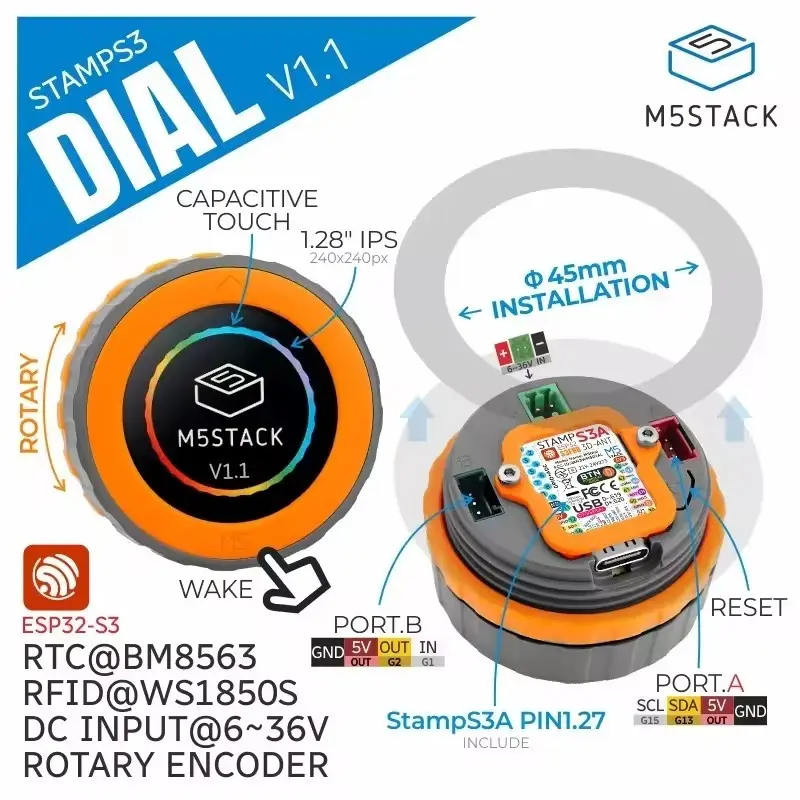
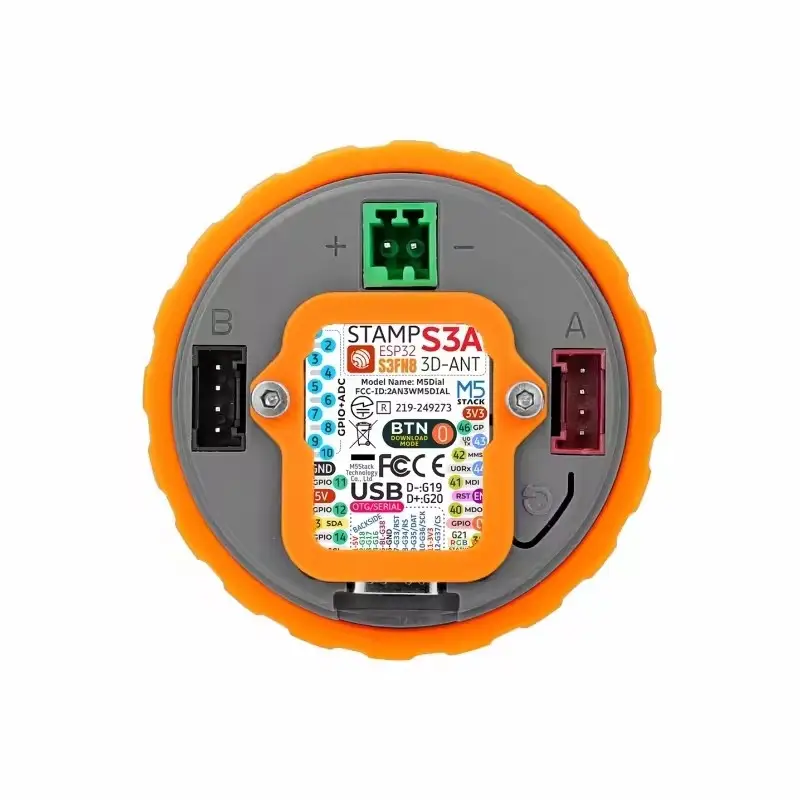
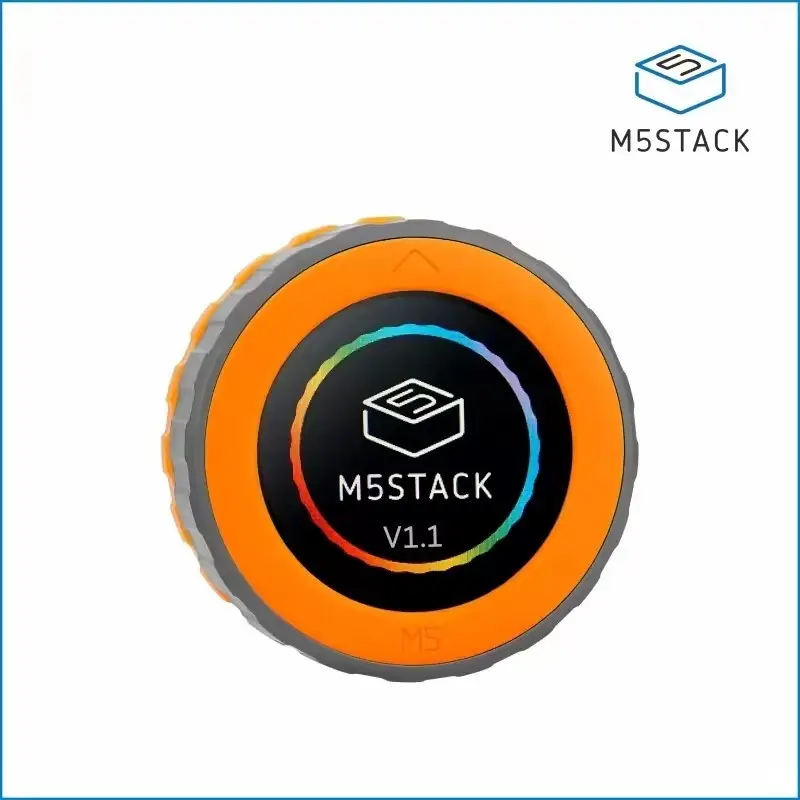
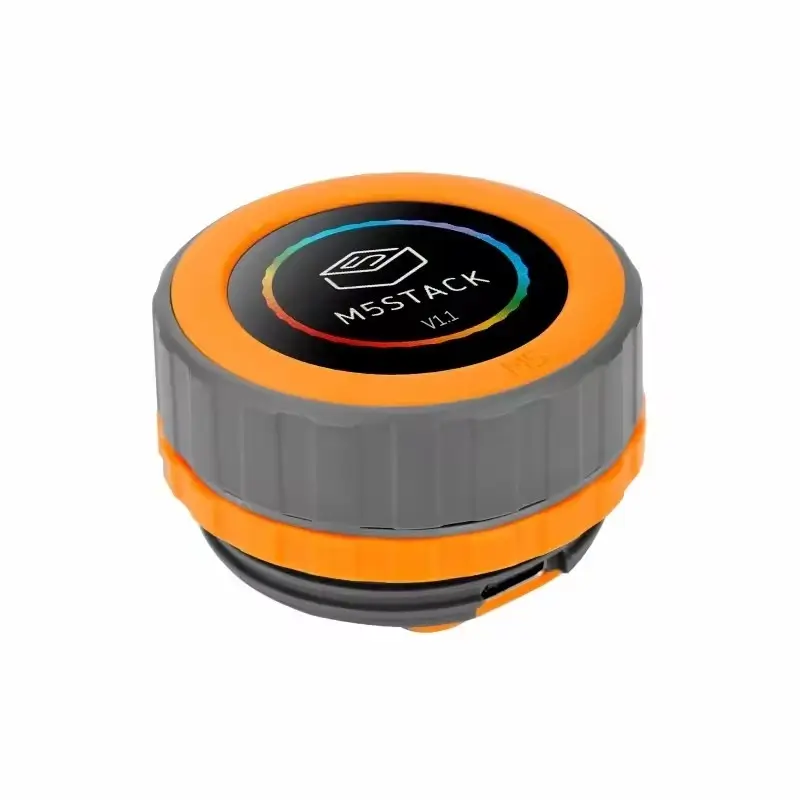
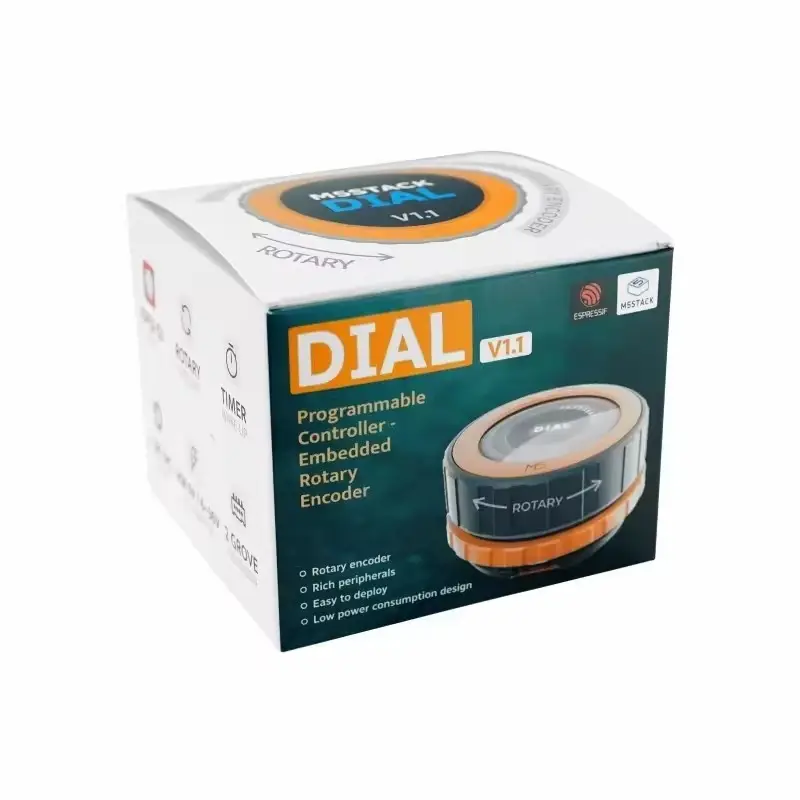
Description Report Item / Suspicious Activity Dial v1.1 is a high-performance, multifunctional embedded development board that represents a comprehensive upgrade of the original Dial product. The new version adopts the all-new StampS3A main controller, further enhancing system processing power and stability; at the same time, the core module’s antenna and keys have been optimized, effectively improving wireless communication performance and user experience. The product features a 1.28-inch round TFT touchscreen and a high-precision rotary encoder, and it comes with a built-in RFID detection module, RTC circuit, onboard buzzer, and under-screen buttons, enabling device interaction and alert wake-up functions. Its power supply supports a wide DC input voltage of DC 6~36V and includes a reserved lithium battery interface and charging circuit to meet diverse application requirements. Additionally, the reserved PORT.A and PORT.B interfaces facilitate the expansion of I2C and GPIO devices. This product is widely applicable in smart home control, IoT applications, smart wearables, access control systems, industrial control, and educational maker projects. Features *Round TFT touchscreen *StampS3A as the main controller *Rotary encoder *RFID detection module *Wide voltage input *Interface expansion: Reserved PORT.A and *PORT.B interfaces *Programming Platforms Arduino UIFlow 2.0 ESP-IDF Includes 1 x Dial V1.1 1 x L-shaped 1.5mm hex key (for M2 screws) 1 x 2.54-2P terminal Applications Smart home control IoT projects Access control systems Industrial control Specifications Learn Power On/Off: Power On: When there is no USB external power (battery only), the device can be awakened by pressing the “WAKE” button or by an IRQ signal triggered by RTC timing. After wake-up, you must set the HOLD(GPIO46) pin to a high level (1) during program initialization to maintain power, otherwise the device will re-enter sleep mode. Power Off: Similarly, when there is no USB external power (battery only), you can press the RST button to power off directly, or set the HOLD(GPIO46) pin to a low level (0) in the program to cut off power. Download Mode: To enter download mode, please press and hold the G0 button on the StampS3A before powering on, and release after power is applied.