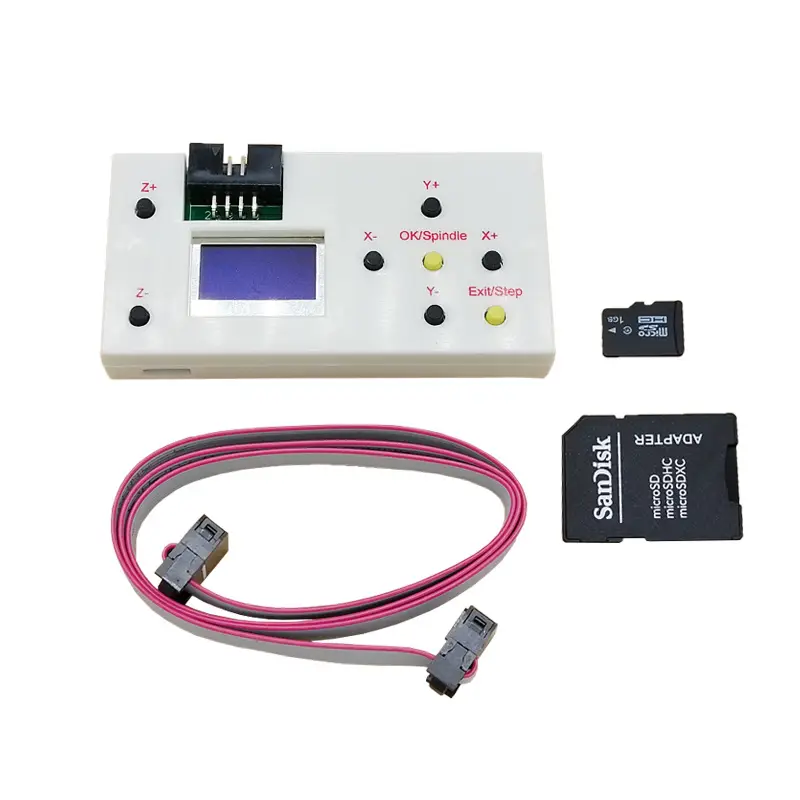
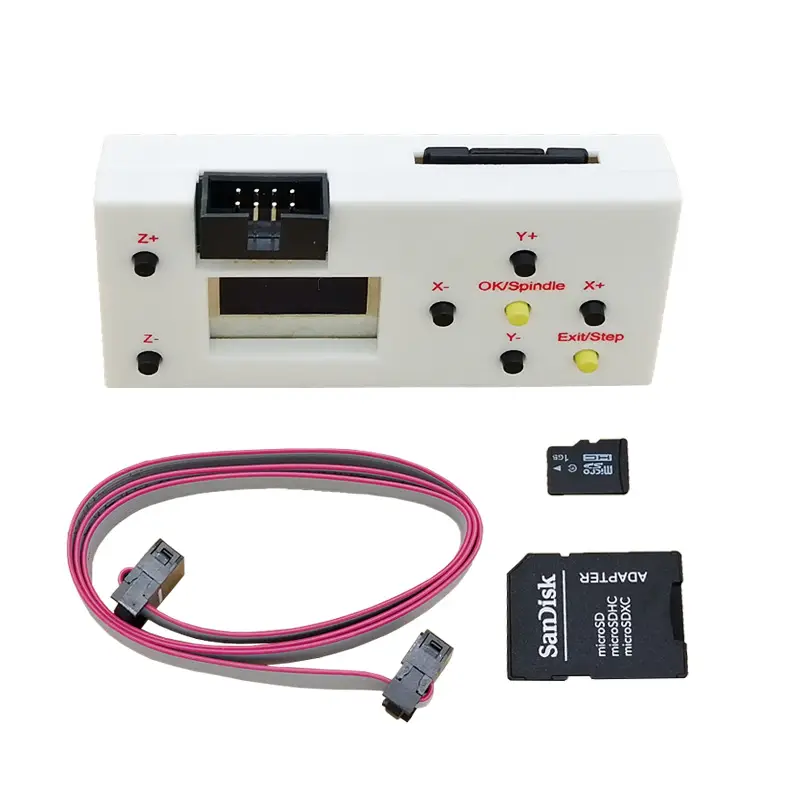
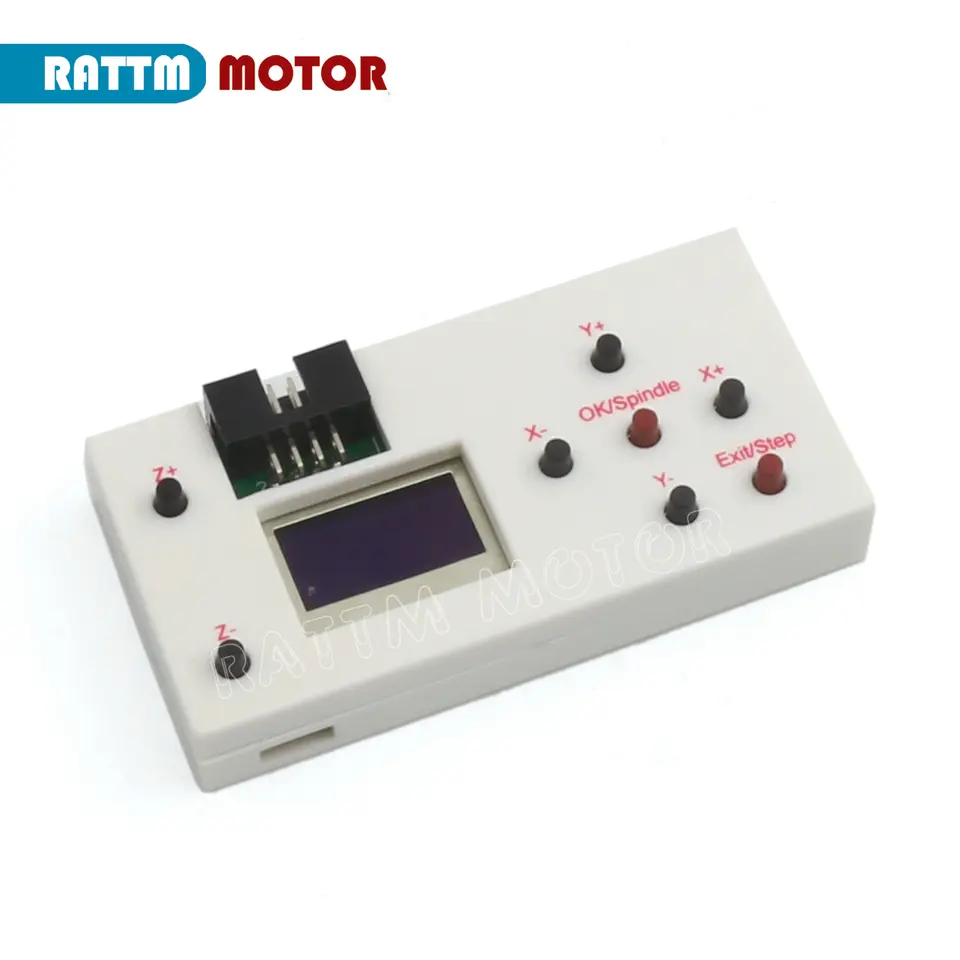
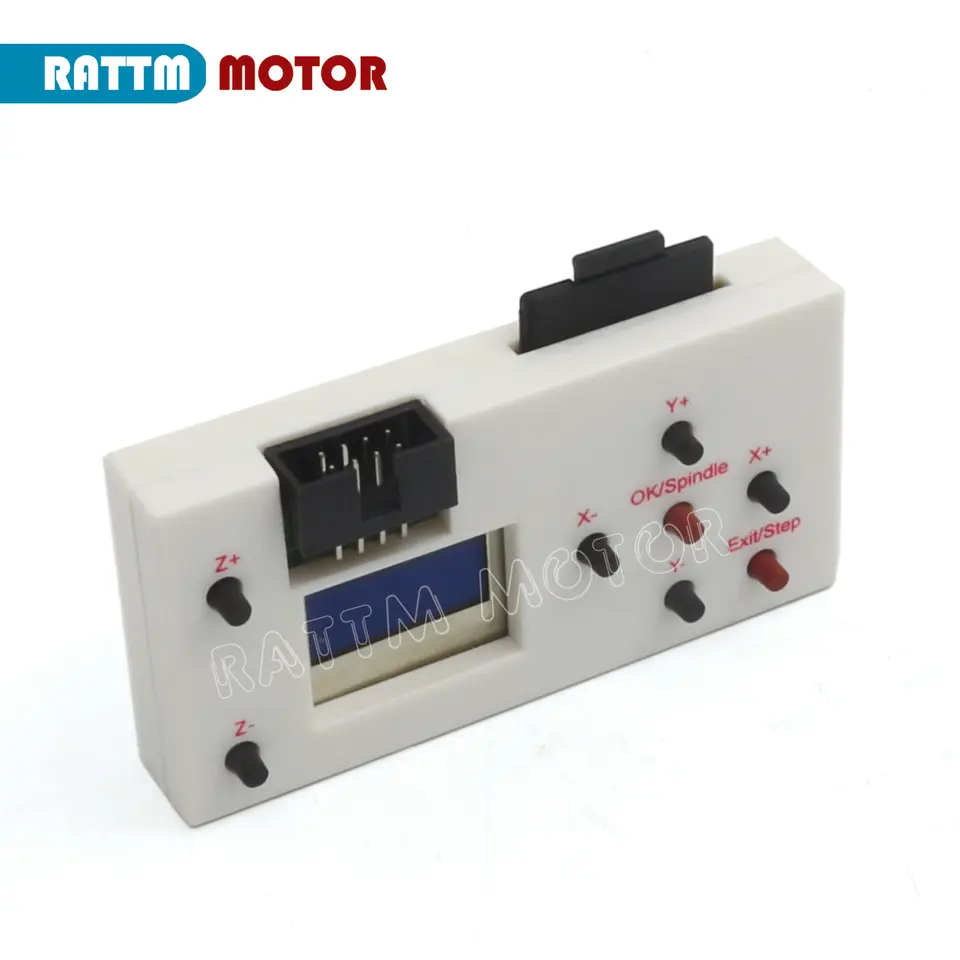
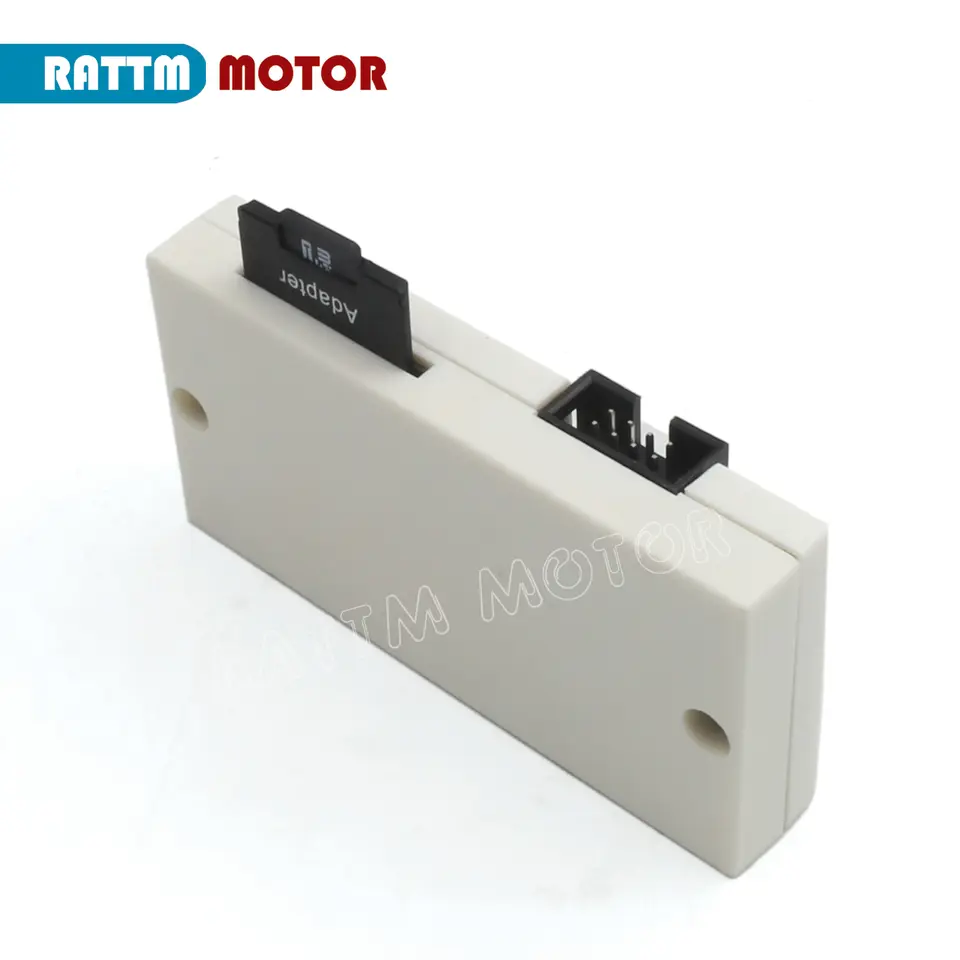
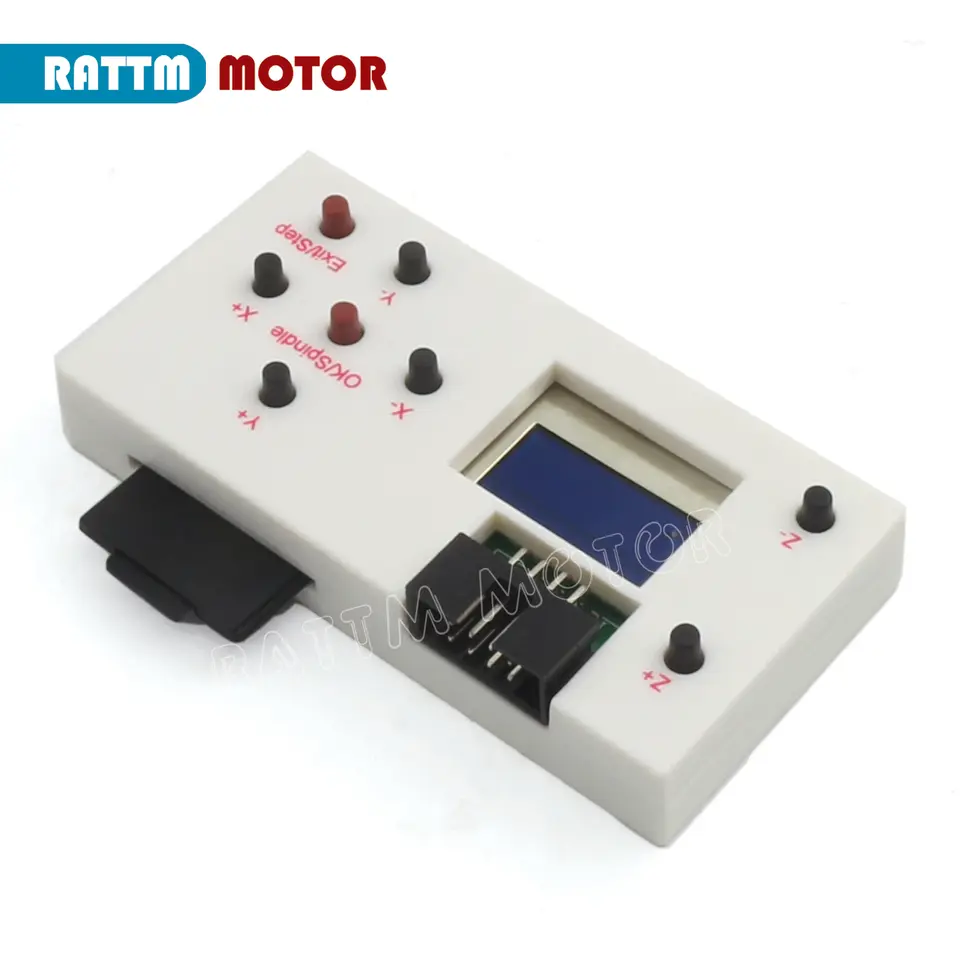
Offline Controller for CNC 3018 Pro 2418 Pro 1610 Pro DIY Laser Engraver Cutter Machine 1GB TF Card 3 Axis GRBL Hand Control Package include: 1x GRBL off-line controller 1x Extension Cable GRBL controller Function: 1. Manually control: manually adjust X, Y, Z axis location as engraving starting point, manually open or close spindle, manully open or close cooling fan 2. File engraving: after off-line controller save file, it can connect the GRBL control board and process engraving, no need to connect PC computer 3. Save file: after the off-line controller connect PC, it will be recognized as USB, large capacity storage device, can access engraving file directly. Note: Please do not connect the offline controller and the PC together, otherwise the PC can not work for the laser burner. And the actual capacity of TF memory cars is around 960 MB. SD shows it is SD card condition, turn on power supply after insert SD card, otherwise, it won't work. SD card capacity 4G could be recognized. Press X- or X+ button to switch Control:Press confirmation button to access manually controlling page File:Press confirmation button to access file page Set:Press confirmation button to access setting page On the off-line controller, buttons control corresponding actions. SPN is spindle controlling,should press SPIN. Fan is fan controlling, should press SMOD. Note: To exit this page, should press back button longly. after exit, save the current location as engraving starting point X0Y0Z0 Note: system can recognize max 100 available files one time (***.TXT***.txt***. NC***.nc***.CNC ***.cnc***.TAP***.tap could be recognized),not support files with long name. Press Y+ or Y- to choose files need to be engraved, press confirmation button to access engraving page. Press ok to start engraving If you want to stop during engraving, press back button longly, then back to the file selection page(machine will not stop at once, as GRBL controller has already saved a part of G code, will stop after carry out completely). The left words show the machine moving distances every time you press the button on the condition of manually controlling, press Y+ or Y- to choose, default 1mm each time. Press X- or X+ for switchover setting. The right words show Communication baud rate setting, default 9600 After setting, press confirmation button to save, then press back button to exit setting page. Note: the setting parameters can not be saved on the condition of electricity outage, it will be default value when turn on next time.