

Brand: BIGTREETECH
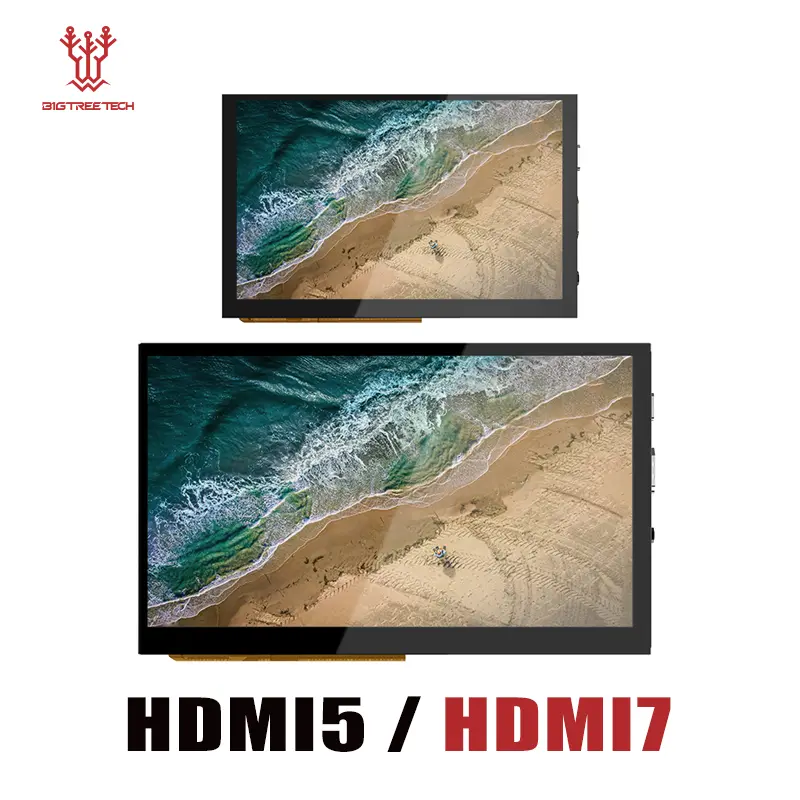
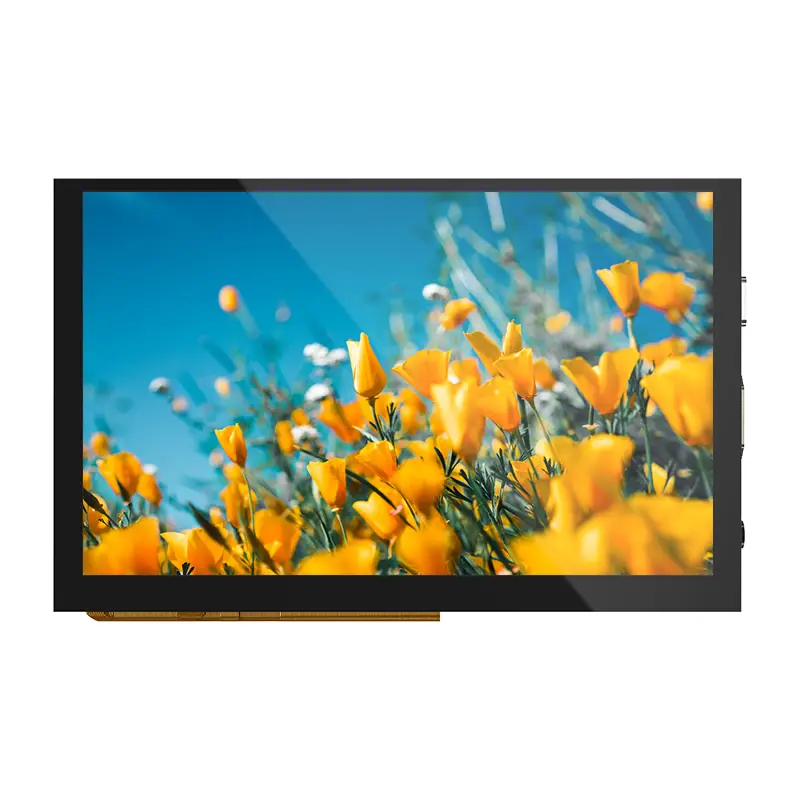
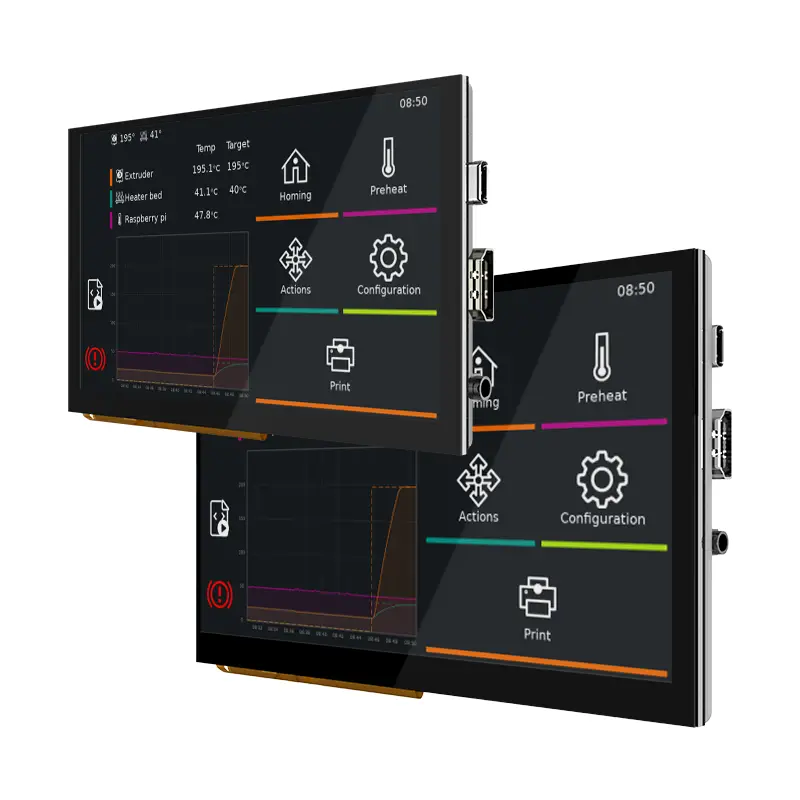
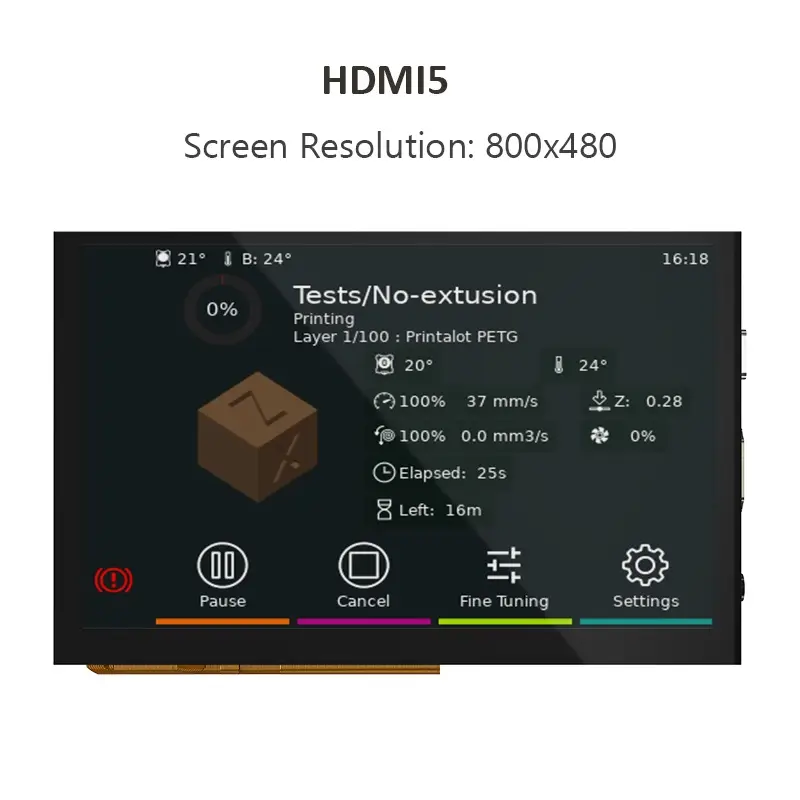
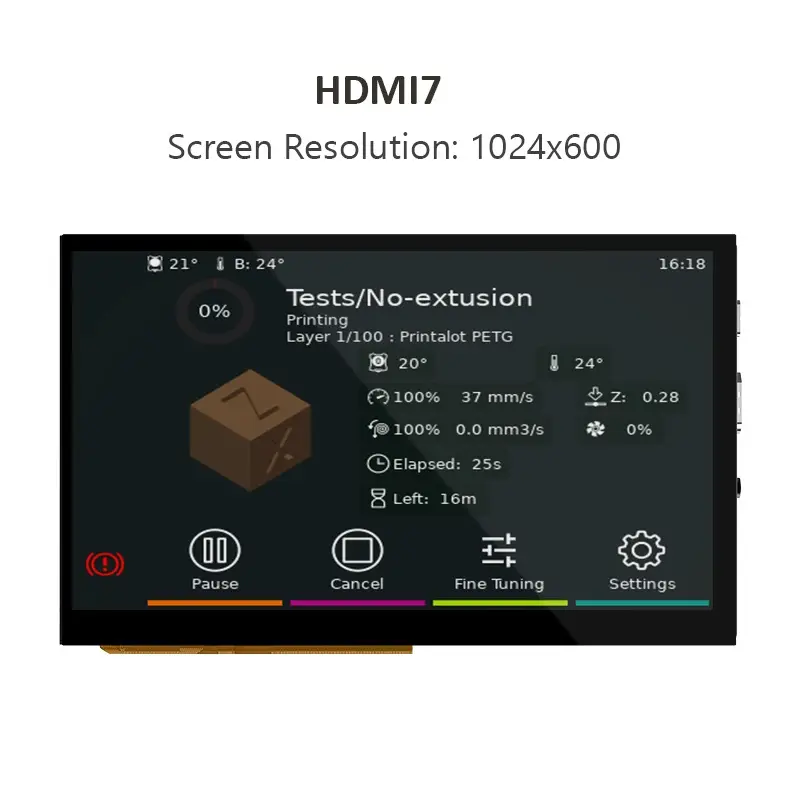
BIGTREETECH HDMI5 or HDMI7 IPS Capacitive Touch Screen, 5-Inch 800x480 or 7-Inch 1024x600
$76.48
Free shipping · Est. delivery 7–16 days
Low stock
Our supplier has only a few left. Checkout confirms your quantity.
Quantity
- Sold by
- Polar Parts
- Ships from
- Our supplier partnersSupport from Milton, Ontario
- Shipping
- Canada only
- Returns
- 14 days, unopened items
- Payment
- Secure checkout
Add to cart as a guest. You'll sign in at checkout, before payment.
About this part
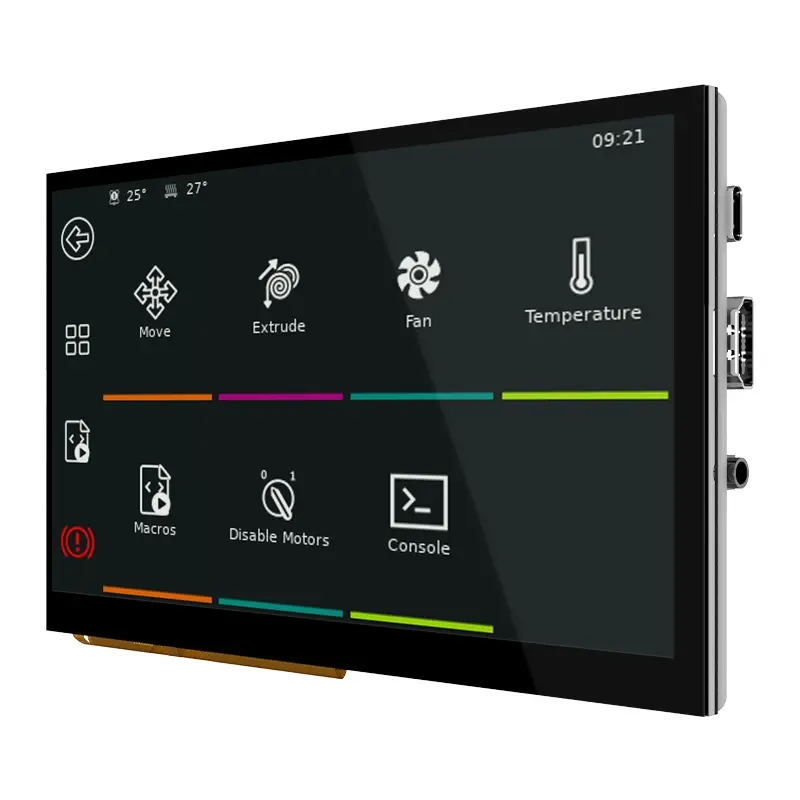
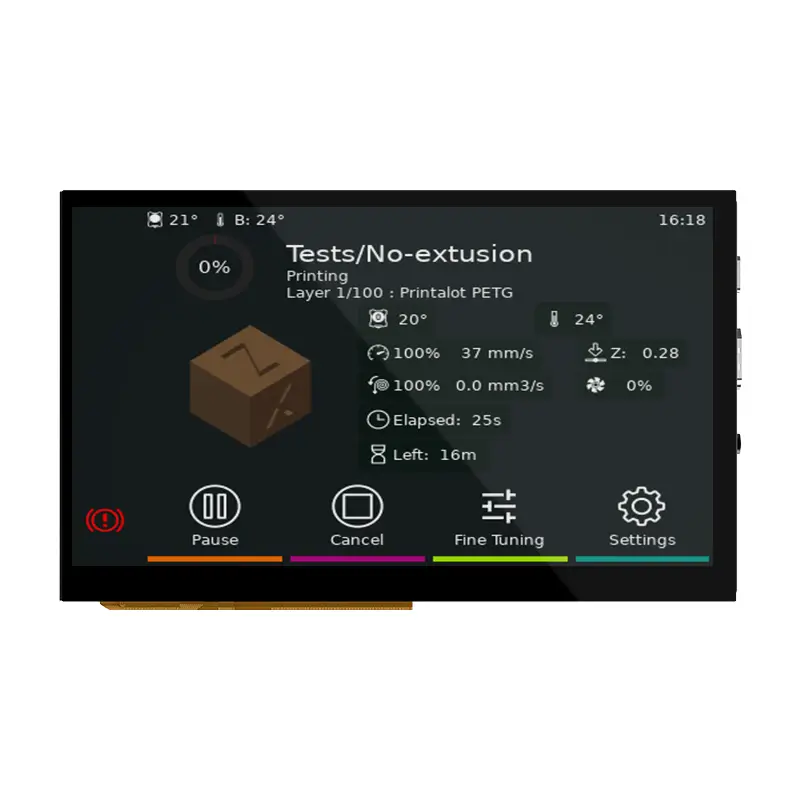
A BIGTREETECH HDMI capacitive IPS touchscreen for Raspberry Pi and 3D printer builds, or as a small PC monitor.
Specifications
| Model Number | HDMI5 & HDMI7 V1.1 |
|---|---|
| Item Type | Display Screen |
| SKU | PP-B1B1E741-4QZY |
Supplier description
Provided by the supplier. Our shipping, returns and support terms apply.
Related guide
ESP32 vs Arduino vs Raspberry Pi: which board for your projectWhat the Arduino Uno, ESP32 and Raspberry Pi are each good at, where each struggles, and what else you need to buy to get one running.
Shipping & returns
- Delivery
- Ships from suppliers outside Canada. Estimated delivery: 7–16 days to Canadian addresses. Estimates aren't guaranteed. Tracking is shared when available.Shipping policy
- Shipping cost and tax
- Shipping on this item is free: eligible items ship free once they total $20 or more, and this one does on its own. Sales tax is shown at checkout, before you pay.
- Returns
- Unopened, unused items in resalable condition can be returned within 14 days of delivery. Some items are excluded.Refund policy
- Questions before you order?
- Ask about fit, compatibility or bulk quantities.support@polarparts.caContact support
More in Computing
See all

$4.31
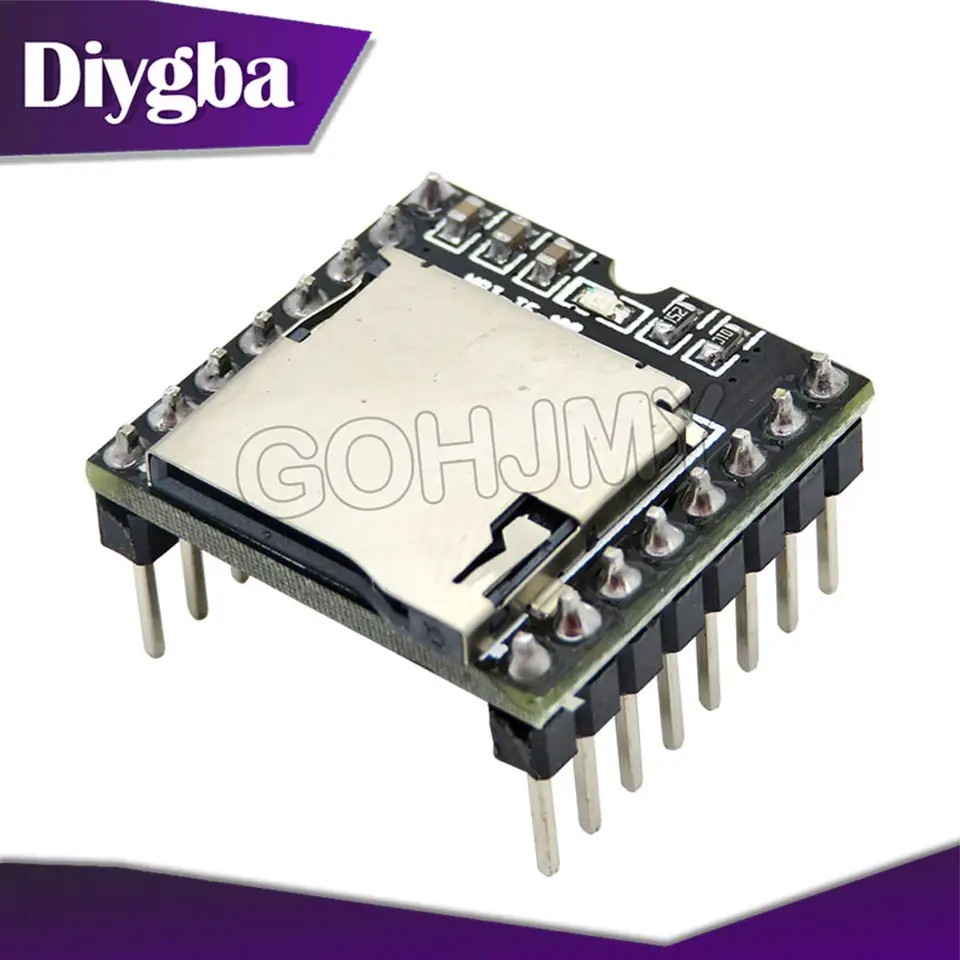
DFPlayer Mini Compatible MP3 Player Module, microSD up to 32GB, 24-Bit DAC
Est. delivery 6-12 days
- AMS1117 LDO Voltage Regulator Module, 3.3V or 5V Output, Packs of 1 to 100
- 18650 Battery Shield V8, 5V and 3V Outputs, Micro USB Charging, 1, 2 or 4-Way
- 12mm Active Buzzer, 3V, 5V, 12V or 24V, or Passive Buzzer, 10-Pack
- Waveshare UPS HAT (E) for Raspberry Pi, 5V 6A Output, USB-C Fast Charging, for 4x 21700 Cells
- Active or Passive Buzzer Module, 3.3-5V, Low-Level Trigger, for Arduino and Smart Car Kits
- 433MHz Superheterodyne RF Transmitter and Receiver Modules, RX470-4 and WL102-341, for Arduino
- LD-5161BS 0.56in 1-Digit 7-Segment LED Display, Red or Green, Common Anode or Cathode, 20-Pack
- TM1637 4-Digit 7-Segment LED Display Module, 0.36in, Red, Yellow, Green, Blue or White