
From$7.76
RP2040 Pico and Pico W Microcontroller Board, Dual-Core Cortex-M0+, USB-C or Micro USB
Est. delivery 8-12 days
Ships to CanadaPrices in CAD
15 results
From$7.76
Est. delivery 8-12 days

From$3.87
Est. delivery 6-15 days
From$7.11
Est. delivery 7-18 days
$9.88
Est. delivery 9-13 days
From$14.87
Est. delivery 6-12 days
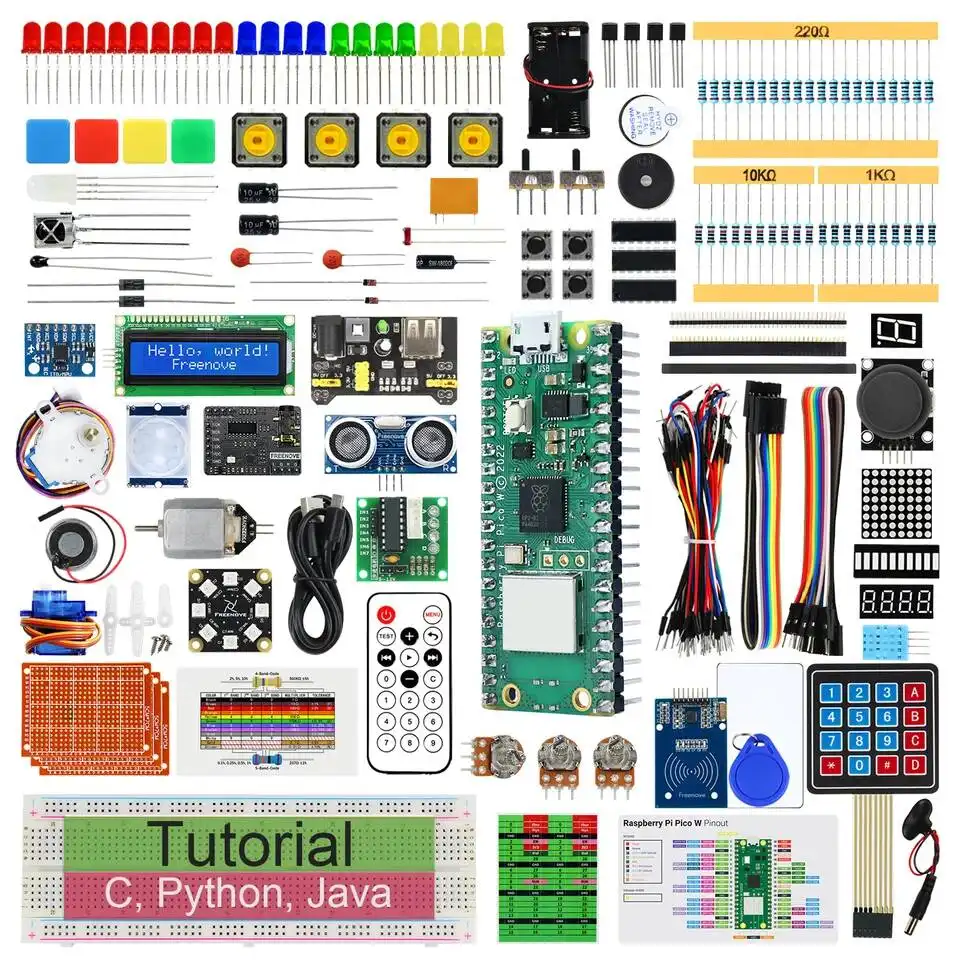
From$123.60
Est. delivery 11-20 days
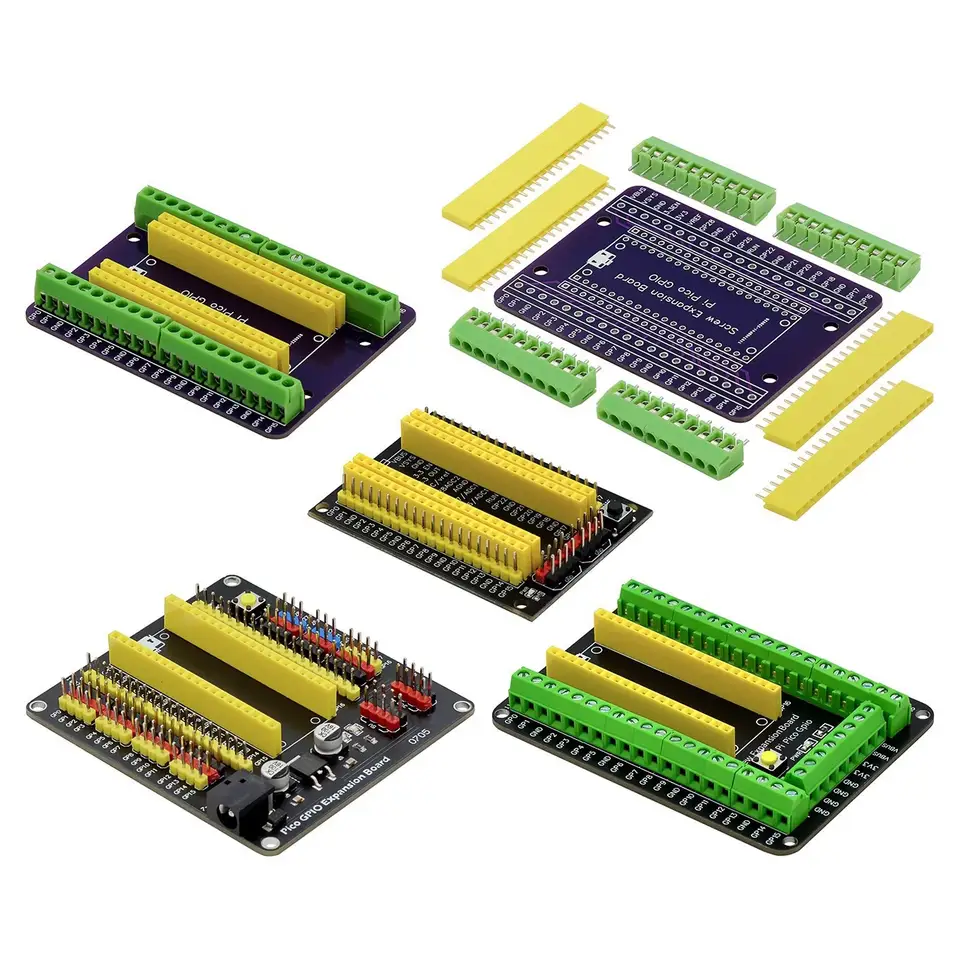
From$10.01
Est. delivery 7-17 days
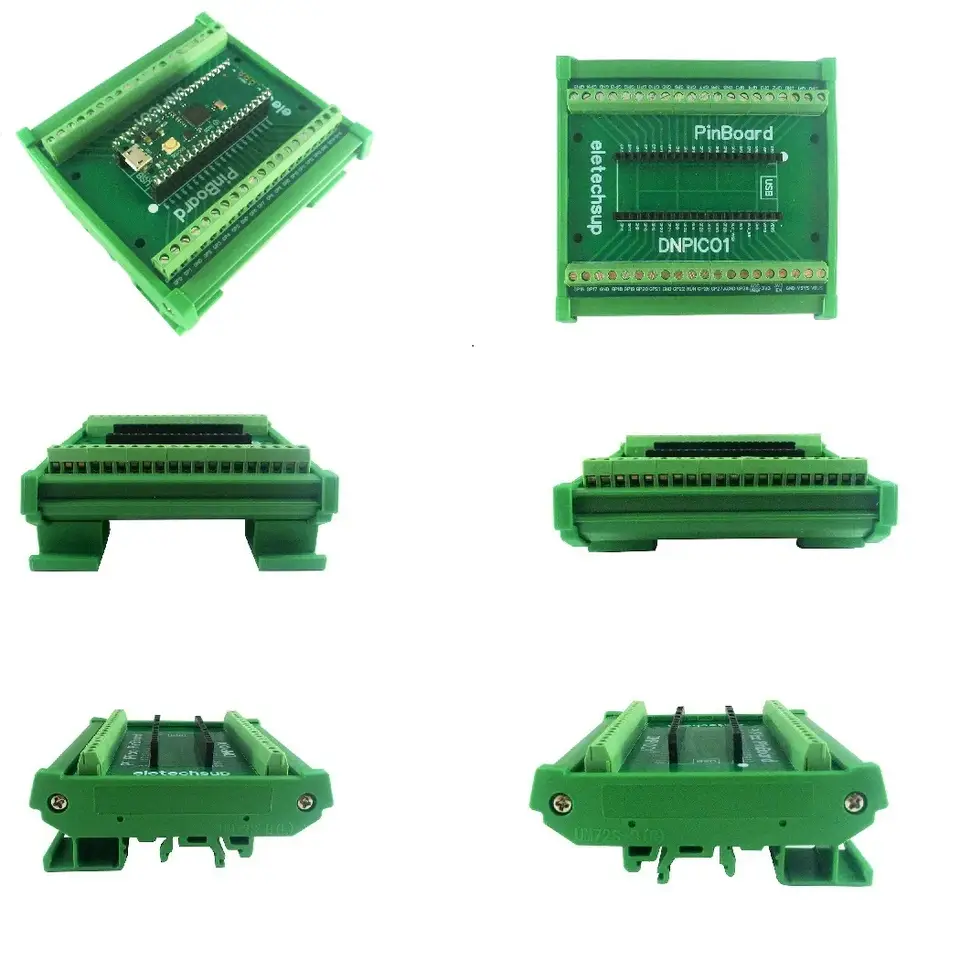
From$16.72
Est. delivery 7-18 days
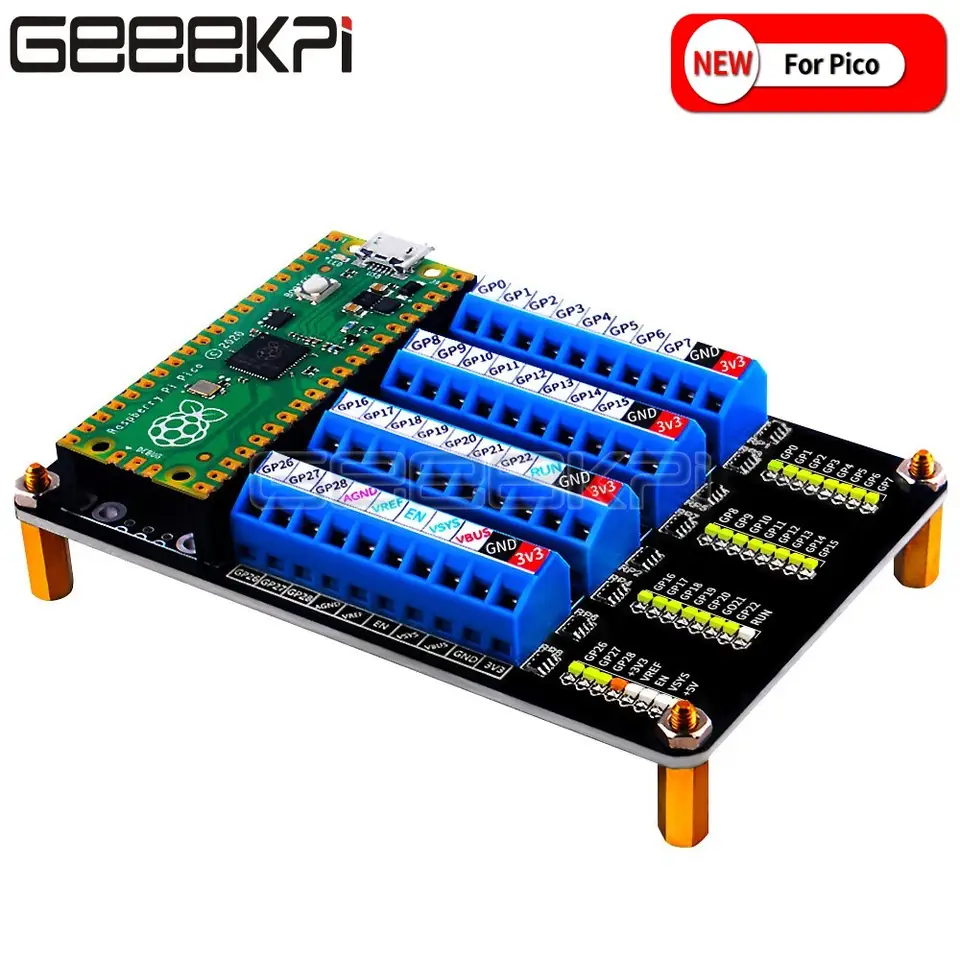
$24.04
Est. delivery 7-22 days
From$41.71
Free shippingEst. delivery 10-16 days
$31.48
Free shippingEst. delivery 7-16 days
From$23.29
Free shippingEst. delivery 7-18 days
From$23.29
Free shippingEst. delivery 7-18 days
From$8.32
Est. delivery 7-15 days
From$8.66
Est. delivery 7-18 days
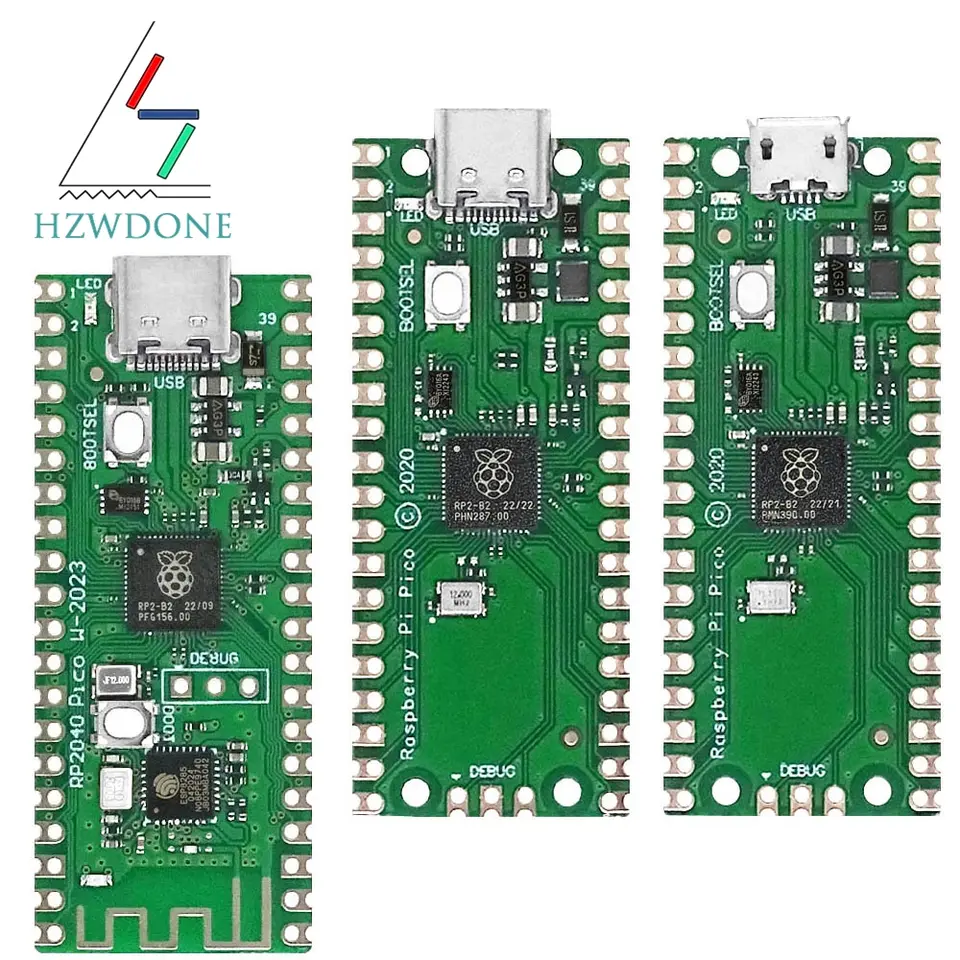
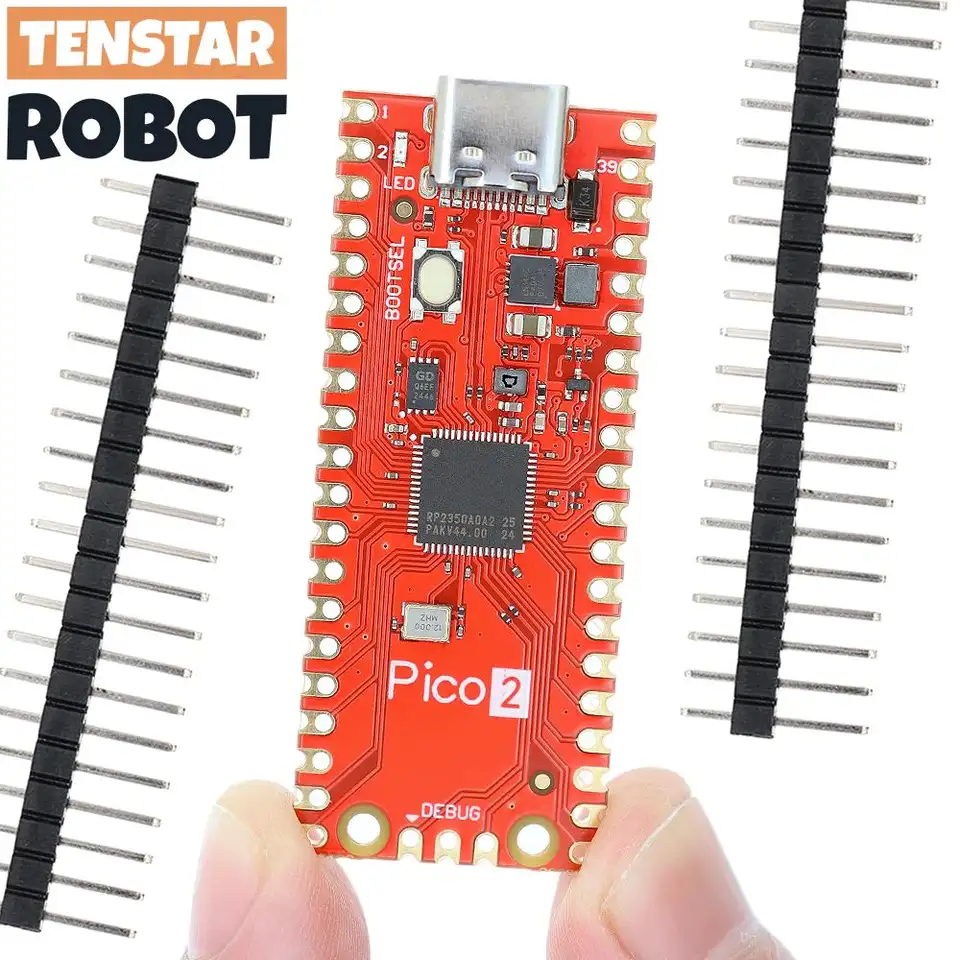
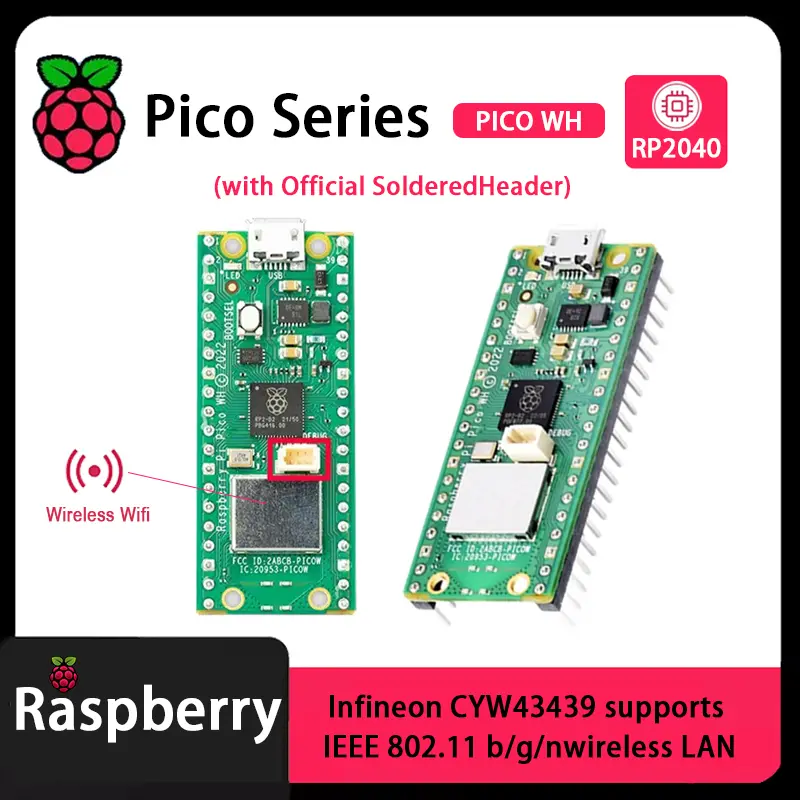
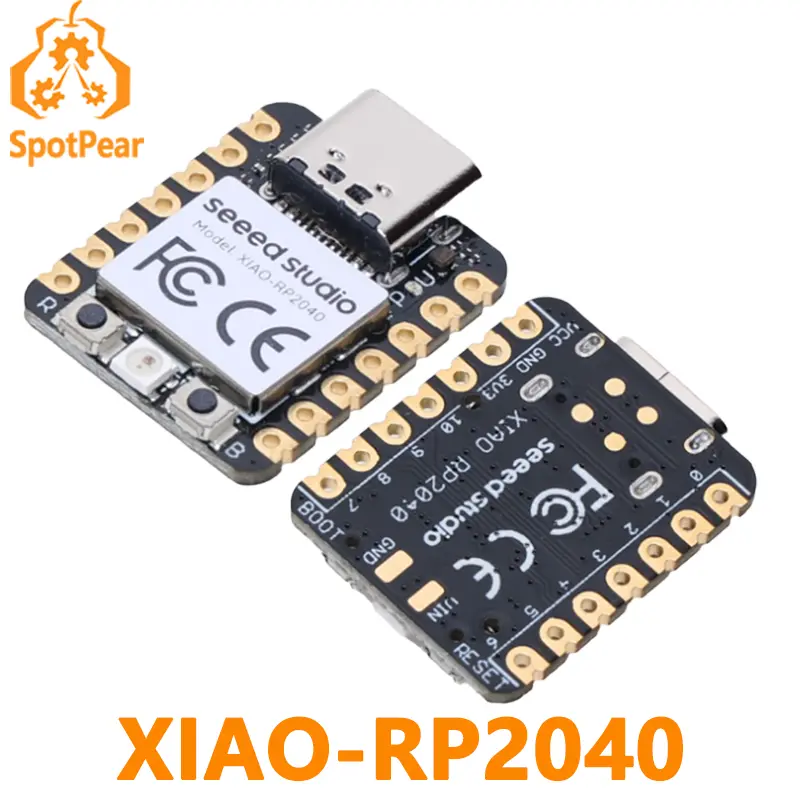
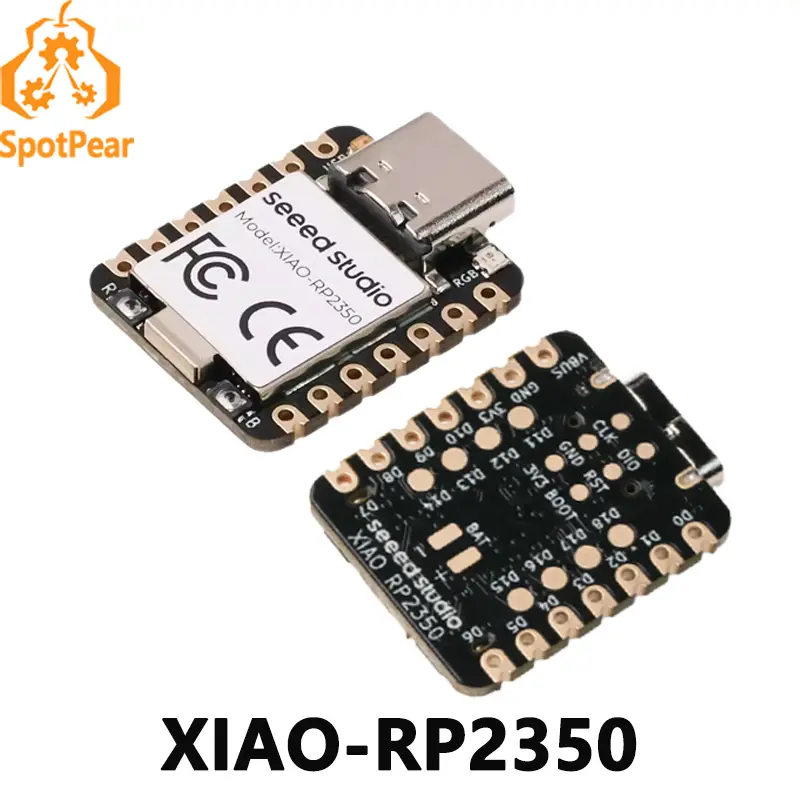
The Raspberry Pi Pico is a small, low-cost microcontroller board, not a Linux computer like the Raspberry Pi 5: it runs one program, starts in a moment and draws little power. The original Pico uses the RP2040, with two Arm Cortex-M0+ cores, and the Pico W adds Wi-Fi and Bluetooth. The Pico 2 moves to the RP2350, which is faster, has about twice the memory and can run either Arm Cortex-M33 or RISC-V cores. An H at the end of the name, as in Pico H or Pico WH, means the headers come soldered on.
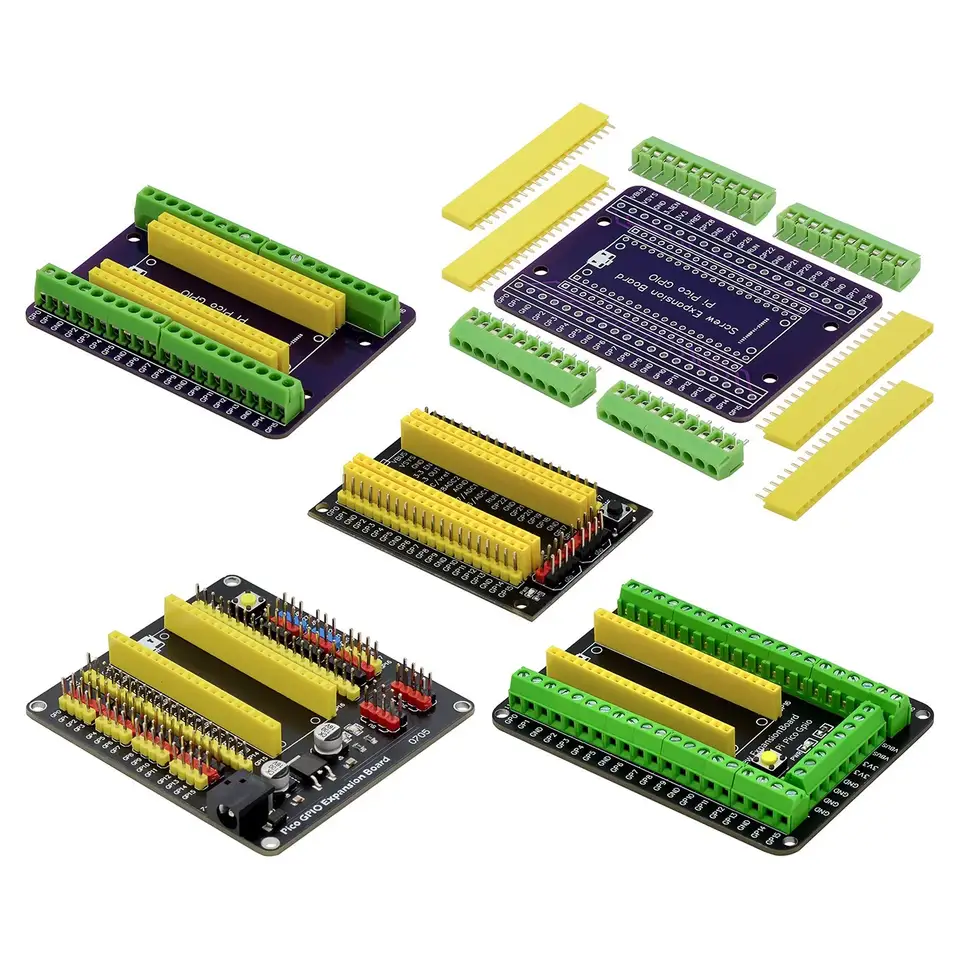
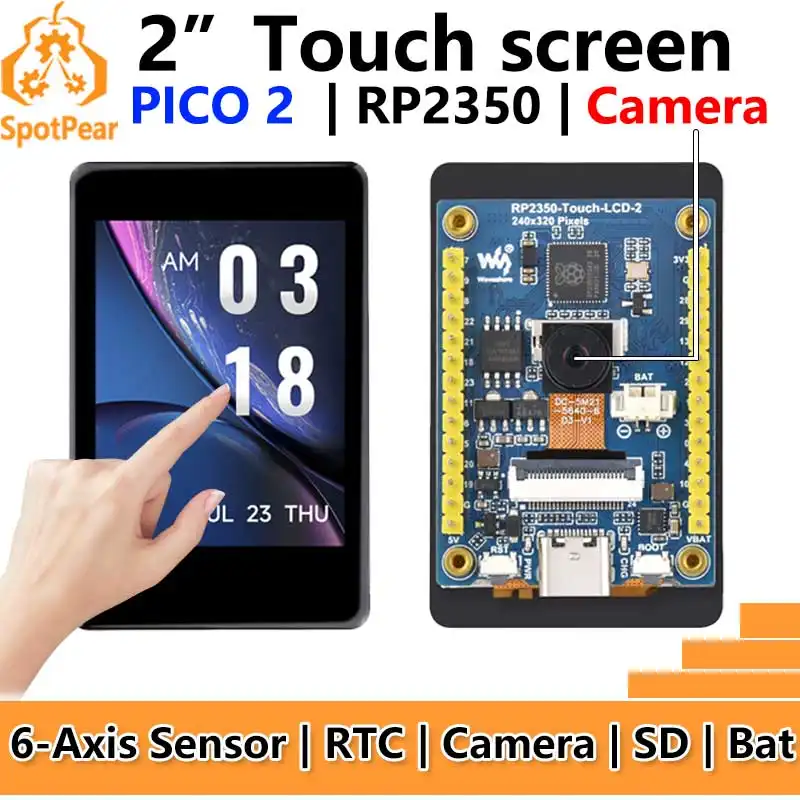
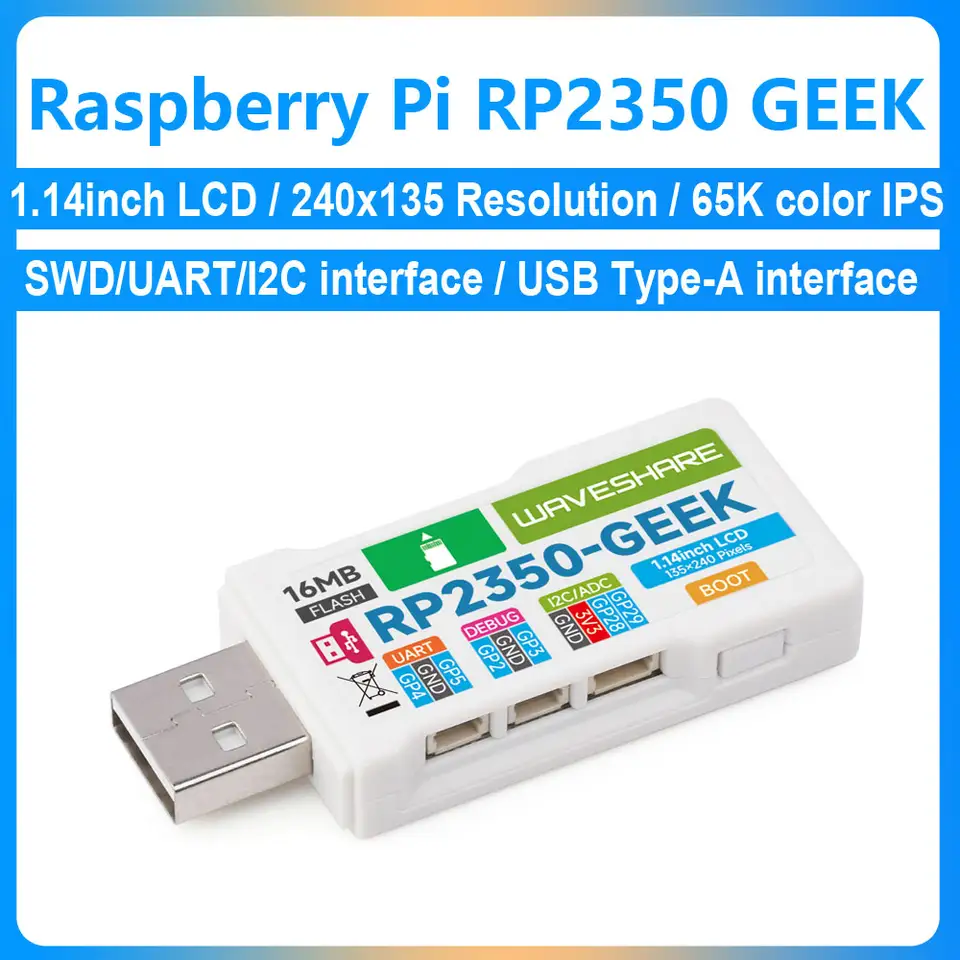
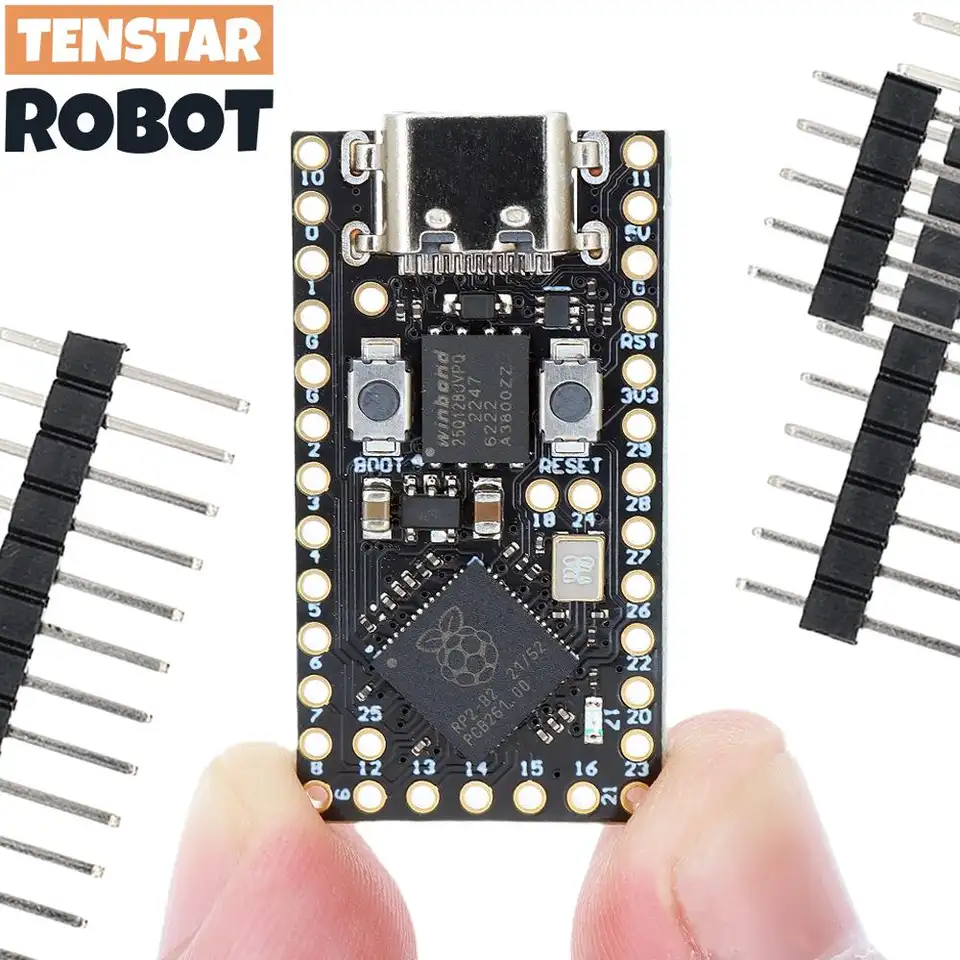
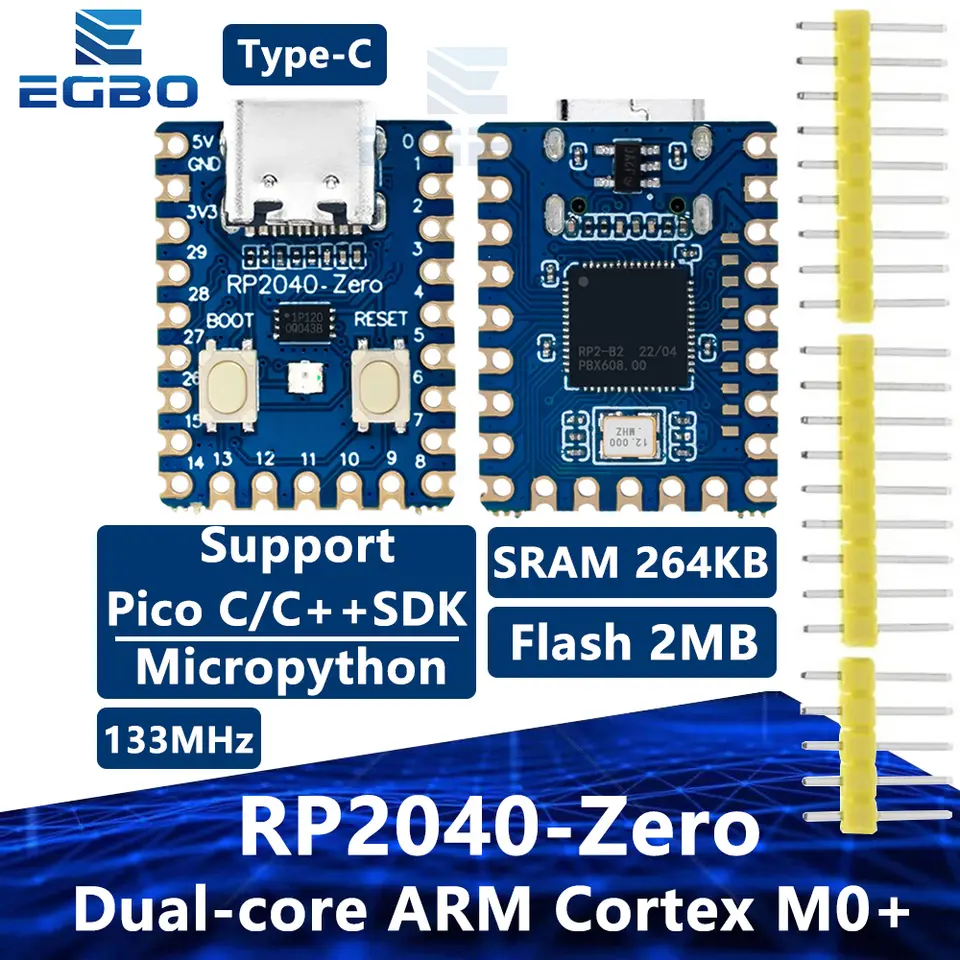
Other makers build the same chips into other shapes: the RP2040-Zero and the XIAO RP2040 and RP2350 are tiny, the Pro Micro RP2040 suits keyboard projects, and boards such as the RP2350-GEEK add a screen. All of them program in MicroPython, CircuitPython, C or C++, or from the Arduino IDE, and you load a program by holding the BOOT button and dragging a UF2 file onto the board. Screw-terminal and GPIO breakout boards make classroom wiring easier, and the Freenove starter kit adds parts and projects for the Pico and Pico 2. The pins are 3.3 V, so use a level shifter for 5 V signals.
Quick checks before you order
Choose a Pico for precise timing, its programmable I/O blocks that can generate almost any signal, low power and an easy start in MicroPython. Choose an ESP32 when the project is mostly about Wi-Fi or Bluetooth, since every ESP32 board has them built in.
The full-size Pico fits a breadboard and has the most tutorials and add-on boards. The tiny RP2040-Zero and XIAO boards fit wearables and small enclosures but break out fewer pins.
A Pico with soldered headers, a breadboard and a few sensors makes an inexpensive student kit, and screw-terminal breakouts make wiring motors and switches easier. Thonny, a free editor, runs MicroPython programs on a Pico from Windows, macOS or Linux.
More in Computing
Tell us the part name or number, and we'll review it for the catalog.