

Brand: TWO TREES
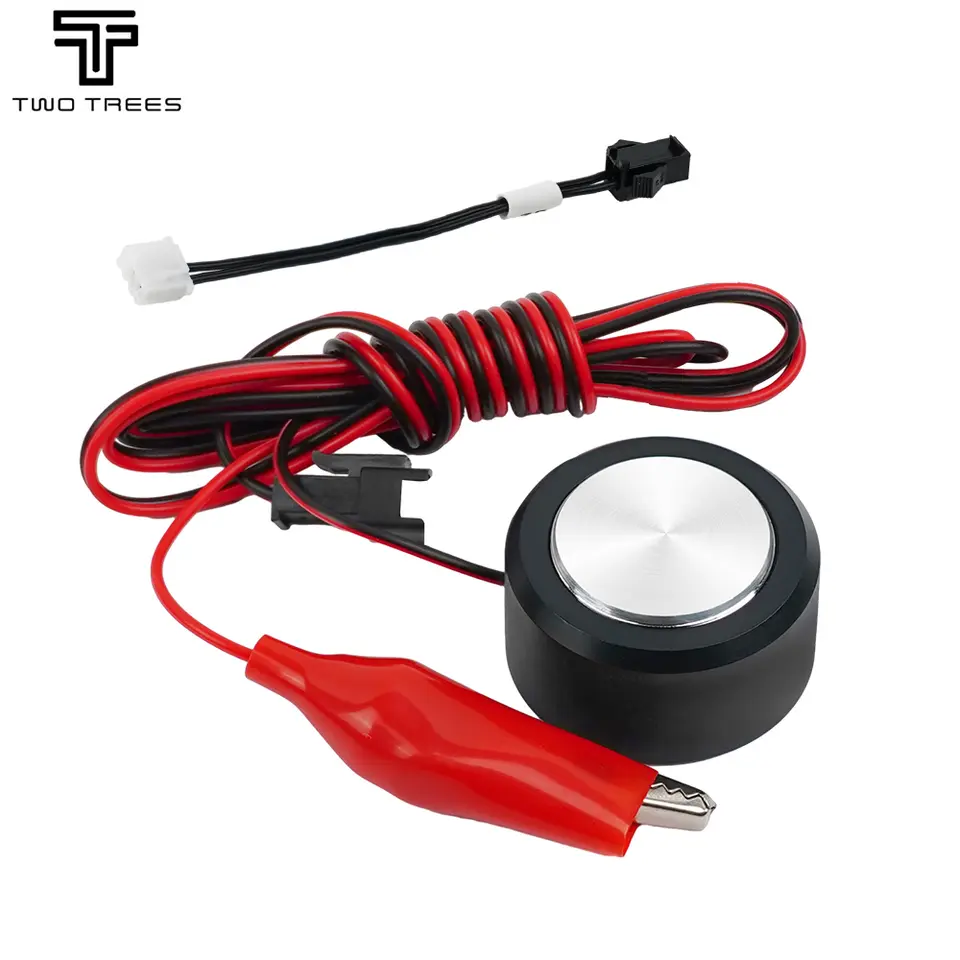
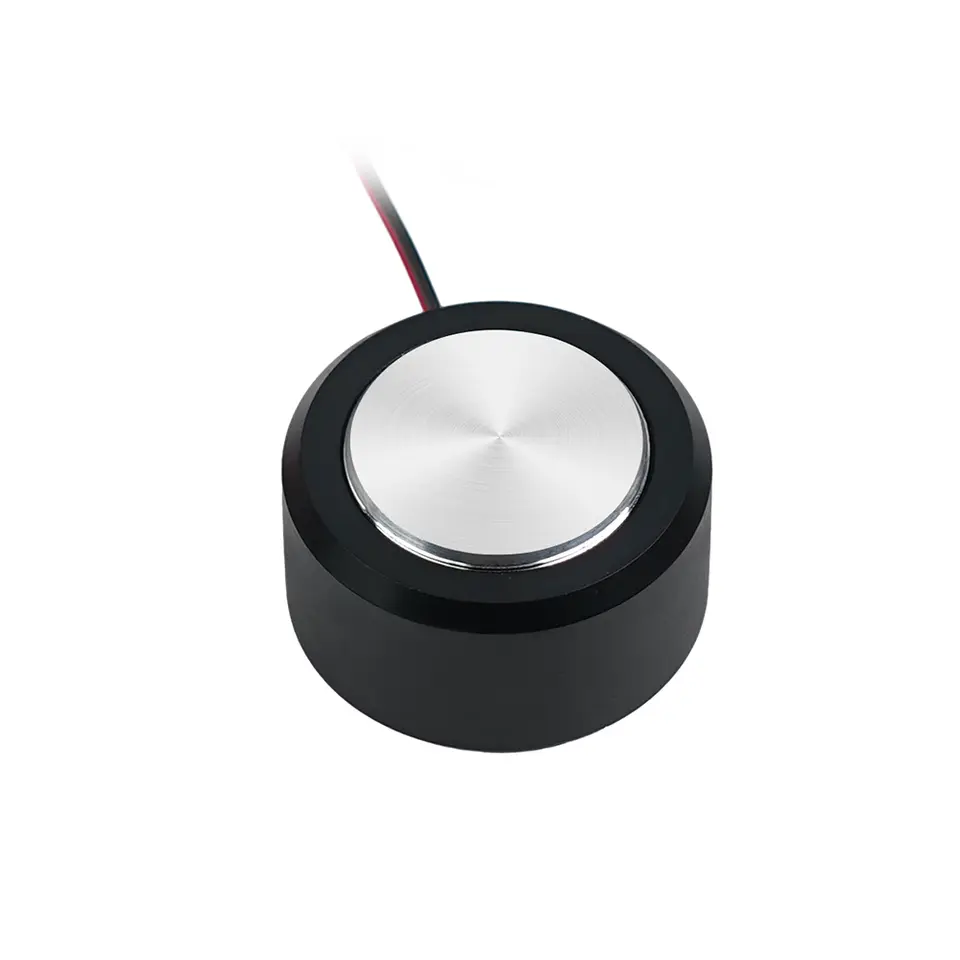
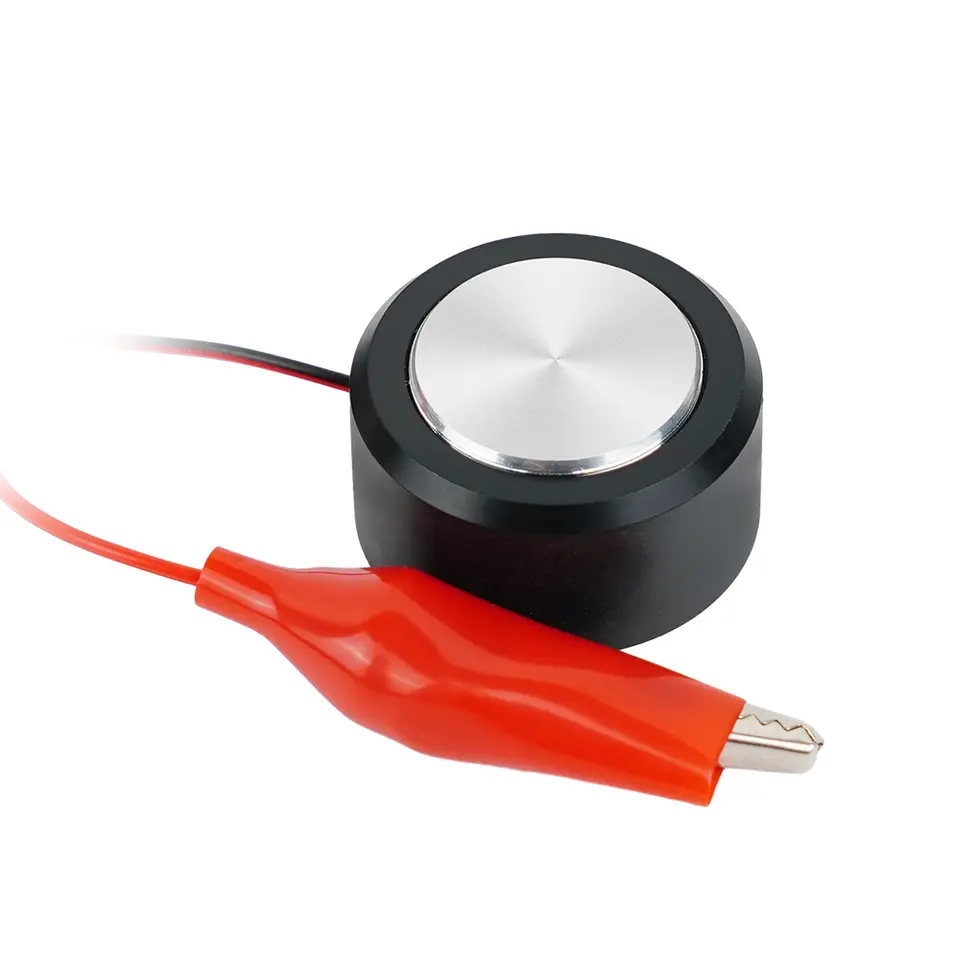
TWO TREES CNC Z-Axis Tool Setting Touch Plate for GRBL and Mach3 Routers, 3018 and TTC450
$10.52
5+ $10.10 each · 10+ $9.69 each
Est. delivery 6–12 days
Free shipping when eligible items total $20+. Otherwise est. $2.88
Low stock
Our supplier has only a few left. Checkout confirms your quantity.
Quantity
- Sold by
- Polar Parts
- Ships from
- Our supplier partnersSupport from Milton, Ontario
- Shipping
- Canada only
- Returns
- 14 days, unopened items
- Payment
- Secure checkout
Add to cart as a guest. You'll sign in at checkout, before payment.
About this part
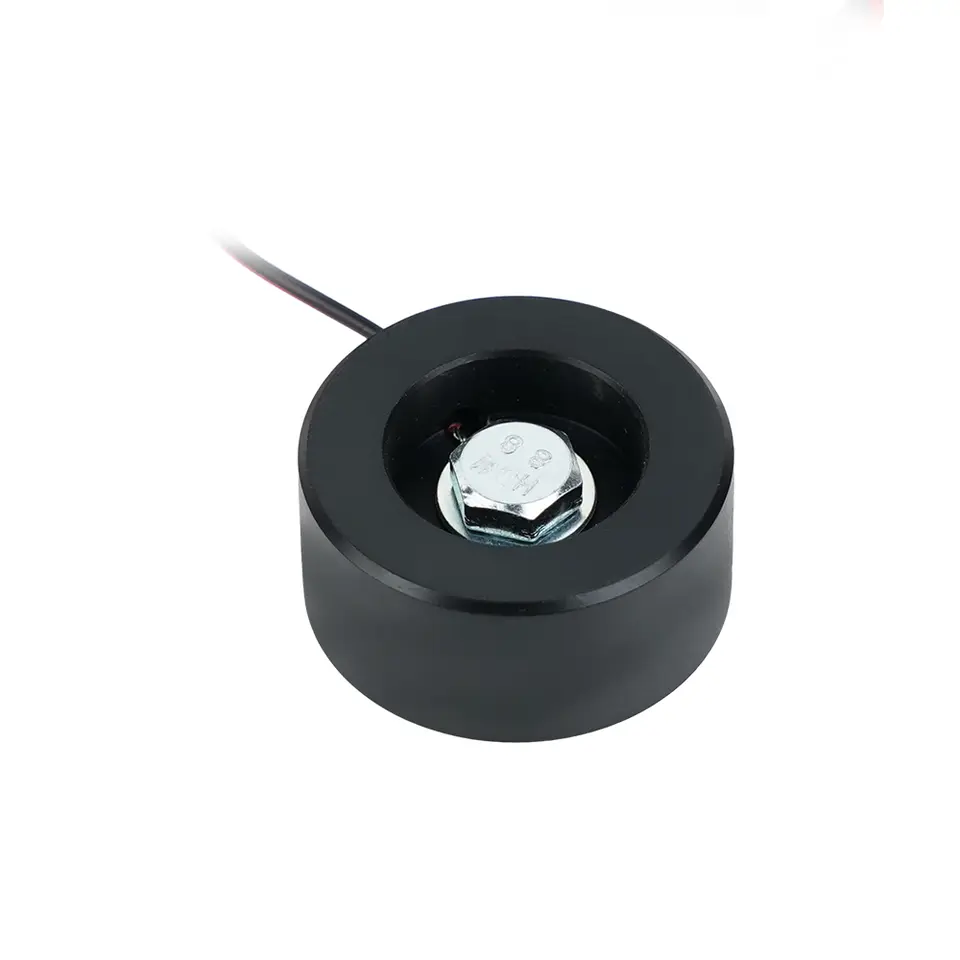
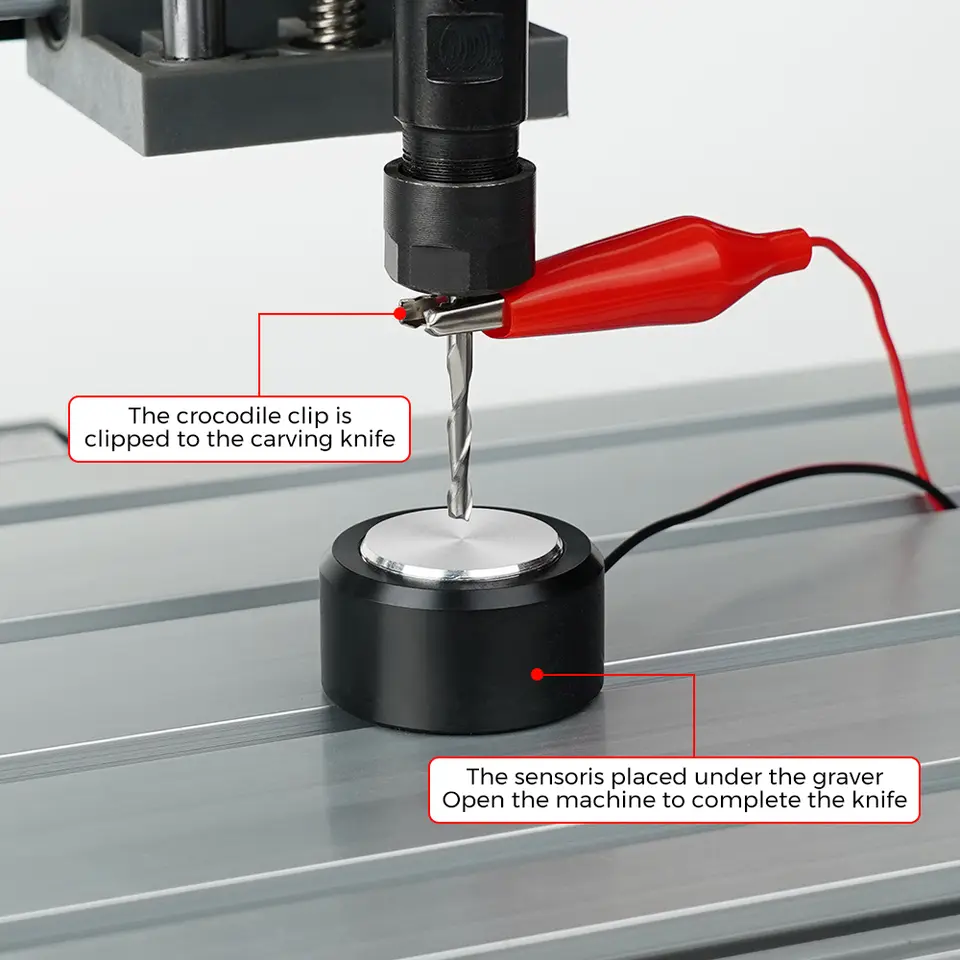
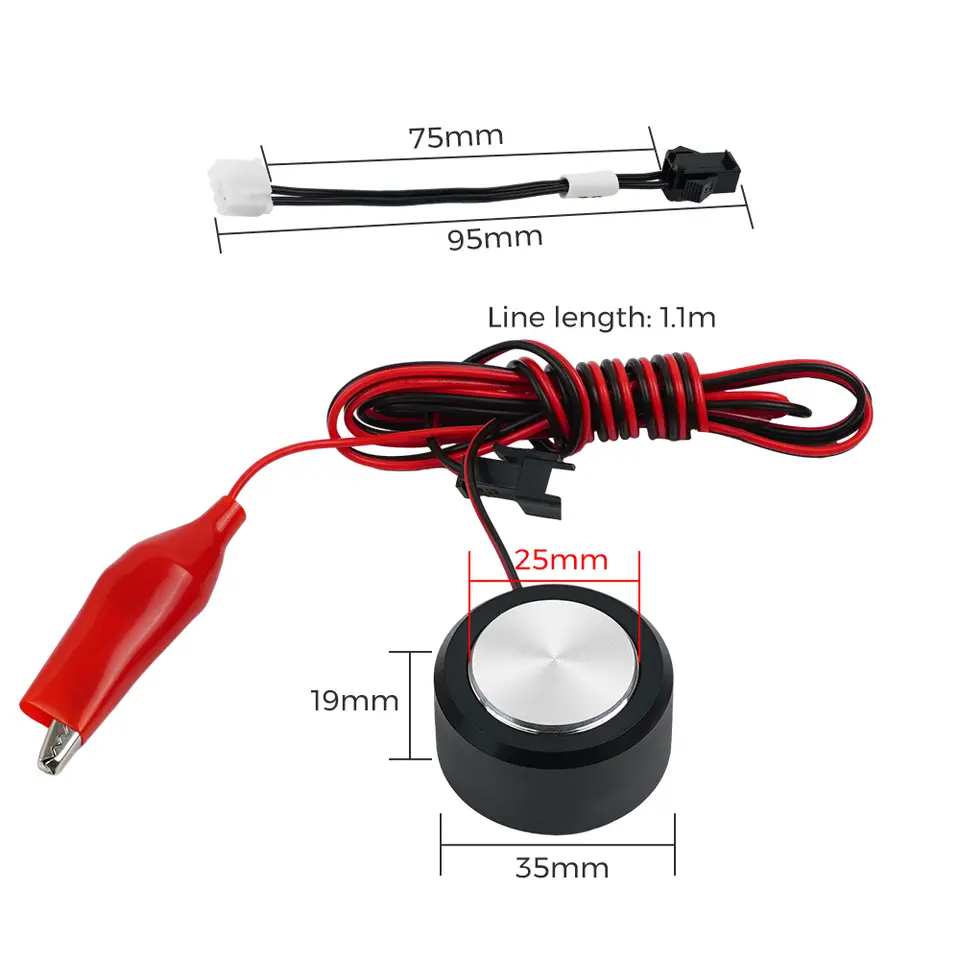
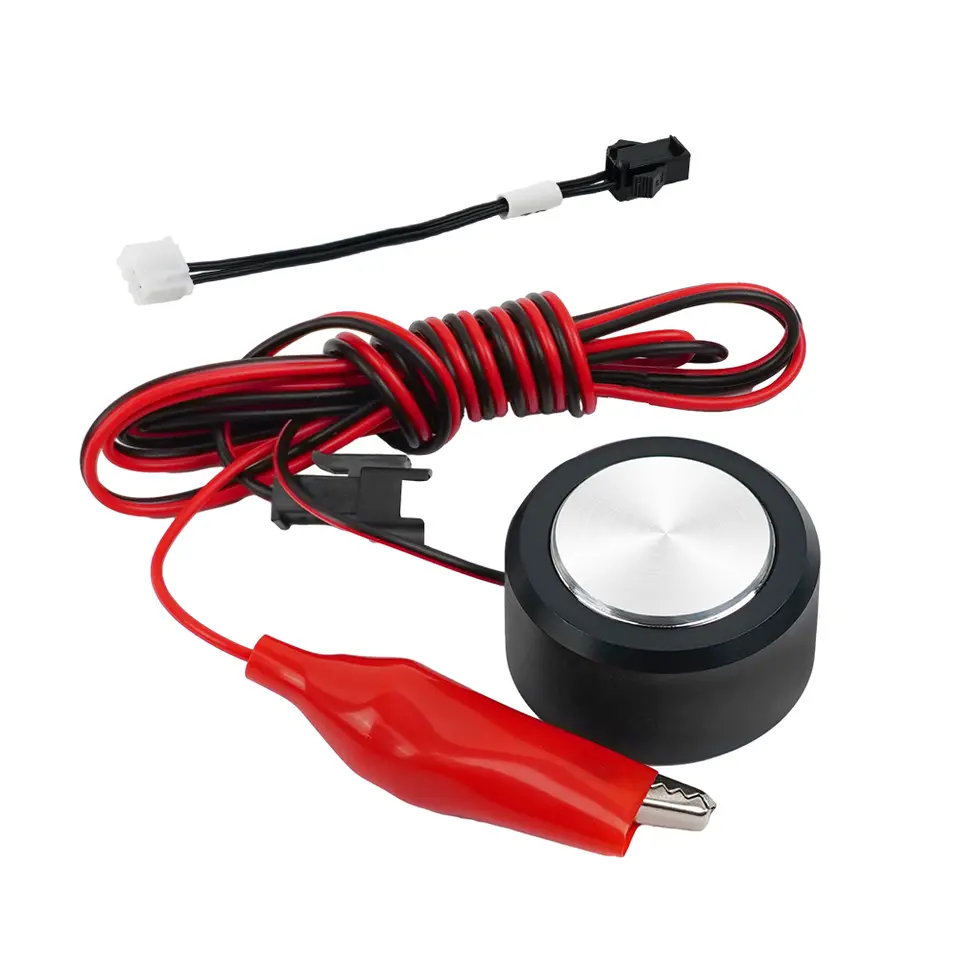
A metal touch plate with an alligator clip that sets the Z height of a CNC router bit on GRBL and Mach3 machines.
Specifications
| Model Number | Tool Setting |
|---|---|
| Condition | New |
| Certification | CE |
| Controller | MACH3 |
| Is Smart Device | Yes |
| CNC or Not | CNC |
| SKU | PP-75C8A6A8 |
Supplier description
Provided by the supplier. Our shipping, returns and support terms apply.
Related guide
ESP32 vs Arduino vs Raspberry Pi: which board for your projectWhat the Arduino Uno, ESP32 and Raspberry Pi are each good at, where each struggles, and what else you need to buy to get one running.
Shipping & returns
- Delivery
- Ships from suppliers outside Canada. Estimated delivery: 6–12 days to Canadian addresses. Estimates aren't guaranteed. Tracking is shared when available.Shipping policy
- Shipping cost and tax
- This item is eligible for free shipping: eligible items in your cart ship free once they total $20 or more. Carts of many low-priced parts need more than $20, and the cart shows how much. Under that, shipping is estimated at $2.88 from a supplier quote and quoted live for your Canadian address at checkout. Sales tax is added there too, so you see the full total before you pay.
- Returns
- Unopened, unused items in resalable condition can be returned within 14 days of delivery. Some items are excluded.Refund policy
- Questions before you order?
- Ask about fit, compatibility or bulk quantities.support@polarparts.caContact support
More in Sensors
See all


- GREATZT JDY-08 BLE Bluetooth 4.0 Uart Transceiver Module CC2541 Central Switching Wireless Module iBeacon Password123456
- IdeaFormer 100K NTC 3950 Thermistor for 3D Printers, XH2.54 Plug, 1m or 1.5m
- Round Digital DC Voltmeter Ammeter, 5-100V, 1A, 10A, 50A or 100A Range
- LDR Photoresistors, GL5528, 5506, 5516, 5537 or 5539, Through-Hole, 20-Pack
- TCST1103 or TCST2103 Sensor, 10-Pack
- Winsen MH-Z19E NDIR CO2 Sensor Module, 400-5000ppm, UART and PWM Output, 5V
- VL6180X Time-of-Flight Proximity and Ambient Light Sensor Module, I2C, 3.3V/5V
- APDS-9960 Gesture, RGB Color and Proximity Sensor Module, GY-9960, I2C, 3.3V